Table of Contents
It’s one thing to have a great idea for a design. It’s another to turn that idea into a sketch, the sketch into a mockup, and the mockup into a fully realized product, brand visual, or ad creative.
Let’s be real: starting a beauty brand is a wild, exciting ride, but picking your design tools can feel like trying to choose from a list of bells and whistles. Do you really need to use every feature in the toolbelt, or is a simple drag-and-drop shape and text library the way to go?
Well, it all depends, of course. The main things you should consider are your current design skills, your budget (hello, free plan?), and exactly what you’re trying to build. Are you whipping up quick social media posts, or are you diving deep into vector design for your product labels?
To make your life easier, I’m pitting Kittl vs. Canva vs. Figma to see which advanced tools actually deserve a spot in your workflow. We’ll look at everything from AI tools to collaboration features so you can start creating, building your brand, and sharing your vision with customers.
How Design Software Influences Your Beauty Brand
Beauty is a highly visual market. Since your customers can’t experience or sample the product before buying, they need to understand how it looks, works, and feels throughout your brand visuals. Here are three ways how design tools influence your beauty business.
Brand Identity & Guidelines
Think of your brand identity as your beauty business's DNA.
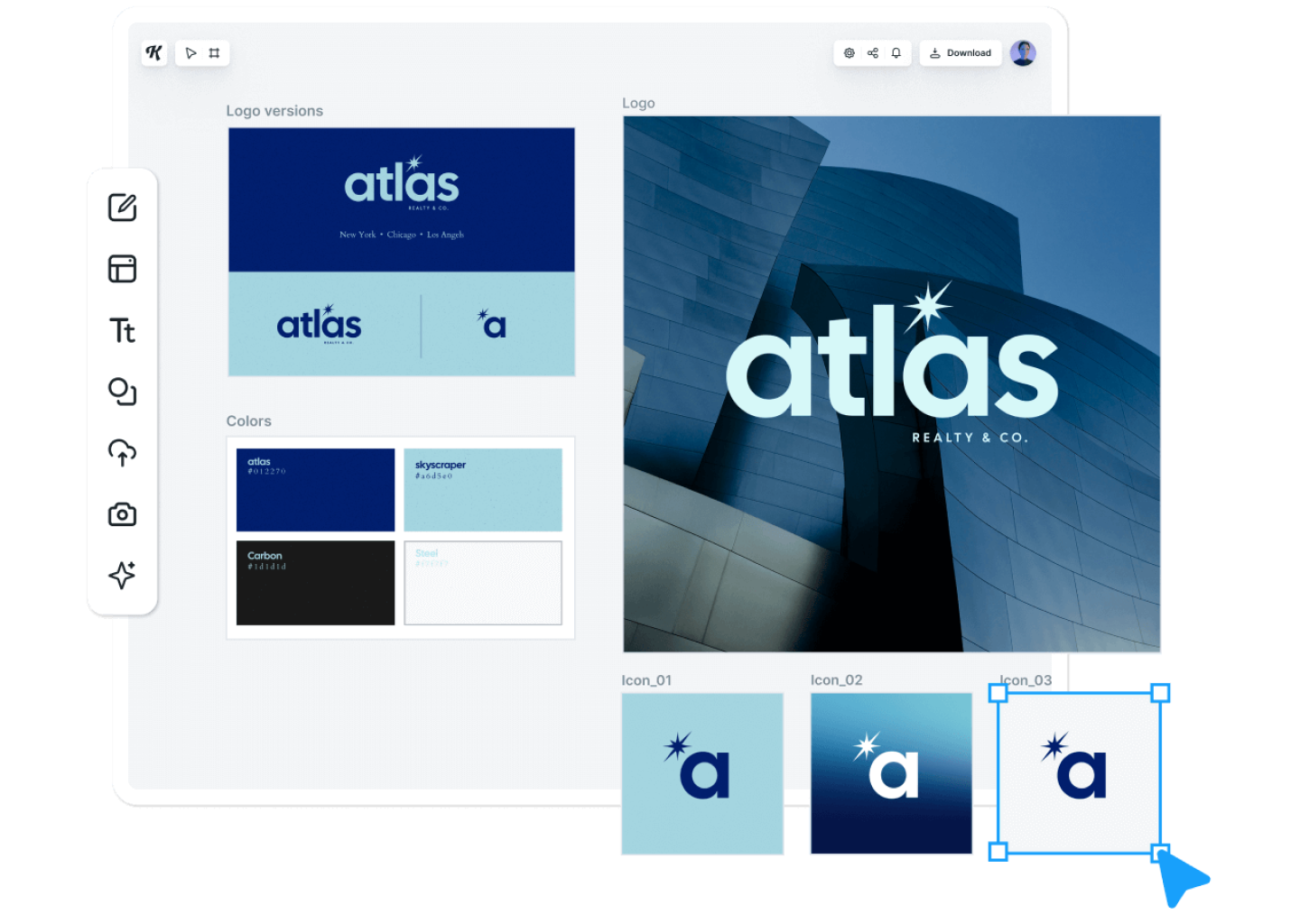
You need a space to house your logos, custom fonts, and specific color palettes when creating your products and ecommerce storefront. Using brand kits across your design process makes this easy. They keep your aesthetic perfectly consistent, whether it’s on a tiny eye cream label or a giant website banner. It’s all about building that "wow, they really have it together" reaction.
Source: kittl.com
Product Design & Packaging
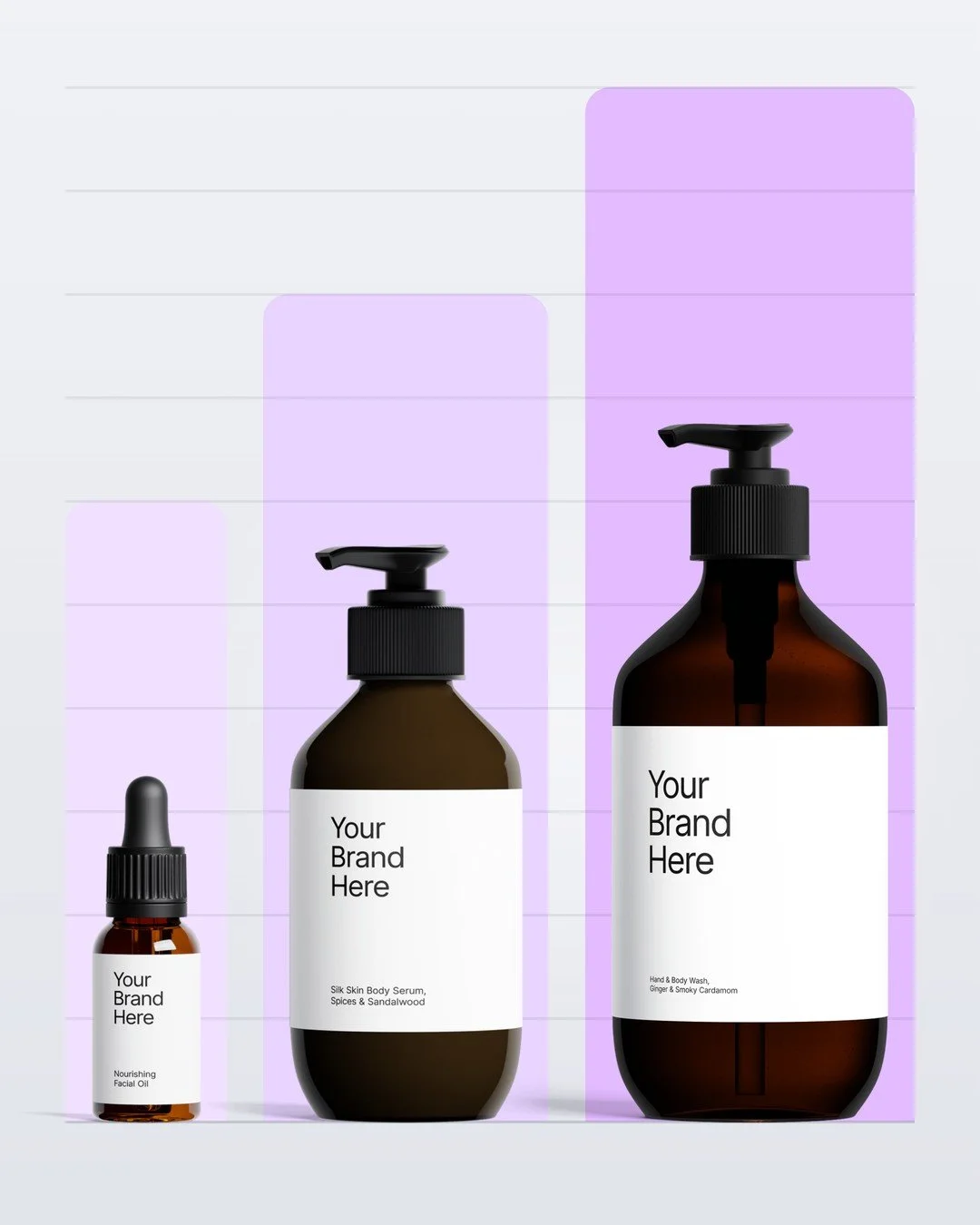
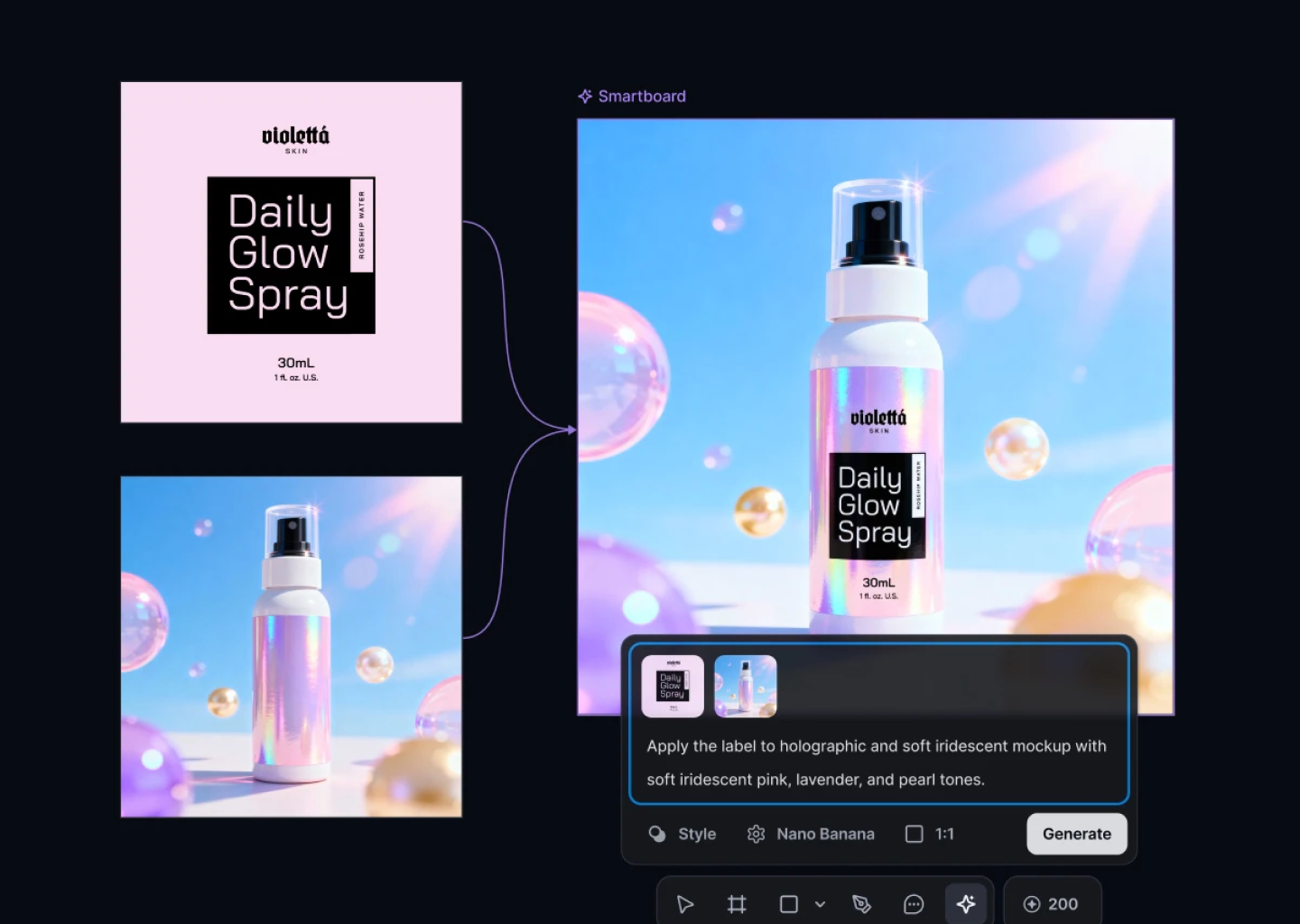
Before a customer even tries your formula, they’re judging the bottle. Packaging plays a pivotal role in customer purchase decisions.
Are you creating labels for printing on demand or custom boxes in bulk? You need design software that can handle high-quality graphics. Downloading an image or copying a photo won’t cut it. You need your ingredients and branding to look crisp and professional – never blurry or "homemade."
Source: kittl.com
Marketing & Social Media Presence
Beauty brands live and breathe on social media. From product carousels to "Get Ready With Me" posts, you need a way to make or find social media templates that feel premium and on-trend.
Why spend hours on graphics when there’s dedicated tools that are already built for social media posts? Features that format and automate layout adjustments for each separate social channel can help you publish without the headaches.
Best Design Tools at a Glance
For a transparent look at how these platforms compare, we’ve broken down the design features for each:
| Feature | Kittl | Canva | Figma |
|---|---|---|---|
| Pricing | Free Plan, Pro Plan ($15/month), Expert Plan ($30/month) | Free Plan, Canva Pro ($12.99/month), Canva Business ($14.99/month) | Free, Professional ($20/mo/editor), Organization ($55/mo/editor) |
| Ease of use | Low to medium learning curve | Very easy to use | Steeper learning curve |
| Integrations | Broad ecommerce support | Social media & marketing apps | Developer handoff & UI plugins |
| AI powered features | Text-to-vector & logo generation | Magic Studio for rapid assets | UX/UI workflow automation |
| Beauty-specific features | Best for labels & packaging | Best for marketing | Best for digital builds |
Feature Comparison – Kittl vs. Canva vs. Figma
Let's get into the nitty-gritty. We’re looking at everything from graphic design capabilities and pricing to AI and the editing tools that’ll make your life easier.
Kittl for Beauty Brands
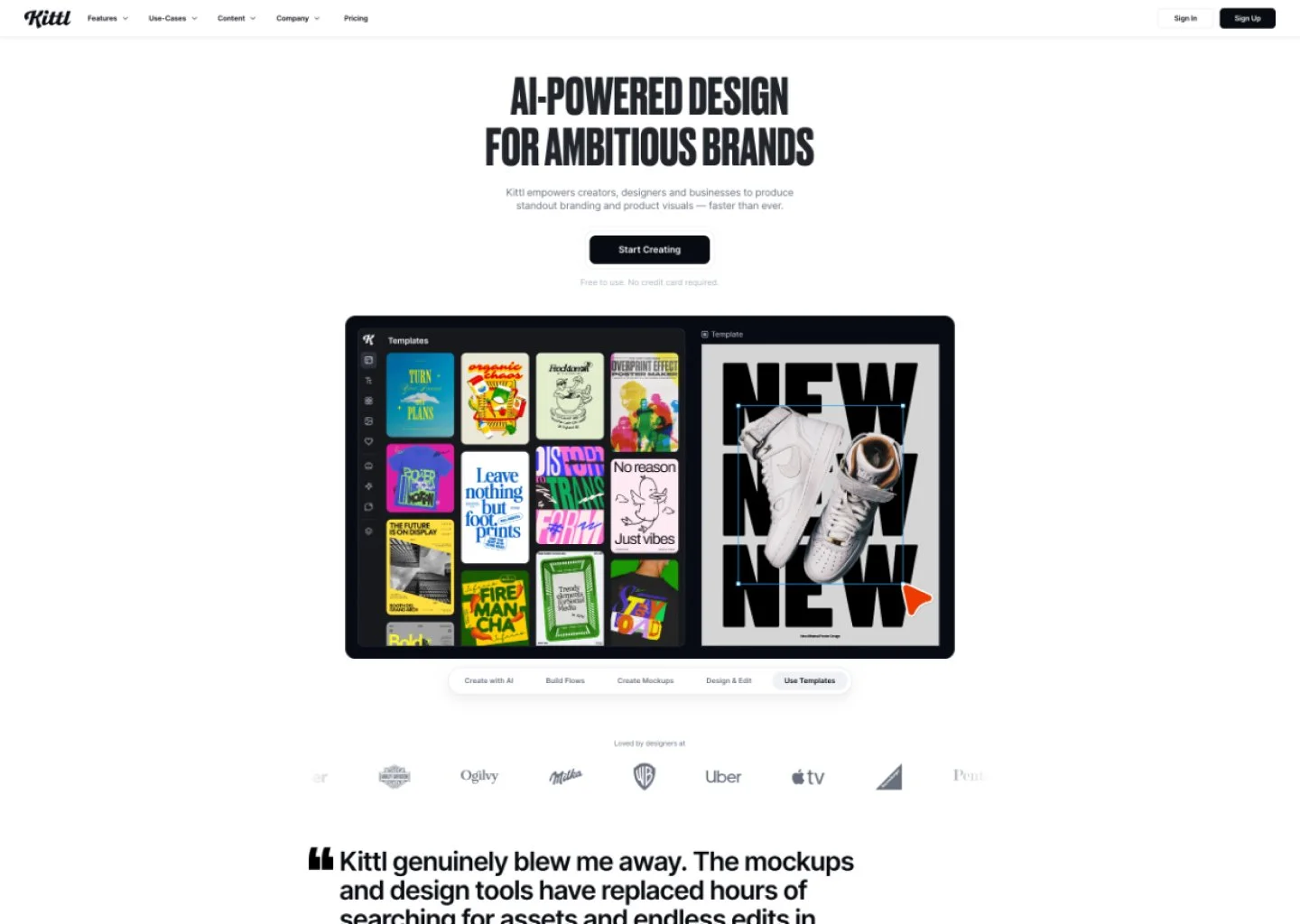
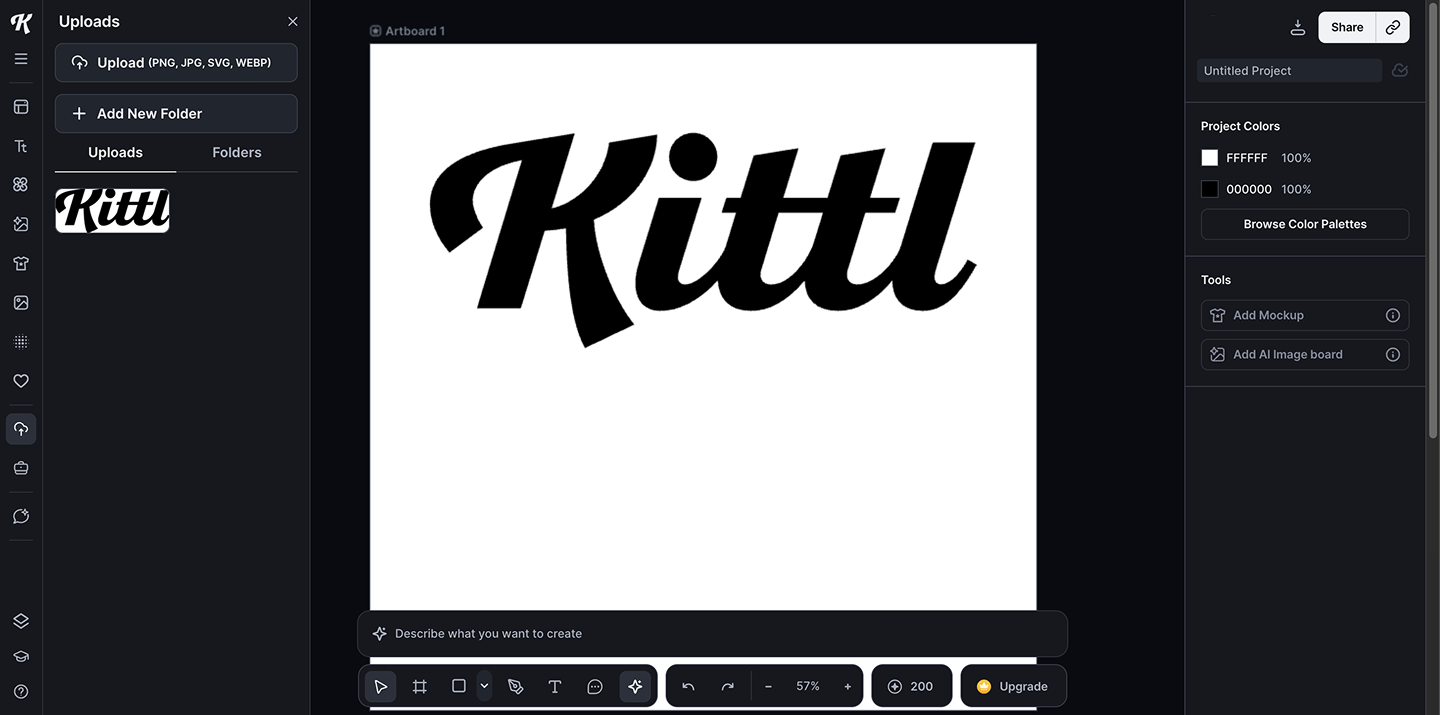
Kittl is a specialized design platform that has rapidly become a favorite for beauty merchants focusing on product aesthetics. It offers professional features without the steep learning curve.
Key Features:
Vector design engine
AI features for logo generation
High-end typography sets
Massive design template library for labels
Unlike a standard drag-and-drop editor, Kittl offers a robust engine for vector design, letting you manipulate product design textures without quality loss. And now, with the Selfnamed x Kittl collaboration, you’ll get to access high-quality design templates built for Selfnamed products.
Pricing plans:
Kittl’s Free Plan ($0/mo): Perfect for testing the water with access to basic design tools and 200 one-time AI tokens.
Kittl Pro ($15/mo): Unlocks unlimited vector graphics exports and 2000 AI tokens per month – the preferred option for print-on-demand and ecommerce businesses.
Kittl Expert ($30/mo): For power users needing unlimited projects and 6000 AI tokens per month.
Kittl Max ($65/mo): For businesses working at a large scale with 12,000 AI tokens per month.
Kittl’s pricing is tiered toward output quality. While Kittl's free plan lets you explore design templates, it limits you to low-res exports which are unusable for physical products.
The real investment is in the Pro plan. This is where you gain Commercial License freedom and high-resolution exports. For beauty brands, this is the minimum entry point – you shouldn't rely on the free version for anything intended for a printer. The Expert plan is largely about AI credit volume, so if you’re using AI tools to generate 10+ label variations a day, it’s worth it.
Get 25% off your first month or year with code SELFNAMED.
Pros:
Best-in-class vector tools for print
Massive library of high-end assets
Low learning curve for its power
Cons:
Limited social media/video capabilities
Smaller asset library than some competitors
No mobile app for on-the-go edits
Best for: Designers and brand owners who prioritize professional, print-ready product packaging.
Canva for Beauty Brands
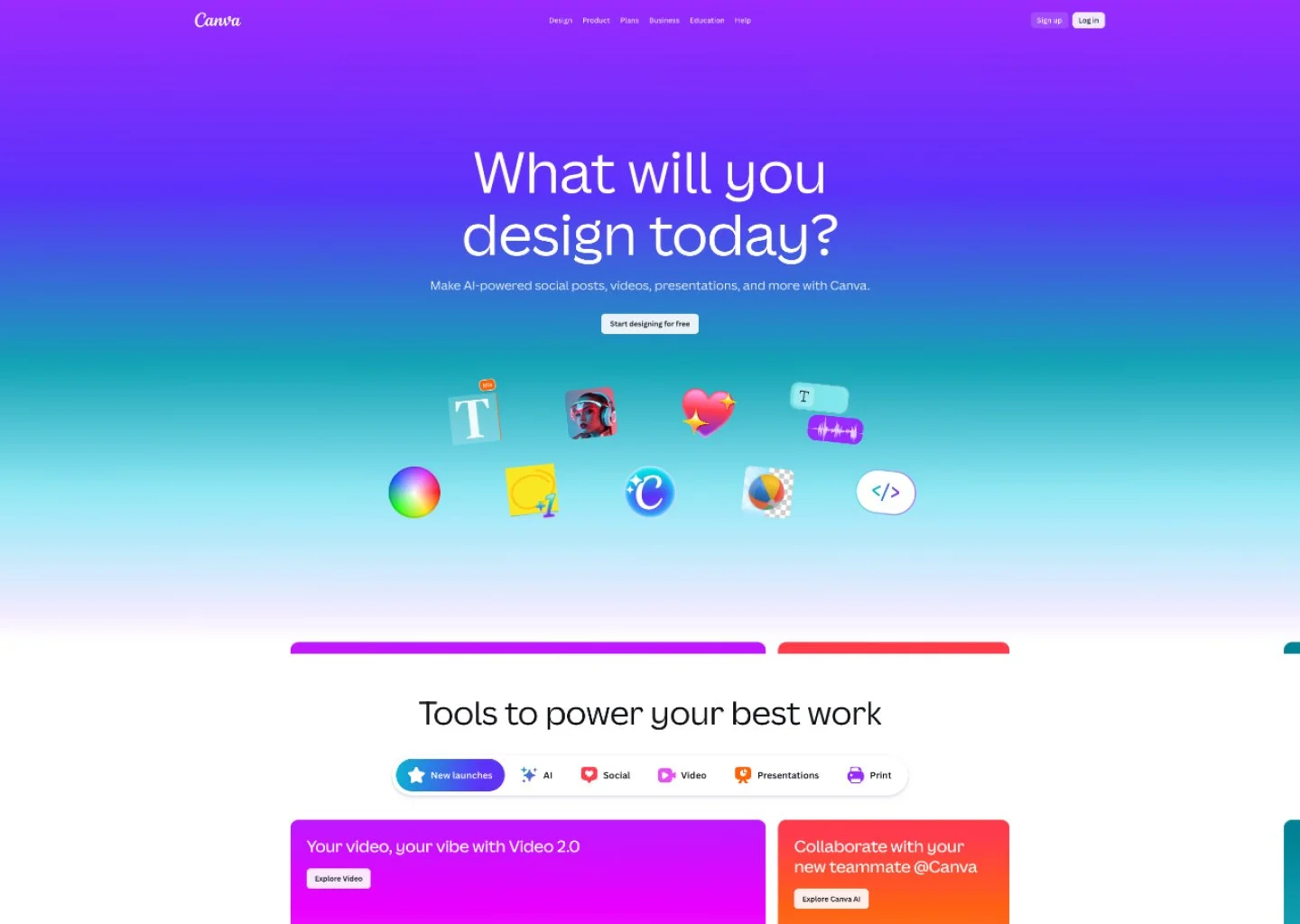
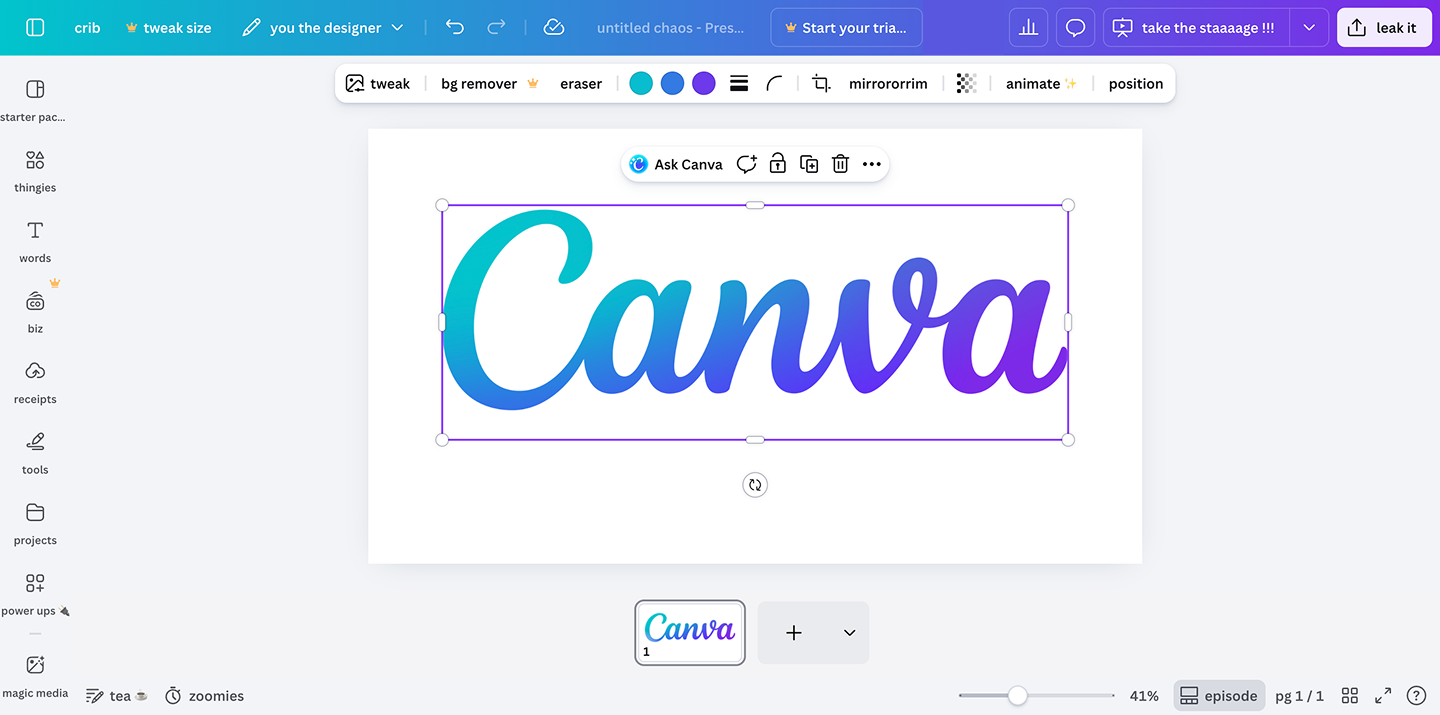
Canva is the global leader for ease of use, designed specifically for non-designers. It turns complex graphic design into a simple, visual experience that anyone can master in minutes.
Key Features:
Drag and drop interface
Canva’s AI tools (Magic Studio)
Extensive library of stock photos and videos
Built-in social media scheduler
The Canva dashboard serves as a complete hub for your digital marketing. It’s the fastest way to create designs for daily engagement without needing technical design skills.
Pricing Plans:
Canva Free ($0/mo): Access to the simple interface, basic editing tools, and thousands of design templates.
Canva Pro ($12.99/mo): Unlocks all premium templates, brand kits, background remover, and all the features of Magic Studio.
Canva Business ($14.99/person/mo): Adds advanced collaboration features, enterprise plans security, and team approval workflows.
Canva Enterprise (Custom pricing): For larger businesses in need of custom solutions and enterprise-level security.
Canva excels at "bang for your buck" content creation. While the base version is great for free users, the Canva Pro packs a lot of good stuff for beauty brands investing in marketing.
It essentially replaces the need for a separate stock photos subscription and a presentation maker. The "Magic Switch" feature alone saves hours by automatically resizing one design project into ten different social media posts. Unless you have a team of 3+, the Pro plan is the perfect ceiling.
Pros:
Unbeatable speed for social media graphics
Huge extensive library of assets
Very user friendly interface
Cons:
Lacks advanced vector design (no custom paths)
Designs can look "cookie-cutter" if not customized
Requires an internet connection.
Best for: Non-professional designers, solopreneurs, and merchants who need to create social media graphics and marketing collateral at high volume.
Figma for Beauty Brands
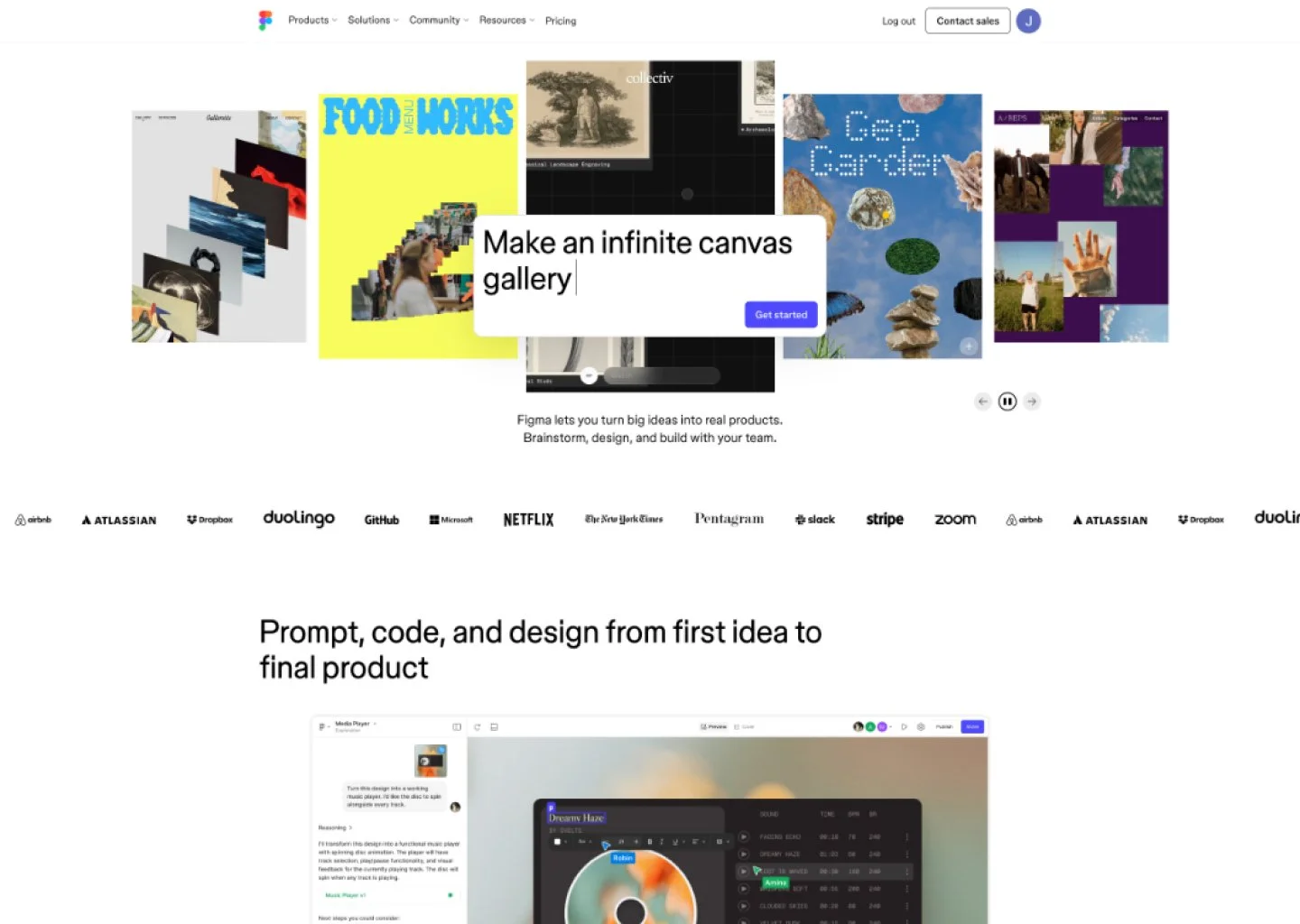
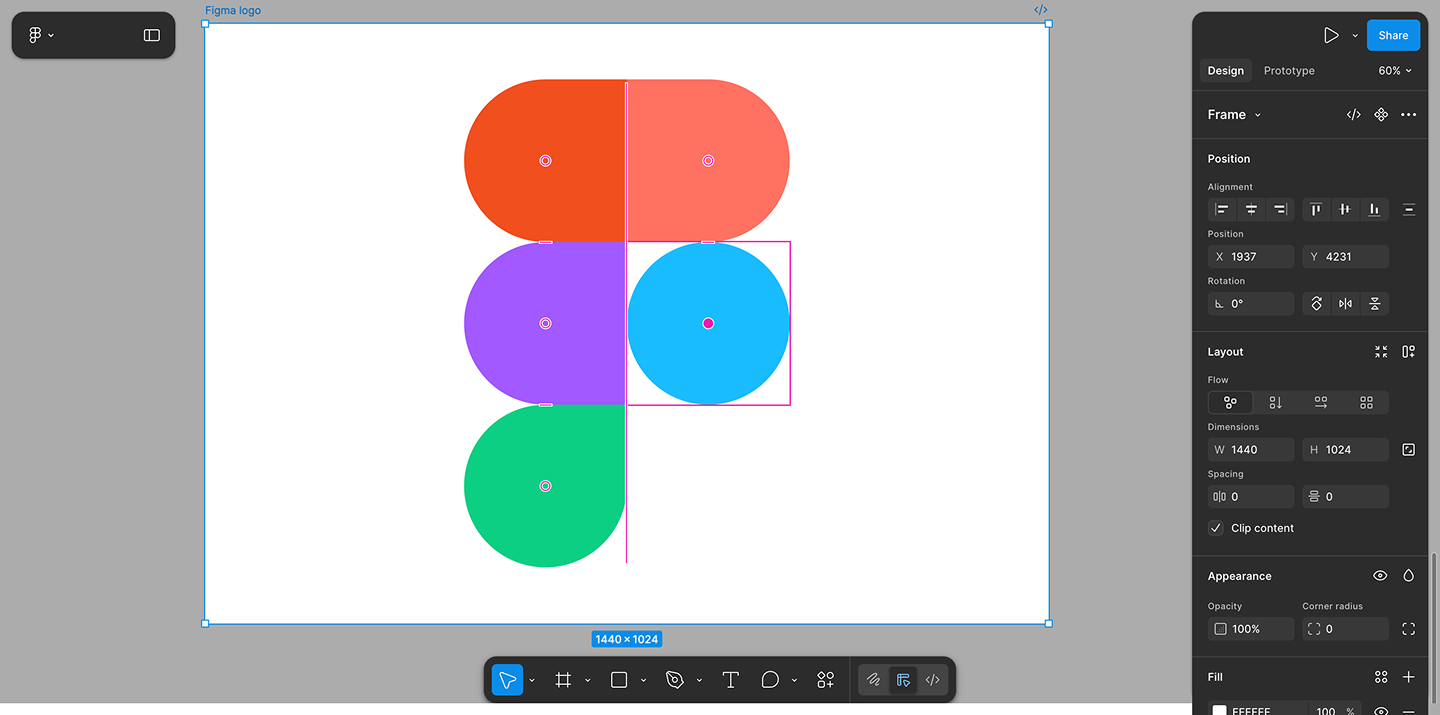
Figma is mainly built for professional designers. All three tools can help you produce standalone creative assets like a single label or instagram post. However, Figma can go beyond that by building user interfaces and design systems that a developer can actually turn into code.
While both Canva and Kittl focus on the final graphic, Figma is built for interface design and complex branding systems.
Key Features:
Advanced vector and drawing tools
Real-time collaboration features
Figma's FigJam whiteboard tool for brainstorming
Prototyping for web and app user interface
Figma is where you go when you need more advanced features. It’s less about templates and more about building a unique, scalable design project from the ground up.
Pricing Plans:
Figma Starter ($0/mo): Free for 3 files and unlimited free users (viewers); perfect for a solo design project.
Figma Professional ($20/editor/mo for Full seat): Unlocks unlimited files, version history, and shared brand kits (libraries).
Figma Organization ($55/editor/mo for Full seat): Designed for scaling brands with centralized file management.
Figma Enterprise ($90/editor/mo for Full seat): For businesses designing for multiple brands with enterprise-level security.
Each paid plan is further divided into Collab seat ($5/mo), Dev seat ($15-35/mo), and Full seat ($20-90/mo), each providing heightened editor access and more powerful tools.
Figma’s pricing is built around the "Editor" model. If you are a solo founder doing your own graphic design, the Starter plan is incredibly powerful and may be all you ever need. Each subsequent plan offers distributed access plans for each team member, based on their roles.
The Professional plan is the real turning point for brands. It lets you have unlimited files and projects for your design elements so you can create a full design library. It's a technical investment, but for a brand building a custom web experience, it’s the gold standard.
Pros:
Unmatched advanced design capabilities
Best-in-class collaboration features
Completely free for individual files.
Cons:
Significant steeper learning curve
No built-in stock photos library
Zero "quick" social media templates.
Best for: Brands with a dedicated graphic designer or those building a highly customized, tech-heavy digital presence.
Final Verdict – Kittl vs. Canva vs. Figma
So, who wins the design app comparison? Determine the main focus for your beauty brand, and then pick the best-in-class option:
For product packaging: Use Kittl. Its vector tools will get your labels to print perfectly every time.
For daily marketing: Use Canva. It’s the fastest way to create designs for TikTok and Instagram.
For web strategy: Use Figma for your website's user interface.
Ready to launch your brand with an edge? Through our Selfnamed x Kittl partnership, you can access professional-grade, exclusive templates directly within the Selfnamed Design Studio. This integrated experience means you don’t have to start from scratch to get that high-end look.
Check out our guide on how to launch your skincare line and start designing!
How to Make the Most of Your Design Tools

1. Set up Clear Brand Kits
I’ll be the first to admit that I can never decide on a single style and always second-guess my designs, but if you want people to recognize your brand, it needs to have a clear identity. One of the first things you should do in any design software is set up your brand kits.
This act of establishing your digital style guide – housing hex codes, logos, and typography – keeps you from guessing between "blush pink" and "soft gold" across different platforms. Professional uniformity builds massive trust and creates a seamless transition for customers as they move from your Instagram feed to unboxing your product.
2. Use AI Powered Features
Don’t shy away from the machines – let them break their backs while you focus on actual creativity. Modern design tools are packed with a ton of AI and automation features.
For instance, Kittl’s AI-powered features can generate intricate ornaments or logo concepts from a simple text prompt. It’s not a replacement for creativity, but helps put something on the blank canvas to help you start without indecision. Once you have a concept, you can focus on idea generation, elaborate sketches, and brand strategy rather than repetitive "click-and-drag" tasks.
3. Optimize with Templates
There is no prize for starting with a blank white screen, so save your energy and optimize with templates. Both Kittl and Canva offer an extensive library of customizable templates specifically designed for beauty brands.
These layouts are crafted by professional designers who understand color theory and visual hierarchy. Simply swap in your design assets, tweak the colors, and you’ll have a polished design project ready in a fraction of the time.
4. Master Layer Organization
A clean design process is a fast one, especially as your designs get detailed with ingredient lists and regulatory symbols. Mastering layer organization allows you to group related design elements and use clear naming conventions so you don't get lost.
This is particularly important in Figma, where more advanced features rely on a logical structure. Organized layers make it easier to make quick updates or hand off a design project without your team feeling "haunted" by messy files.
Time to Draw Some Inspiration
Ultimately, picking your design tools shouldn't be a source of stress.
The choice between Kittl, Canva, and Figma is less about "better" and more about "purpose." Use Canva's tools for your quick social wins, rely on Kittl’s precision for your product branding and labels, and look to Figma when your digital footprint needs a custom-built home.
Ready to see your designs come to life on real, organic skincare? Explore the Selfnamed catalog and start building your brand today!


Frequently Asked Questions
-
The best tool depends entirely on your specific task. Kittl is the winner for professional-grade packaging because its vector design engine provides 300 DPI sharpness on physical labels. Canva is the undisputed champion for social media graphics due to its speed and massive template library. Figma is the industry standard for high-level interface design, making it the go-to if you are building a large custom brand kit and intricate UI/UX designs for your web store.
-
When comparing Kittl vs. Canva vs. Figma, Kittl is the specialized choice for packaging. It offers advanced vector tools (like text-warping and custom ornaments) that Canva lacks. While Figma can handle vector shapes, it doesn't provide the beauty-specific design templates that Kittl and Canva offer. For merchants using print-on-demand services, Kittl’s high-resolution PDF exports are the gold standard for manufacturing.
-
All three platforms offer a free plan, but they serve different purposes. Canva's free version is great for basic social media posts, but you’ll need Canva Pro for brand kits. Kittl's free plan lets you experiment with the editor, but you need a Kittl Pro subscription to export high-res files for production. Figma is free for up to three active design files, which is usually enough for a solo founder, but scaling to a team requires a paid Professional plan.
-
Canva is widely considered the easiest for absolute beginners due to its drag and drop interface. However, the Selfnamed x Kittl partnership has made Kittl equally accessible by providing exclusive beauty templates directly within an integrated studio. While Figma is incredibly powerful, its steeper learning curve often makes it frustrating for non-designers who just want to launch a product quickly.
Must read