
Table of Contents
A client finishes their facial, buys the cleanser you used, adds a tip, and taps their card.
It takes under a minute.
Behind that minute sit a booking, a retail sale, a tip owed to a team member, and one less bottle on the shelf. A salon POS (point-of-sale) system is what keeps all of that information in one structured place.
The right POS setup depends on how you work. A solo esthetician taking bookings in Instagram DMs needs something different from a five-chair salon with a retail wall.
Learn what your salon setup needs. What to choose, what to check, and what to watch out for. We’ll provide the top tools for each salon type and advice from some of the best point-of-sale systems available today.
Key Takeaways
A salon POS system records the service, the team member, the tip, and any retail sale against the client's booking.
The processing rate is one part of the cost, alongside payout speed, hardware, add-on fees, and the hours spent matching payments by hand.
In-person card payments usually cost less to process than online or manually keyed payments.
Deposits and a card on file give estheticians a way to charge for no-shows and late cancellations.
Salons that sell retail need one stock count shared by the front desk and the online store.
Booth renters and employees can work in one system when each renter has their own payment account.
Why Your Salon Should Use a POS System

A POS system puts the booking, the payment, and the client record in one place. Checkout gets quicker, and your numbers match at the end of the day.
A salon point-of-sale (POS) system is the software, usually paired with a card reader, that handles checkout for services and products. Salon and spa POS systems differ from a shop register because each payment is tied to an appointment, a client, and the team member who did the work.
Here's what a good POS system changes day to day:
Quicker checkout. A service, a retail product, and a tip go through as one payment.
Fewer no-shows. Deposits and cards on file are taken when the client books.
Accurate stock. Each product sale comes off the inventory count as it happens.
Correct pay. Tips and commissions are recorded against the right person.
Client history. Visits and purchases are saved to the client’s profile, so anyone on the team can see what a regular usually books.
Clear reports. Overview revenue by service, product, and team member, without a spreadsheet.
A standalone card reader takes the payment and stops there. Everything else lives separately in spreadsheets and notebooks. A salon POS takes away that chance of error.
Salon POS Systems Featured in This Guide

Six salon software teams shared their advice for this guide. Here’s what each one does:
Boulevard: all-in-one software for salons, spas, and med spas, with scheduling, a client CRM, online booking, and a POS built for salons. It pays stylists and booth renters automatically and links each payment to the appointment and the client’s profile.
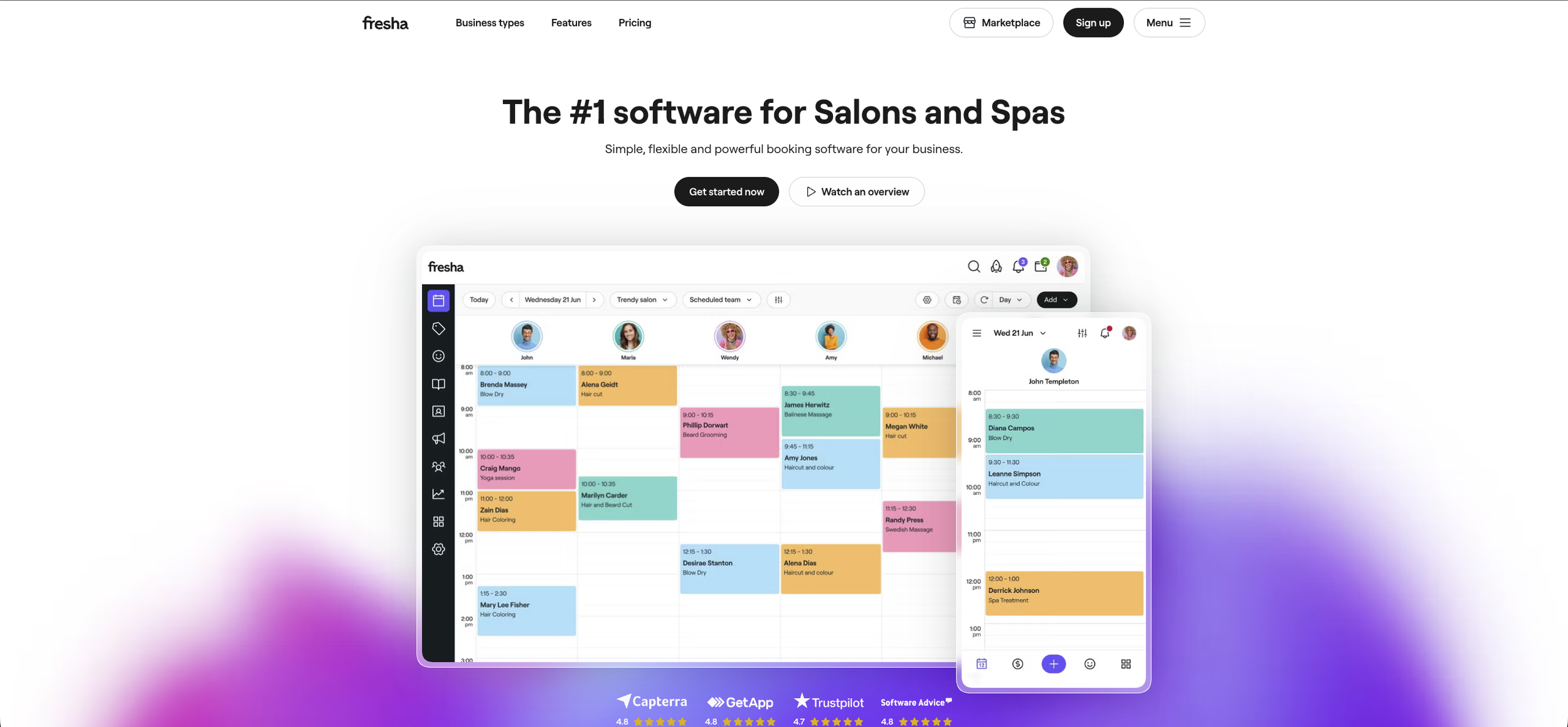
Fresha: booking and payments software for beauty and wellness businesses, with its own marketplace of more than 25 million clients looking to book. It runs on a monthly subscription with no long-term contract.
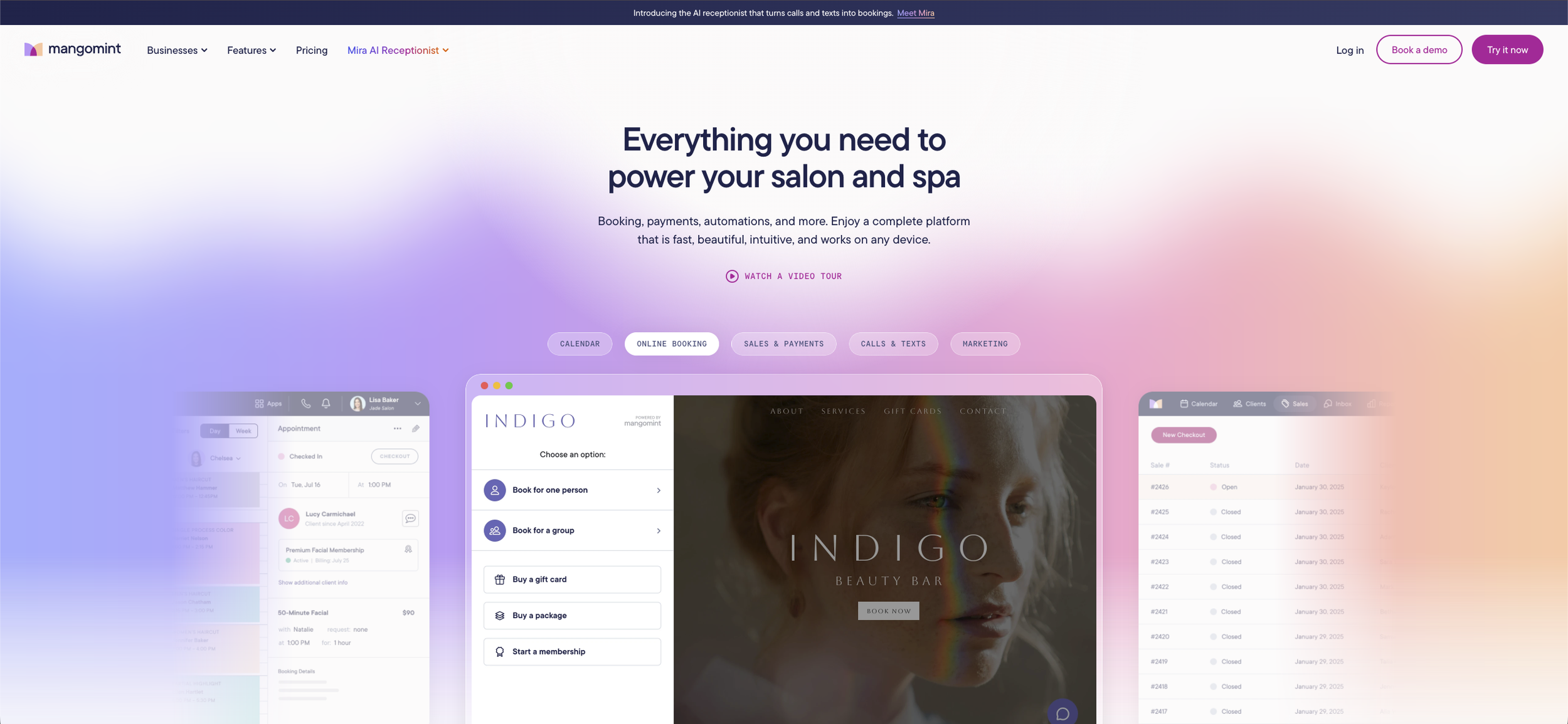
Mangomint: salon and spa software with online booking, payments, memberships and packages, and automated flows. Booth renters and employees can work in one account, with a separate payment account for each renter.
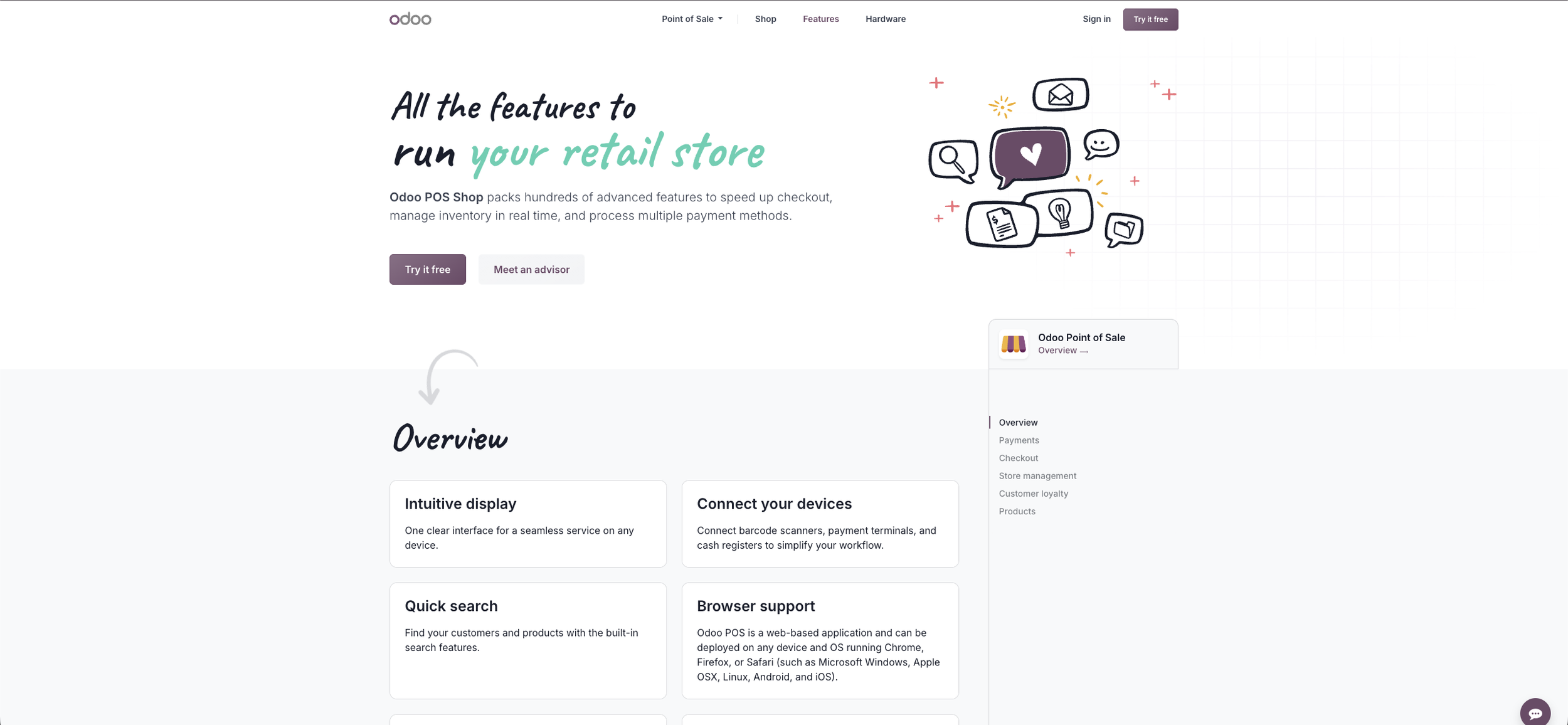
Odoo: Odoo Point of Sale runs in a web browser on computers, tablets, and touch screens, and keeps working offline. It connects to Odoo’s other apps, such as inventory and accounting.
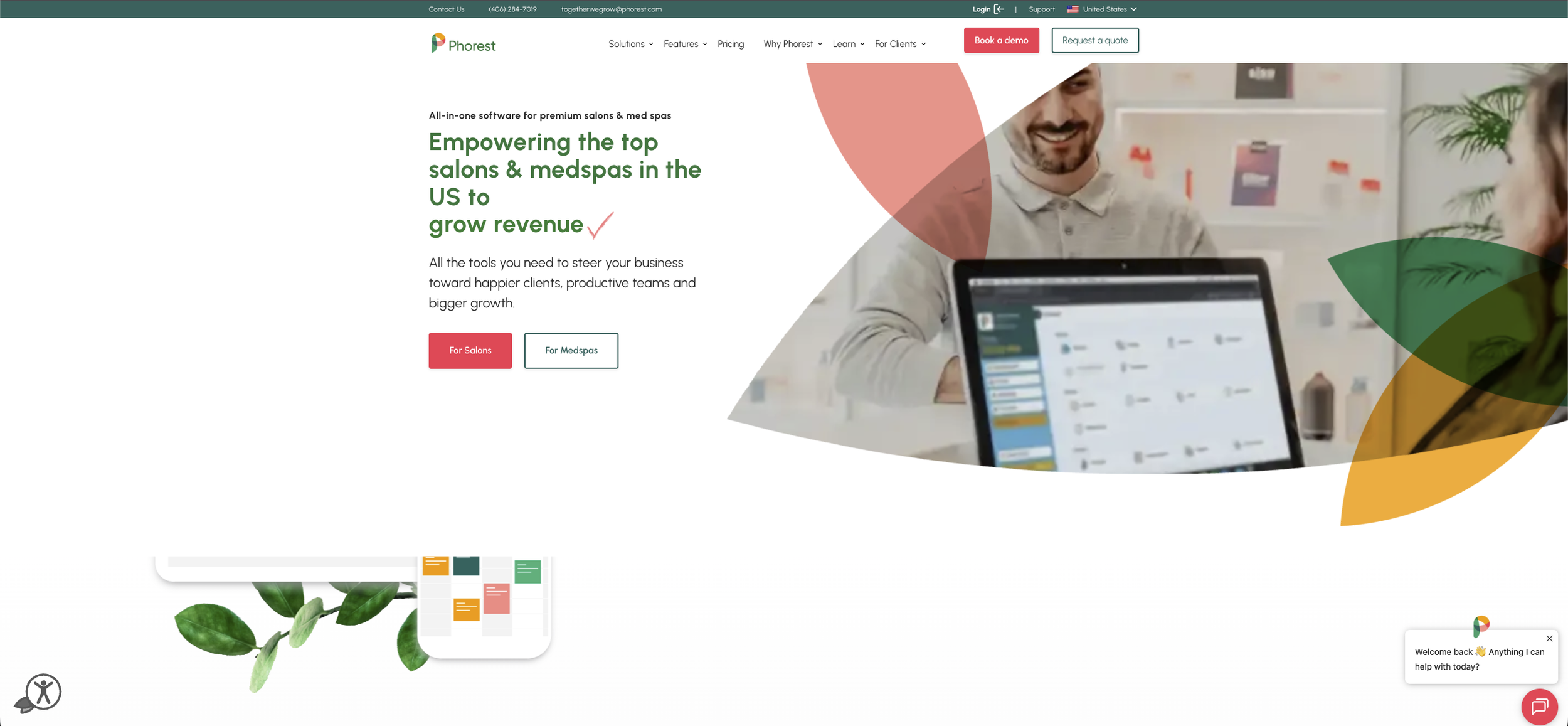
Phorest: all-in-one software for salons and med spas, with online booking, PhorestPay payments, SMS and email marketing, an online store, and reporting. Phorest says it suits businesses with three or more staff.
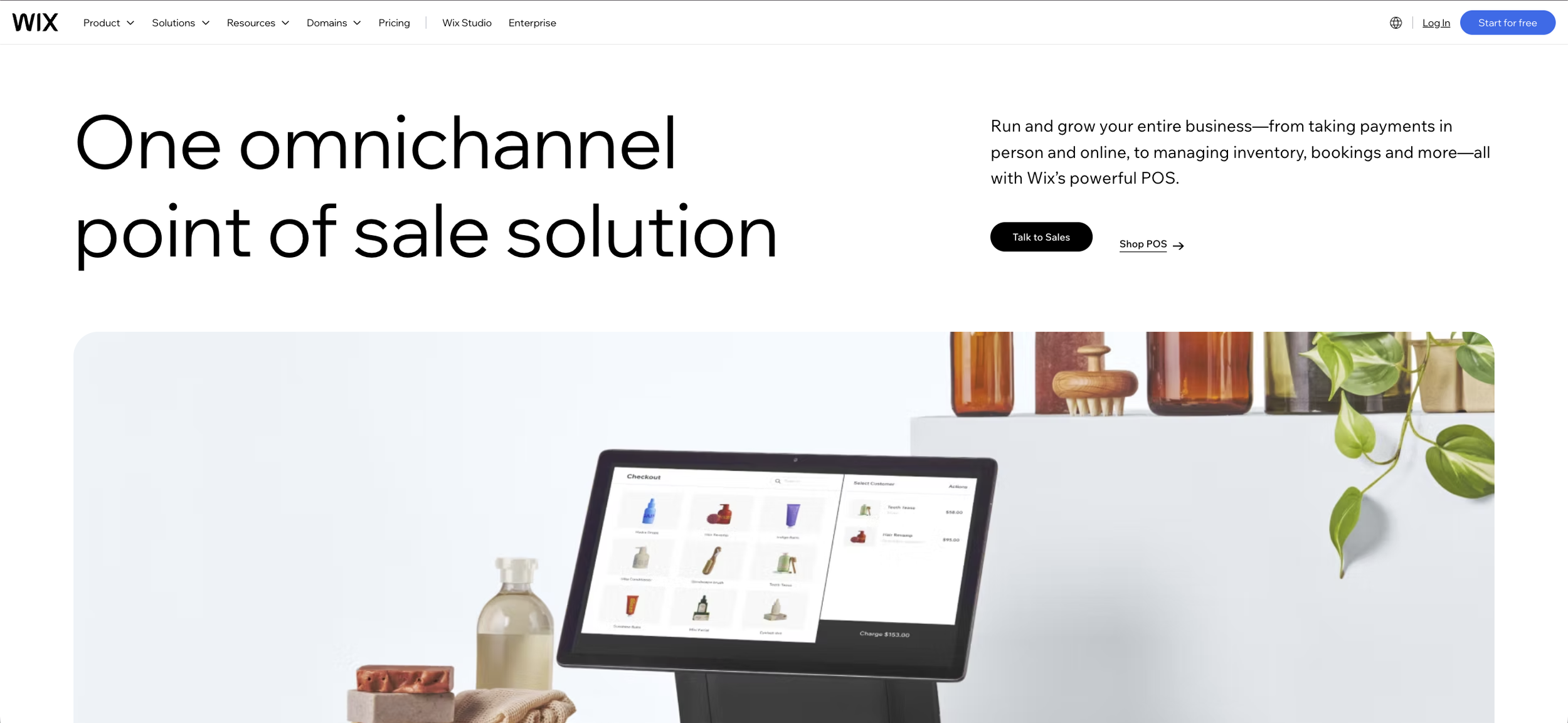
Wix: a point of sale that connects in-person sales with a Wix website, online store, and bookings. It takes payments on Wix card readers or with Tap to Pay on iPhone and Android.
What You'll Pay Beyond the Processing Rate
The processing rate is the number every provider advertises, but it's rarely the full cost. Six things decide what a salon POS system really costs you, and they apply to every situation.
"Look at how deeply the POS is tied to the rest of the business: whether checkout automatically updates inventory, client history, and staff commissions, or whether someone on your team has to reconcile that by hand every night. A slightly lower rate stops mattering fast when you're paying in labor hours and lost retail inventory.
I'd also ask what the total cost actually includes: hardware, onboarding, support, and any add-on fees for things like cards on file or instant payouts."
In-Person vs Online Card Fees
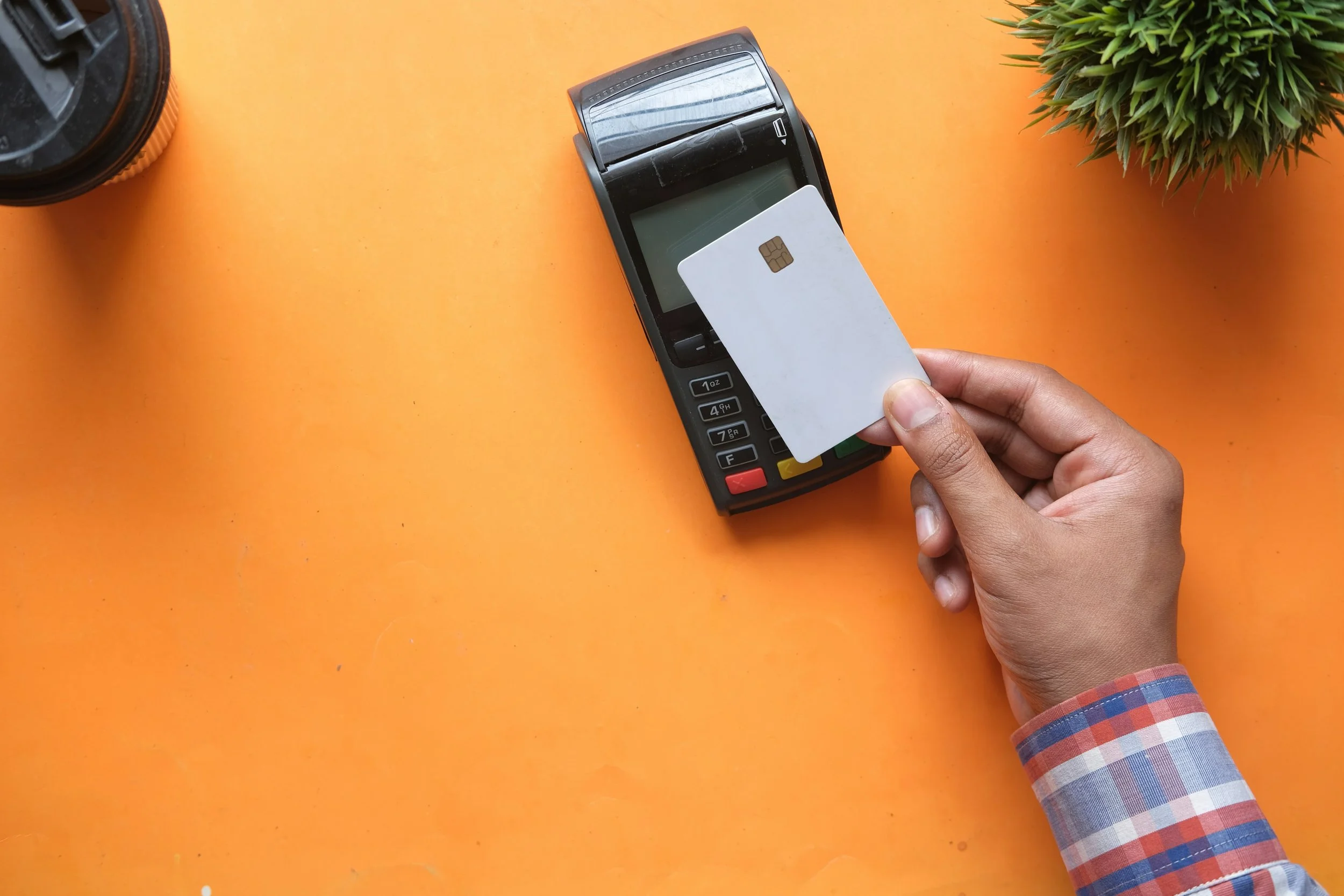
Card payments taken in person usually cost less than payments taken online or typed in by hand. Deposits, online store orders, and payment links all count as online payments.
As reference points, Stripe’s standard US pricing (November 2026) lists 2.7% + 5¢ for in-person card payments and 2.9% + 30¢ for online card payments, with 0.5% added for manually entered cards. Square’s Free plan lists 2.6% + 15¢ in person, 3.3% + 30¢ online, and 3.5% + 15¢ for cards keyed in or charged on file. Salon POS providers set their own rates, and many charge a flat rate.
On a $100 service, that works out to:
| Payment type | Stripe (standard US rates) | Square (Free plan) |
|---|---|---|
| Card tapped or inserted in person | $2.75 | $2.75 |
| Online, such as a deposit or payment link | $3.20 | $3.60 |
| Card number typed in by hand | $3.70 | $3.65 |
| Saved card charged later, such as a no-show fee | $3.20 | $3.65 |
These figures are illustrative. Square’s Plus and Premium plans charge less per payment, and your rate depends on your provider and plan.
Ask your provider for: the in-person rate, the online rate, the keyed-in rate, any extra charge for international cards, and any monthly fee.
Payout Speed
Payout speed is how long card money takes to reach your bank account. Standard payouts often take one to three business days. For example, Phorest’s PhorestPay earnings arrive in one working day, and Boulevard's payments guide has a standard two-day option.
Ask your provider: Do you offer instant payouts? These usually cost extra.
For example, Stripe charges 1.5% of the payout amount for Instant Payouts. Square’s instant and same-day transfers cost 1.95%. On $1,000 of card sales, an instant payout costs $15 with Stripe or $19.50 with Square. Check whether payouts run on weekends, too.
Hardware
Hardware covers the card reader plus anything around it: a tablet or stand, a receipt printer, a cash drawer, and a barcode scanner if you sell retail. Some providers let your phone act as the card reader. Wix, for example, offers Tap to Pay on the phone itself.
Ask your provider: Do you buy or lease the hardware? What's covered by the warranty? Does it work with the phone or iPad you already have?
Deposits and Card on File

A deposit or a saved card at booking is your protection against no-shows and late cancellations. Phorest says its average client sees 69% fewer no-shows by taking deposits for every booking, a figure from Phorest's own 2026 client base.
That works best when the deposit sits on the booking itself, as Phorest explains:
"Start by asking whether your payments and your bookings live in the same system. A provider might offer a lower rate, but if it's out of the loop on your calendar, it has no idea who was booked in, with whom, or for what.
Someone then has to match every payment up by hand. When payments are connected to your appointment, the deposit is taken when the client books and sits on the client's appointment.
The card payment, the tip and the retail sale land on the right client and the right team member automatically. If someone doesn't turn up, their card is already on file, so you're not chasing them."
Ask your provider: Can you set a deposit per service? Can you charge a no-show fee to the saved card from the calendar? Does the client see your cancellation policy before they book?
And watch out for add-on fees for storing cards. Write the policy in plain words, show it at booking, and apply it the same way for every client.
Customer Tips
Tips should go to the right team member and show up in your payroll reports. Look for a tip prompt on the card reader and on payment links.
Ask your provider: Can tips be split when two people work on one appointment? Who covers the processing fee on the tip? Processing fees usually apply to the whole charge, tip included. Check your state's rules before deducting card fees from staff tips.
Refunds and Disputes

A refund sends the money back, but the original processing fee usually stays with the provider. Stripe, for example, does not return the original processing fees on a refund and charges $15 for each dispute.
Ask your provider: Who on your team can issue refunds? Are refunds linked to the client's profile? Can you give store credit or a rebooking instead of a refund?
The Best Salon POS System for Independent Estheticians

When you work alone, your POS is also your front desk. It needs to run from your phone, take money at the moment of booking, and keep monthly costs in line with fewer appointments.
Each situation below uses the same four fields:
What to choose
What to check
What to watch out for
Example tools
Booking via Social Media
If clients find you on Instagram or TikTok and book in your DMs, your POS should turn a message into a confirmed booking with a deposit attached.
Choose: a booking link you can add to your bio and paste into DMs, deposits or a saved card taken at booking, and payments from your phone.
Check:
Can you text or DM a booking or payment link to a client?
Can you set a different deposit for each service?
Is there a monthly fee, or do you pay per transaction only?
Do reminders and receipts go out automatically?
Watch out for: deposits sent through a personal payment app. They're quick, but the money isn't tied to the booking, so you'll need to match it up by hand later.
Top POS systems:
Mangomint: Express Booking lets you create the appointment and text the client a link to add their card and accept your cancellation policy (Mangomint Pay account).
Phorest: PhorestPay takes deposits per booking or per service and stores the client's card at booking, online or by phone.
Wix: a booking site with Wix Bookings can charge cancellation and no-show fees to a saved card, and the Wix app takes payments in person.
Fresha: clients can book straight from your Instagram profile, and Fresha Payments can take payment upfront or store the card for no-show and late cancellation fees.
Best fit: a booking link that takes the deposit or saves the card when the client books. Fresha lets clients book straight from your Instagram profile, Mangomint and Phorest attach the deposit to the appointment itself, and Wix suits you if you also want your own booking website.
Mobile Esthetician
Mobile work needs a POS that runs on a phone or tablet, copes with patchy signal, and takes payment before you pack up.
Choose: Tap to Pay on your phone or a small Bluetooth reader, an app that keeps working offline, and the option to add a travel fee as its own line.
"Odoo's POS is a solid option for salons with an unreliable connection: it keeps working offline, and once the connection comes back, it automatically syncs every transaction that happened while it was down."
Check:
Does the app take payments offline and sync them later?
Does Tap to Pay work on the phone you own?
Can you add a custom amount, such as a travel or setup fee?
Can the client get a receipt by text or email on the spot?
Watch out for: offline card payments. Ask the provider what happens if a card declines after the payment syncs.
Top POS systems:
Boulevard: chairside checkout from a phone or tablet, with cards on file.
Odoo: Odoo Point of Sale runs in a browser on a tablet and syncs offline payments once you reconnect.
Phorest: payments on the go through the PhorestGo app or payment links.
Wix: Wix's mobile POS turns your phone into a card reader with Tap to Pay. Card payments are available in the US, UK, and Canada.
Best fit: an app that takes card payments on the phone you already carry and copes with patchy signal. Wix turns your phone into the card reader, and Odoo syncs payments taken offline once you reconnect.
"Pamela Ryder, owner of Journey Hair for Life in Miami, has no front desk at all: she runs the whole business from a cellphone and an iPad and walks over to each client so they can pay from their chair with PhorestPay.
Because the payment is connected to her calendar, it lands on the right appointment and the tip is recorded with it, so there's nothing to match up at the end of the day."
Booth or Suite Renter
For booth and suite renters, the first question is whose payment account each payment lands in. That decides who gets paid and who pays the fees.
Choose: if you rent, your own payment account and a client list you can take with you. If you rent out booths, choose a system where each renter has their own payment account and rent is collected automatically.
Check:
Do renters' payouts go straight to their own bank account?
Who pays the processing fees on renter sales?
Can retail products be marked as renter-owned or salon-owned?
Can a renter export their client list if they leave?
Watch out for: running a renter's sales through the salon's account. It mixes two businesses' income in one place and makes tax time harder for both. Talk to an accountant about how card income should be reported.
Top POS systems:
Boulevard: routes service revenue to booth renters with their own merchant accounts.
Mangomint: a separate payment account for each renter, product owners for renter retail, and rent collected through a membership.
Phorest: splits one payment and its tip between directly employed and self-employed staff.
Best fit: a separate payment account for each renter. Boulevard and Mangomint send renter payments straight to the renter’s own account, and Phorest splits a payment between employed and self-employed staff.
"Run everyone from one Mangomint account, and give each booth renter their own payment account. Their client payments go straight to their own bank account.
- Set up your primary payment account for the business and your employees' services.
- Create a payment account for each renter. Any checkout with that renter routes to their account and pays out on the regular schedule. Renters cover only their own per-transaction fees.
- Assign product owners so renter-owned retail sales go to the renter, not the business.
- Collect rent with a membership, automatically or manually per renter.
Your employees stay on commission or hourly pay in the same system."
POS Setups for Retail and Mixed Booking Channels

Retail and multiple booking channels both test the same thing: whether every sale and every booking ends up in one record.
Selling Products
If you sell retail, the POS should treat a serum and a facial as one sale and keep one stock count across your shelf and your online store.
Choose: a POS that rings up services and products on one bill, tracks stock by barcode, alerts you when it’s time to reorder, uses the same inventory count as your online store, and pays your team commission on the products they sell. Phorest’s advice is to start with a single count.
"Most owners get stuck because they treat retail as a separate business, with a separate register, a separate stock spreadsheet and a separate card reader. Don't start with the payment setup. Start with the products.
Start small with a handful of products your team already uses and recommends in the chair. Add them to your inventory with prices and stock levels. Then decide how your team gets rewarded for selling them, because product commission is what turns a shelf into revenue."
Check:
Can you scan barcodes at checkout?
Can you set minimum and maximum stock levels and get low-stock alerts?
Can you keep back-bar products separate from retail stock?
Does the POS handle sales tax on products? (rules vary by state)
Do retail reports show sales by product and by team member?
Watch out for: an online store that isn't connected to your salon stock. Otherwise, you’ll end up fixing the numbers by hand or selling something you don’t have.
Retail also works harder when the products carry your name. A line under your own salon's brand can only be bought from you, so refills come back to your salon.
Selfnamed is a private label platform with 200+ ready-to-brand beauty products and no minimum order requirements. We offer native ecommerce integrations with platforms like Wix and Shopify that sync online orders to Selfnamed. We pack and ship all orders under your brand.

Our guide to private label products for salons covers building a beauty line for a salon.
Top POS systems:
Boulevard: retail and services on one ticket, with inventory that feeds into purchase orders.
Odoo: Odoo Point of Sale updates stock in real time and runs loyalty programs that earn points on purchases.
Phorest: an Online Store that syncs with salon inventory, plus a Shopify connection if you already sell there.
Fresha: retail runs through the same checkout as services, with low-stock alerts and stock orders you can email to suppliers.
Wix: Wix Stores and the Wix POS share one product catalog, and inventory adjusts after every sale.
Best fit: one stock count shared by the front desk and the online store. Fresha, Phorest, and Wix sync salon stock with their own online stores, and Boulevard and Odoo update stock the moment a sale goes through.
"Keep one inventory count, not two. Add each product once, with its barcode, a minimum and maximum level and the supplier, then connect your online shop to that same record.
A shop that isn't connected to your salon system has no idea what you sold at the front desk this morning, so someone ends up fixing the numbers by hand, or worse, selling something you've run out of. When it's all connected, a sale at the front desk and a sale online take one off the same number, and your low-stock alerts are ones you can trust.
Keep the products you use in treatments separate from the ones you sell, so the colour you need for Saturday's clients never shows up as available to buy online."
Marketplaces, Booking Software, and Manual Bookings
When bookings arrive from a marketplace, your own booking page, and phone calls, the POS needs one calendar and one client record for all of them.
Choose: a system where marketplace bookings land in your main calendar, phone bookings can get a deposit link, and every client has one profile.
Fresha’s advice is to cut down the number of places your bookings come from.
"The tidiest fix is also the simplest one: stop spreading your business across multiple marketplaces. Every extra listing comes with its own bookings to keep track of, its own deposit rules and its own payments to handle. That's where the mess comes from, because you end up reconciling several sets of reports that were never designed to match.
With Fresha you don't need to be on several marketplaces to get reach. The Fresha marketplace puts you in front of millions of clients looking to book, and your Fresha bookings can also appear on Google Search and Maps. So one listing gets you the widest reach, and every one of those bookings lands in the same calendar as your phone bookings and walk-ins.
Because everything runs through one system, payments stay simple. You set your deposit and no-show policy once, and it applies whether a client booked online or over the phone. For manual bookings, you can text or email a secure link to collect a deposit or card details.
At checkout you can take payment on a card terminal, by Tap to Pay on your phone, by QR code or in cash. All card payments go into one business wallet with next-day payouts, and reporting covers services, products, tips and staff in one place, so there's nothing to reconcile at the end of the day."
Check:
Which marketplaces connect directly to your booking software?
Does the marketplace take the payment itself, or does it pass the booking to your POS?
What does the marketplace charge for new clients it sends you?
Can you text a phone booking a link to add a card or pay a deposit?
Watch out for: money arriving from two places. Marketplace payouts and POS payouts land separately, so your daily totals won't match unless both show up in one report.
Top POS systems:
Fresha: runs its own client marketplace, and bookings from it, Google, Instagram, and Facebook sync with your Fresha calendar. Marketplace commission applies only to new clients.
Mangomint: Express Booking turns a phone booking into a text link for card details and policy acceptance.
Phorest: takes deposits online, in person, or by phone.
Wix: listed by ClassPass as a supported booking integration. Ask how ClassPass bookings show up in your Wix Bookings calendar.
Best fit: one calendar for every channel, plus a way to send phone bookings a deposit or card link. Fresha brings its own marketplace bookings into the same calendar, Mangomint and Phorest cover phone bookings, and Wix connects to ClassPass.
"Wix's unified commerce platform gives salons and spas everything they need to build, manage, and grow their business, online and face-to-face, all in one place.
A client can book a treatment, add a retail product, and pay for both in a single transaction, while their appointment history, preferences, and purchases stay in one profile. With bookings, inventory, payments, and analytics fully synced in real time, owners spend less time juggling systems and more time with clients."
For more on the booking side, see our guide to top salon booking apps.
Salon POS System Choices for Teams and New Salons

Once more than one person takes payments, the POS also feeds payroll: commissions, tips, and who sold what.
Small Team
With a team, the POS has to pay the right person for every service and product without anyone rebuilding the numbers at night.
"In Boulevard, retail products and services live in the same ticket: a stylist can add a shampoo to a color service, take a tip, split the payment across two cards, and the stock count and commission both update in real time. There's no separate retail register to reconcile, and inventory feeds back into purchase orders so reordering isn't guesswork."
Choose: staff logins with permissions, commission rules for services and retail, tip splitting, and split payments across cards.
Check:
Can commission rates differ for services and products?
How are tips split on an appointment two people worked on?
Who can give discounts or issue refunds?
Does payroll data export, or connect to your payroll provider?
Can clients pay from their own phone so the front desk stays free?
Watch out for: commissions worked out in a spreadsheet each week. It's slow, and it's where mistakes start. Ask, too, whether pricing goes up per team member or per location.
Top POS systems:
Boulevard: stock counts and commissions update in real time on a shared ticket, and tips can be split across the team.
Mangomint: employees on commission or hourly pay in the same system as renters, and Client Self Checkout by text link.
Odoo: cashier accounts secured by badge or PIN in Odoo Point of Sale.
Phorest: one payment for multi-staff appointments, with the payment and tip split between staff.
Fresha: commission is calculated automatically on every product sold, and tips can be tracked and paid out to the team.
Best fit: commission and tip rules that run on every ticket, so payroll needs no spreadsheet. Boulevard and Phorest split tips between team members, Mangomint keeps commission and hourly staff in one system, and Odoo gives each cashier a badge or PIN login.
"With Client Self Checkout, your staff can send clients a payment link. The client gets a text with a link to review the items, add a tip, pay, and see their receipt. It's on by default once you have an integrated payment account. The link expires after 15 minutes by default."
Opening a Salon

Opening a salon is the easiest moment to choose a POS. There's no data to move and no team habits to change.
"Small salons and spas should look for a unified platform that connects online booking, client and staff management, inventory, payments, and retail sales in one place. It should be intuitive and able to grow with the business, with the essentials built in so owners aren't piecing together multiple add-ons or paying for extra subscriptions.
Ultimately, technology should simplify operations, not add complexity, so owners can focus on delivering exceptional experiences and growing their business instead of becoming IT experts."
Choose: one platform for booking, payments, client records, and retail from day one, picked for the salon you plan to run a year from now.
Check:
How long is the contract, and what does it cost to leave?
Are there setup, onboarding, or data migration fees?
What hardware do you need, and what does it cost?
When is support available, and how do you reach it?
Can you export your client and sales data at any time?
Is a website or online store included, or is it a separate subscription?
Watch out for: loading services and products in a rush before opening day. Reports, commissions, and stock alerts are only as accurate as the catalog behind them.
Top POS systems:
Boulevard: built for beauty businesses, from a single salon to multi-location groups.
Odoo: Point of Sale works alongside Odoo's other apps, such as inventory and a website, in one system.
Wix: a website, online booking, an online store, and the Wix POS in one account.
Best fit: one platform for booking, payments, and retail that can grow with the salon. Wix and Odoo put the website and online store in the same system as the POS, and Boulevard is built to take a beauty business from one location to several.
"For setup, I always tell owners to start with the product catalog before anything else: get your SKUs, costs, and retail prices loaded accurately, and set your reorder points.
That one step is what makes everything downstream (commissions, retail reporting, purchase orders) actually trustworthy. Owners who skip it end up distrusting their own numbers three months in."
Planning the rest of your setup? Our list of beauty salon must-haves covers the essentials beyond software.


Pick a Salon POS System That Fits How You Work
The right salon POS system is the one that matches how clients book, what you sell, and where you work. A mobile esthetician and a ten-chair salon can both be well served by very different tools.
Start with the situation that creates the most admin for you today. Then judge each option on its full cost: the rate, the payout schedule, the hardware, any add-on fees, and the time it saves you at the end of the day.
Before you sign, ask each provider the questions in your section. Ask for a demo using one of your real services and one of your real products, too. You'll see quickly which systems fit the way you already work.
And if retail is part of your plan, give clients something they can only buy from you.
Frequently Asked Questions
-
A POS system connects each payment to the booking, the client, and the team member who did the work. You get quicker checkout, deposits that cut no-shows, accurate stock counts, correct tips and commissions, and reports that show what each service and product earns.
-
There's no single best salon POS for every business. A solo esthetician booking through Instagram needs low fees and phone payments, while a team salon needs commissions, permissions, and inventory. Start with how clients book, whether you sell products, and where you work.
-
The best POS systems for salons that sell products put services and retail on one ticket and keep one stock count across the salon and the online store. Look for barcode scanning, low-stock alerts, separate back-bar stock, sales tax on products, and retail commission.
-
A standalone card reader only takes the payment. A salon POS system also records the service, the client, the tip, and any product sold, so stock, payroll, and reports update on their own. It also lets you take deposits and keep cards on file for no-shows.
-
Yes, with systems that support a separate payment account for each renter. Each renter's client payments go straight to their own bank account, renters cover their own processing fees, and the salon can collect rent in the same system. Agree on who owns the client list first.
-
Most salon POS systems charge a processing fee on each card payment, often plus a monthly software fee. In-person payments usually cost less to process than online or keyed-in payments. Add hardware, instant payout fees, and any add-ons for card storage when you compare quotes.
Must read