11 Best Salon Booking Apps to Run Your Salon in 2027
Table of Contents
Having many clients is a good thing, but scheduling their appointments comes with a lot of friction. Bookings land while your hands are busy with another client. Someone books from the sofa at 11 p.m. Someone else cancels during your lunch break.
A good salon booking app puts all of that in your pocket. You manage appointments from your phone or tablet, and your clients book, pay, and reschedule from theirs.
We've picked the 11 best salon booking apps and compared them on what matters on a small screen. That means the owner app, the client experience, and what the free plan covers.
Let's take a look.
Key Takeaways
A salon booking app puts scheduling, reminders, and payments on your phone.
Key features to look for include an owner app you'll use daily, a fast client booking flow, automated reminders, payments on the go, and calendar sync.
Apps handle the client side through a marketplace app, a login-free booking page, or a branded client app, which usually sits on higher-tier plans.
Marketplace apps help new clients find you, and most charge a fee on a new client's first booking.
Payment processing, SMS, and add-on fees can change what an app actually costs.
Booking a test appointment from a client's phone reveals more than any feature list.
What to Look for in a Salon Booking App
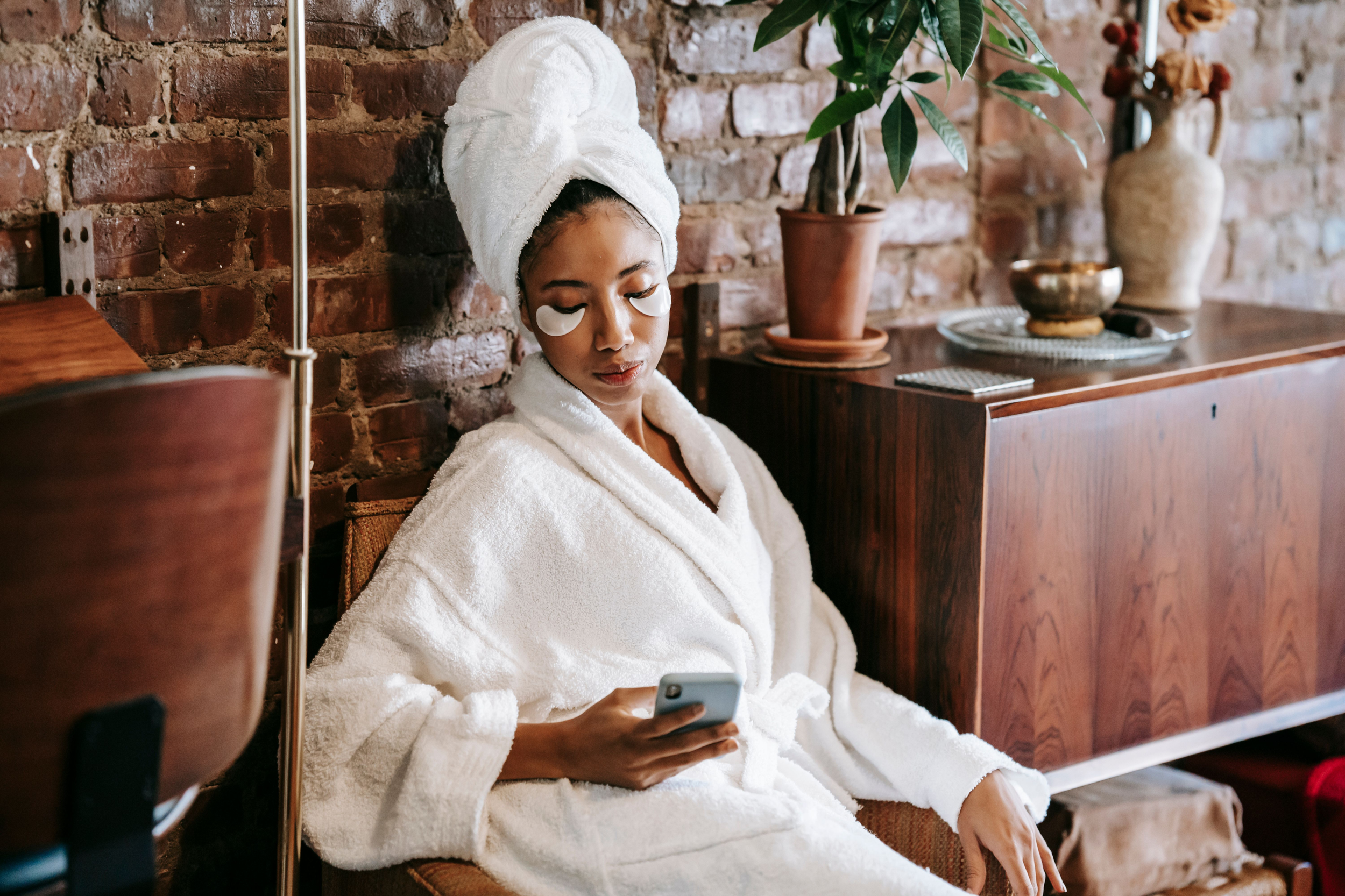
The best salon booking app is the one you can run a full day from without opening a laptop or sharpening pencils. Plan and prioritize which of these six things you absolutely need, the same way you'd prioritize the rest of your beauty salon must-haves.
Day-to-day features. You should be able to see the day's calendar, move appointments, block time, and pull up client information in a few taps.
A fast client booking flow. Many clients book from their phone. The booking page should let them pick a service, a stylist, and a time in a few minutes without friction.
Automated reminders and client notifications. Appointment reminders by push, SMS, or email cut no-shows without you sending a single message. Check which channels are included and which cost extra.
Payments on the go. Look for apps that accept payments right on your phone, through tap to pay, a card reader, or a card on file for deposits. Compare payment processing rates too, since they can cost more than the subscription.
Calendar sync. Google Calendar sync and double booking protection keep your personal plans and client appointments from colliding.
An honest free plan. A free plan can cover a solo stylist for months. Check the caps on staff, bookings, and texts before you rely on one.
Owner Apps vs Client Apps
Every salon booking app has two sides. The owner app is what you and your staff use. The client side is how people find and book you, and apps handle it in three ways.
| Client side | How it works | Apps |
|---|---|---|
| Marketplace app | Clients download the platform's app, browse local salons, and book. You get discovery, but clients also see competitors nearby. | Fresha, Booksy, StyleSeat, Vagaro, Treatwell |
| Login-free booking page | Clients book through a link on your Instagram, Google profile, or own website. Nothing to download. | Bookedin, GlossGenius, Square Appointments, Timely |
| Branded client app | Clients download an app with your salon's name on it. | WellnessLiving, Phorest |
Many apps mix these options, so check how clients will actually reach you before you choose.
What’s the Difference Between Booking Apps and Salon Software?
A salon booking app and salon software are often the same platform seen from different screens. The app is the phone side, covering scheduling, reminders, and payments. Salon software is the full back office, with inventory, payroll, and detailed reporting.
This guide focuses on the app side. For the back office, see our guide to the best salon software for small businesses.
The 11 Best Salon Booking Apps for 2027
The right salon booking app depends on who needs the phone most. A solo stylist wants fast checkout and a free plan. A growing salon wants staff calendars and marketplace reach. An established team wants clients booking through an app with the salon's own name on it.
These 11 apps cover all three.
Here's a quick overview:
| App | Best for | Owner app | Client side | Starting price | Standout feature |
|---|---|---|---|---|---|
| Fresha | Marketplace reach, fewer missed calls | Fresha for Business | Marketplace app | $19.95/mo | AI Concierge (add-on) |
| Booksy | Marketplace on one plan | Booksy Biz | Marketplace app | $29.99/mo + $20/staff | Everything in one phone app |
| Square Appointments | Solo pros on a budget | Square Appointments | Booking site | Free; Plus $49/mo | Tap to Pay |
| Vagaro | Small teams selling retail | Vagaro Pro | Marketplace app | $23.99/mo (promo) | Online store (add-on) |
| Bookedin | Simple booking | Bookedin app | Booking page | Free; paid from $19/mo | Post-visit emails |
| GlossGenius | Branded booking site | GlossGenius | Booking site | $28/mo | Tap to Pay (US only) |
| StyleSeat | Solo stylists growing a client base | StyleSeat app | Marketplace app | $35/mo | Smart Pricing |
| WellnessLiving | Salons wanting their own client app | Elevate | Achieve client app | $69/mo | White-label app (higher tiers) |
| Timely | Client records on the go | Timely app | Booking page | $26/mo per staff | Tap to Pay on iPhone |
| Treatwell | Salons in the UK and Europe | Treatwell Connect | Marketplace app | ~€21–€29/mo | Waiting list and push alerts |
| Phorest | Established teams | PhorestGo | Branded app (Elite) | Quote-based | Before-and-after photos |
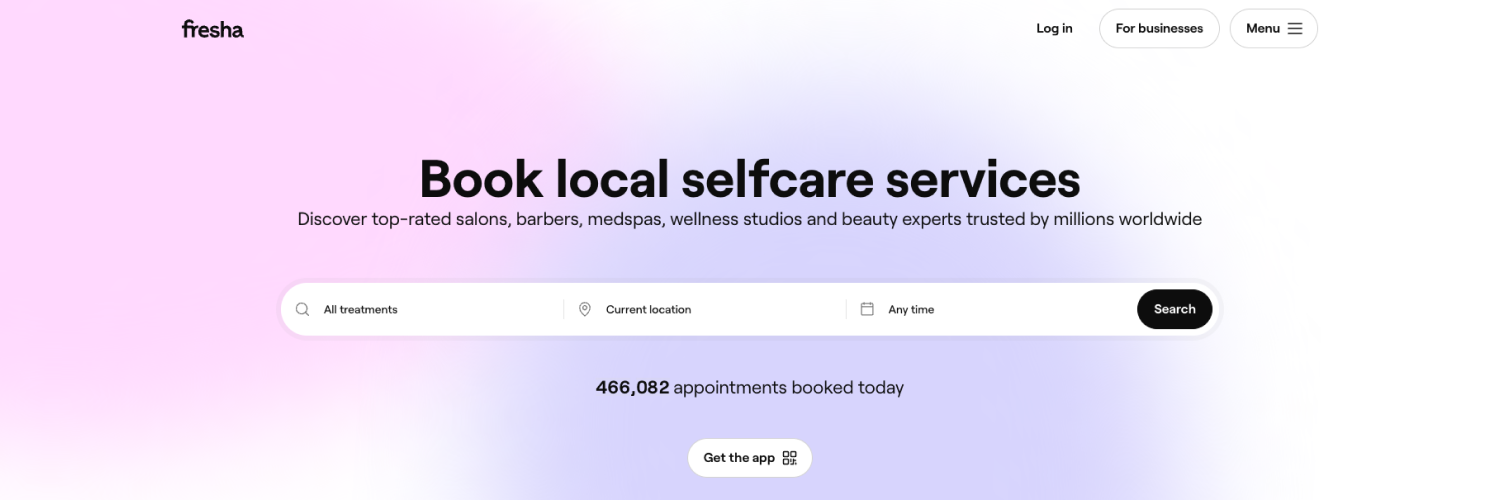
1. Fresha: Marketplace App With a 24/7 AI Concierge
Type: Marketplace app
Fresha suits salons that want a booking app with built-in discovery and help answering the phone. Clients find you through the Fresha marketplace app, and the Fresha for Business app runs your day.
On your side. The Fresha for Business app puts your calendar, client profiles, checkout, and sales reports in one place. You can book, move, and check out appointments between clients without walking back to the front desk.
For your clients. Clients book through the Fresha marketplace app, your Google profile, Instagram, or your own booking link. The marketplace reaches clients in more than 120 countries.
Two newer Fresha features matter most on mobile. Annabelle Taurua, PR and Content Marketing Executive at Fresha, points to AI Concierge first:
"AI Concierge picks up every call and message, understands what the client actually needs, and gets them booked in, all without anyone on your team lifting a finger. It's built right into your Fresha profile, so it knows your services, your team, your availability, even your regulars, and it sounds like your business, not a generic bot."
AI Concierge is one of a growing number of AI tools for beauty brands built to take repetitive admin off your plate.
The second is Fresha Connect. Team Connect works as internal chat for your staff, and Client Connect keeps client conversations in one inbox instead of spread across WhatsApp and email.
Key app features
Calendar, checkout, and client profiles in the Fresha for Business app
Listing on the Fresha marketplace app for new-client discovery
AI Concierge for calls and messages, 24/7 (optional add-on)
Fresha Connect for team and client messaging
Automated reminders and marketing campaigns
Pricing. The subscription starts at $19.95/month for a solo user, or $14.95 per team member/month for teams. The marketplace charges 20% (minimum $6) on a new client's first booking, and card processing and extra SMS are billed separately. AI Concierge is an optional paid add-on.
Worth knowing. Fresha makes the most sense when you want marketplace reach and fewer missed calls. If most of your bookings already come from loyal clients, weigh the marketplace fee against how many new clients you actually need.
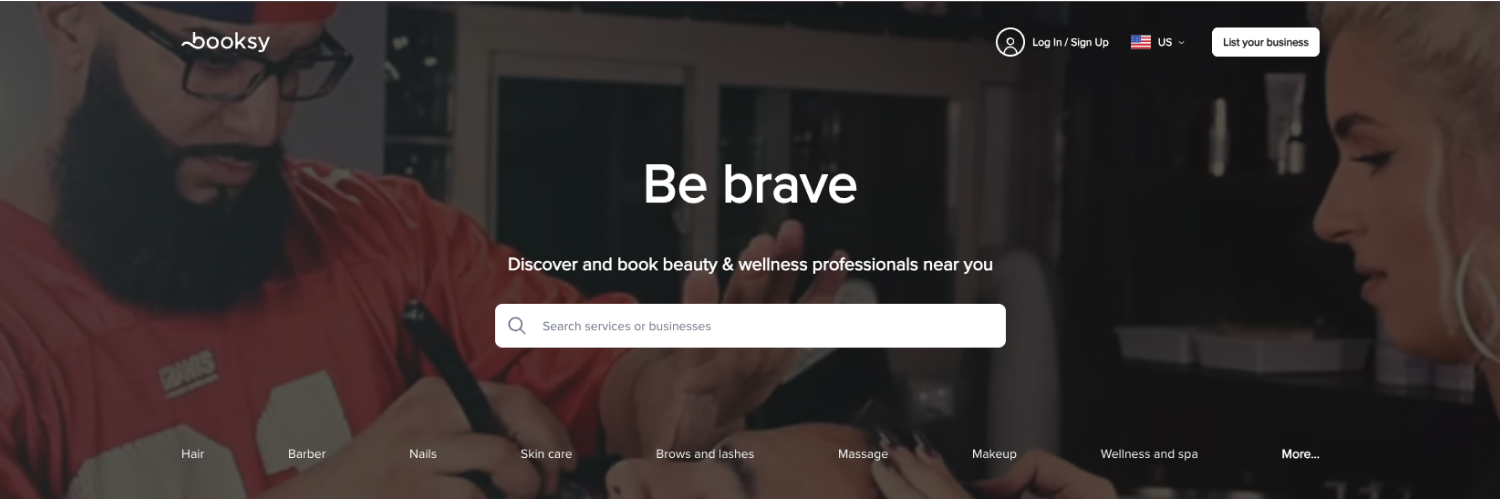
2. Booksy: Run the Whole Salon From the Booksy Biz App
Type: Marketplace app
Booksy is built around two apps. Booksy Biz is the one you use, and the Booksy for Customers app is where clients find and book you.
On your side. Booksy Biz covers your calendar, clients, checkout, and marketing from your phone. For shifts, inventory, reporting, and the full point of sale system, Booksy Biz Pro runs on a tablet or the web.
For your clients. Clients find you on the Booksy app, the Booksy marketplace, or Google, then book open slots 24/7. They can also manage appointments for friends and family from the same account.
Booksy's own pitch is simple. Every feature sits in one plan, so solo pros and teams spend less time managing the business and more time on the craft.
Key app features
Booksy Biz app for calendar, clients, checkout, and marketing
Listing on the Booksy for Customers app and marketplace
Automated reminders, waitlists, and deposits
Mobile payments with no-show protection
Marketing blasts with 2,000 free texts a month
Pricing. $29.99/month for the first user, plus $20/month for each additional team member, with a 14-day free trial. Payment processing runs about 2.49% + $0.10 per transaction. The optional Booksy Boost charges a one-time 30% fee on a new client's first visit (minimum $10, maximum $100).
Worth knowing. The phone app handles the daily essentials, but inventory and reporting need Booksy Biz Pro on a tablet or the web. If you want to run everything from your phone, check which screens you'll actually need first.
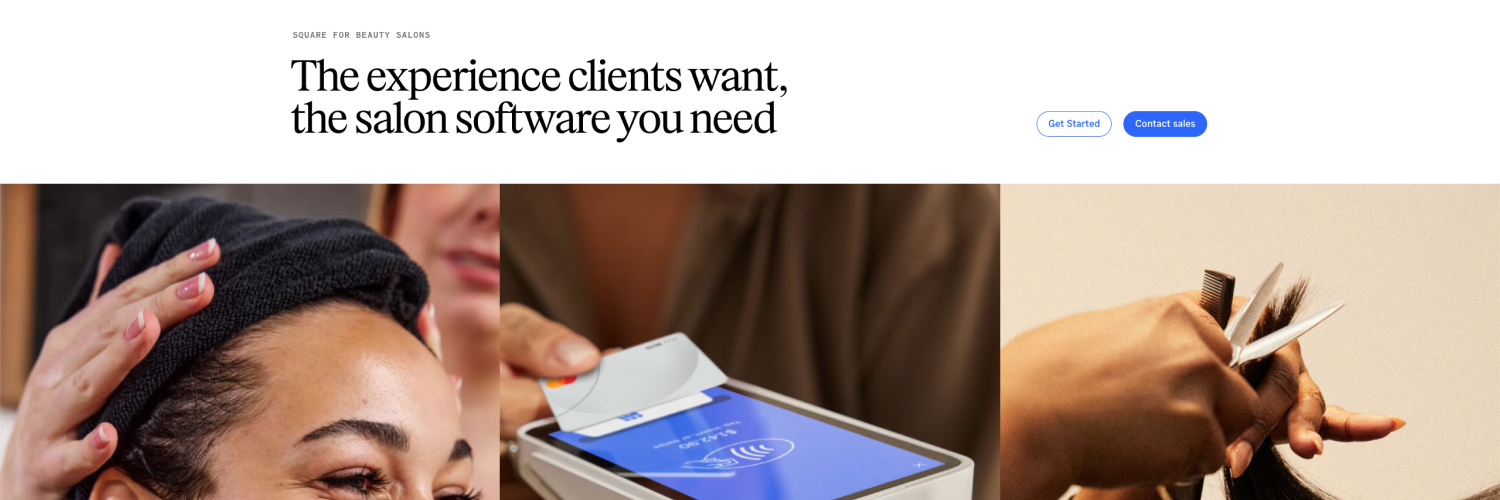
3. Square Appointments: Free Salon Booking App With Tap to Pay
Type: Free booking app
Square Appointments is the pick for solo stylists who want a free salon appointment app and payments on the same phone. Booking and checkout live in one Square account.
On your side. You manage appointments, staff calendars, and checkout from the Square Appointments app. Tap to Pay on iPhone and Android takes contactless cards and digital wallets with no card reader. With Square Assistant, clients can reply to SMS reminders to confirm, cancel, or reschedule, and your calendar updates on its own.
For your clients. Clients book 24/7 through a free booking site, a QR code, or a Book Now button on Instagram, Facebook, or your Google Business Profile. They can pay with Apple Pay or Google Pay right in the booking flow.
Square pitches its Free plan at solo professionals who need to take payments and manage a schedule, and unlimited staff calendars are included even at $0.
Key app features
Free plan with an online booking site and appointment reminders
Tap to Pay on iPhone and Android
Book Now buttons for Instagram, Facebook, and Google
Two-way SMS confirmations through Square Assistant
Deposits and card-on-file no-show fees (Plus and above)
Pricing. Square Free costs $0/month, with 2.6% + 15¢ per in-person payment and 3.3% + 30¢ online. Plus runs $49/month per location and adds multi-staff booking, a waitlist, and no-show fees. Premium is $149/month per location. Both paid plans come with a 30-day free trial.
Worth knowing. Square Appointments serves many kinds of businesses, not just salons, so beauty-specific details are lighter than in salon-first apps. It's also available in a limited number of countries, so check your region before you sign up.
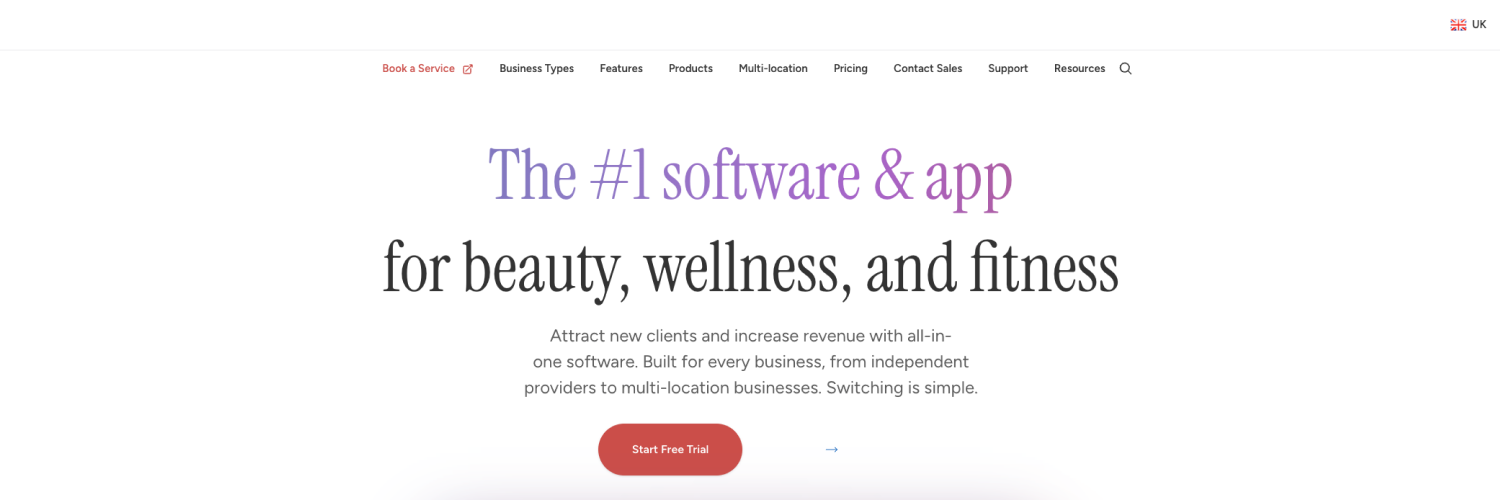
4. Vagaro: All-in-One Salon App With a Built-In Marketplace
Type: All-in-one app + marketplace
Vagaro suits small teams that want one app for booking, payments, and retail, plus a marketplace that sends new clients your way.
On your side. The Vagaro Pro app gives you a drag-and-drop calendar, client profiles with formulas and allergy notes, automated reminders, and checkout. You can also add an online store (a paid add-on) and sell memberships, packages, products, and gift cards while the salon is closed.
For your clients. Clients book through your personalized booking page or find you in the Vagaro Marketplace, which Vagaro says connects beauty and wellness businesses with more than 52 million potential customers.
Vagaro frames the app around the full client journey. It helps new clients discover you, then keeps rebooking and retention moving once they've visited.
Key app features
Vagaro Pro app for calendar, checkout, and client records
Vagaro Marketplace listing for new-client discovery
Online store for products, packages, and gift cards (add-on)
Automated email and text reminders
Optional add-ons for payroll, forms, and text marketing
Pricing. Pricing starts at $23.99/month for one bookable calendar, a limited-time promotional rate against a standard $30. Each extra staff calendar adds about $10/month (calendars two through seven; the eighth and beyond are free). Payroll, website building, and text marketing are paid add-ons.
Worth knowing. The add-ons are where Vagaro's price climbs. Price out the ones you'll actually use before you compare it with flat-rate apps. On the plus side, Vagaro currently doesn't charge a new-client fee on marketplace bookings.
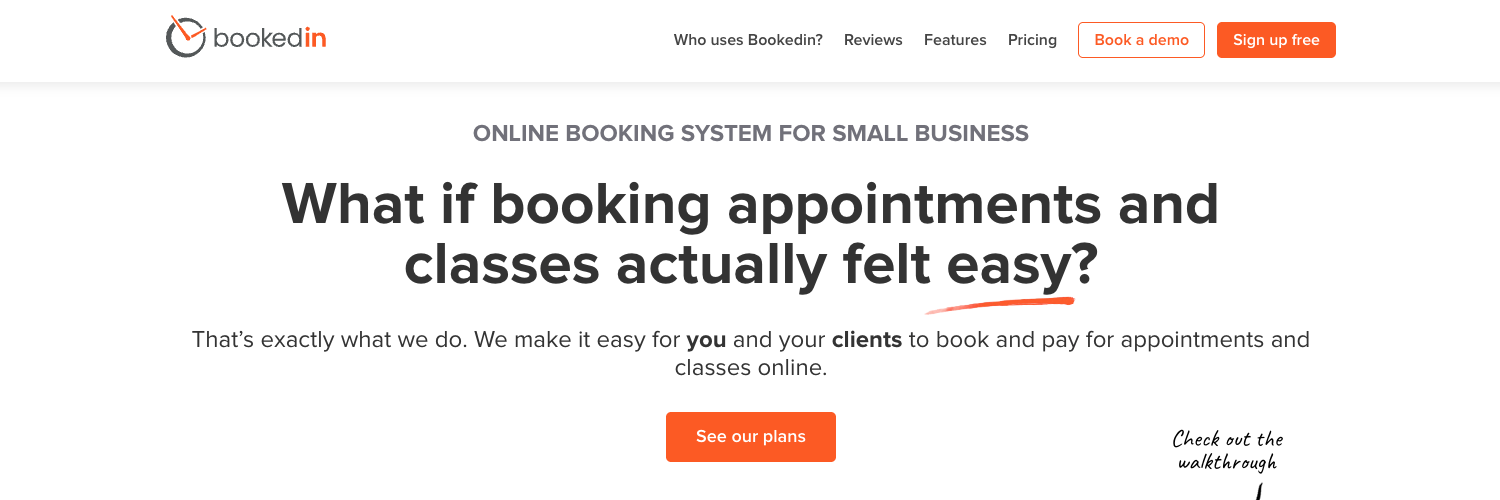
5. Bookedin: Booking App With Login-Free Appointments
Type: User-friendly booking app
Bookedin suits solo stylists and small salons that want a simple booking app and clients who never have to download anything.
On your side. The Bookedin app for iPhone and Android lets you create, reschedule, and cancel bookings, block time off, and set your business hours. You can message clients by text or email from the app, and booking, payment, and cancellation alerts land on your phone as they happen.
For your clients. Clients book through your Bookedin booking page, linked from your website, Facebook, or Instagram. There's no app to download and no password to remember.
Marcy Miniano, Content Marketing Lead at Bookedin, says the client's booking experience should decide the choice:
"Your clients should be able to do these steps within just a few minutes: Select the service/s they want (with prices and details indicated), choose someone on your staff (if they have a preferred hair stylist), see all the available times and dates, and reserve their slot. They shouldn't have to log in with an account or get stuck on one step of the booking process. This will either frustrate them (and they might simply not push through), or have them calling/texting you instead (which defeats the purpose of getting a software meant to help free up your time)."
After the visit, automated post-appointment emails handle thank-you notes, review requests, and rebooking nudges on their own.
Key app features
iPhone and Android app with instant booking, payment, and cancellation alerts
Login-free online booking page
Text and email reminders (paid plans)
Automated, service-specific post-appointment emails
Google, Outlook, and iCal calendar sync (paid plans)
Hands-on human support
Pricing. The free plan covers up to 50 bookings a month. Plus starts at $19/month billed annually (24 billed monthly) and adds unlimited bookings, reminders, online payments, deposits, and calendar sync. Pro starts at $39 monthly (billed annually). All paid plans include a 14-day trial.
Worth knowing. Bookedin keeps the app simple on purpose. There's no marketplace, so new clients find you through Google, social media, and your own website.
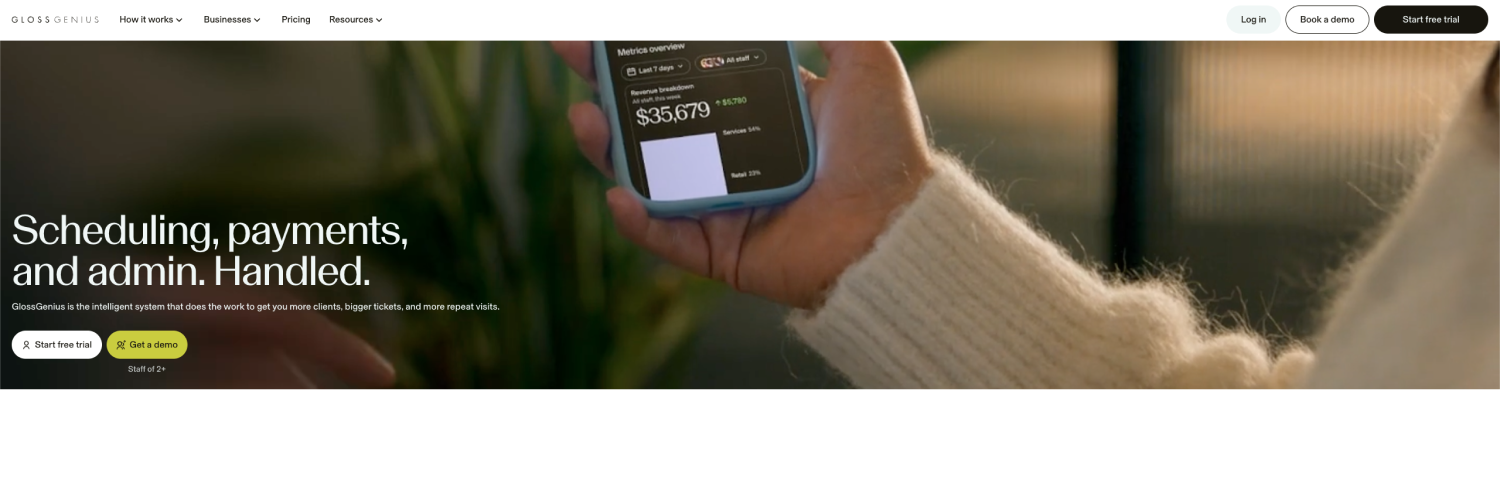
6. GlossGenius: Branded Booking Site and Tap to Pay in One App
Type: Branded booking app
GlossGenius is for independent stylists and small salons that care how booking looks and feels. The app is where you run the business, and the booking site is where clients meet your brand.
On your side. Most day-to-day work happens in the GlossGenius app for iPhone and Android, from bookings and client profiles to marketing. Tap to Pay on iPhone and Android lets you check clients out anywhere, or you can pair a GlossGenius card reader.
For your clients. Clients book through a customizable, login-free booking site that's open 24/7. Confirmations and reminders go out automatically, so fewer clients forget their appointment.
GlossGenius also points to discovery. It says its booking sites rank on Google, so new clients can find you in search without paying for ads.
Key app features
iPhone and Android app for booking, checkout, and client profiles
Customizable, login-free booking site
Tap to Pay on iPhone and Android, plus card readers
Automated confirmations, reminders, and rebooking prompts
Email and text marketing tools
Pricing. Starts at $28/month ($24/month annually), with a 14-day free trial. Higher tiers add more advanced booking, marketing, and management features. Payment processing is a flat 2.6% per transaction.
Worth knowing. GlossGenius is available only in the United States.
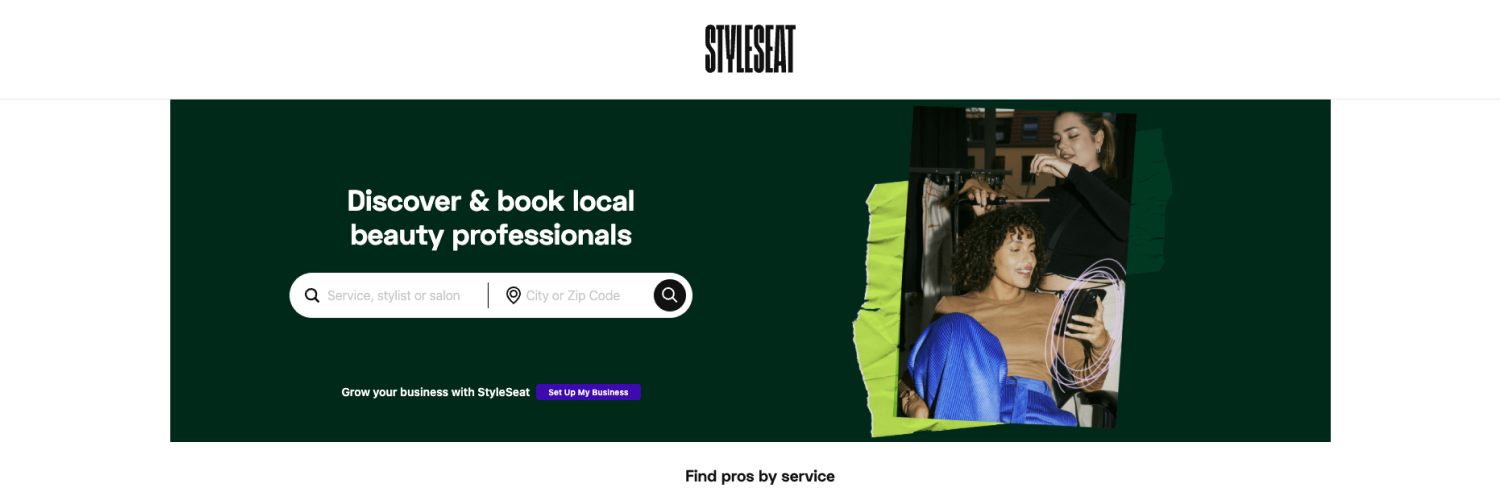
7. StyleSeat: Marketplace App for Solo Stylists Building a Client Base
Type: Marketplace app
StyleSeat suits solo stylists who need new clients as much as they need a calendar. The app pairs booking with a consumer marketplace.
On your side. The StyleSeat app handles your calendar, payments, client messaging, and marketing. When a new client requests a booking through the marketplace, you get a push notification and have 24 hours to accept or decline.
For your clients. Clients search the StyleSeat app for services near them, browse your profile and photos, and book. Marketplace clients need a card on file to request a booking, which helps protect you from no-shows.
StyleSeat describes its New Client Connection as marketing done for you. It runs ads and SEO campaigns, then matches clients to pros by specialty, location, and availability.
Key app features
New Client Connection marketplace bookings
Push notifications for new booking requests
Online booking, payments, and client messaging
No-show and late cancellation protection
Smart Pricing for high-demand slots
Pricing. One plan, Premium, at $35/month ($31.50/month annually), with a 21-day free trial. StyleSeat takes 30% of a new client's first appointment through New Client Connection, capped at $50, and clients pay a $2.35 booking fee per appointment.
Worth knowing. Smart Pricing raises prices in busy slots, so check how it's set up before you switch it on. If your book is already full of loyal regulars, the new-client fees may cost more than they bring in.
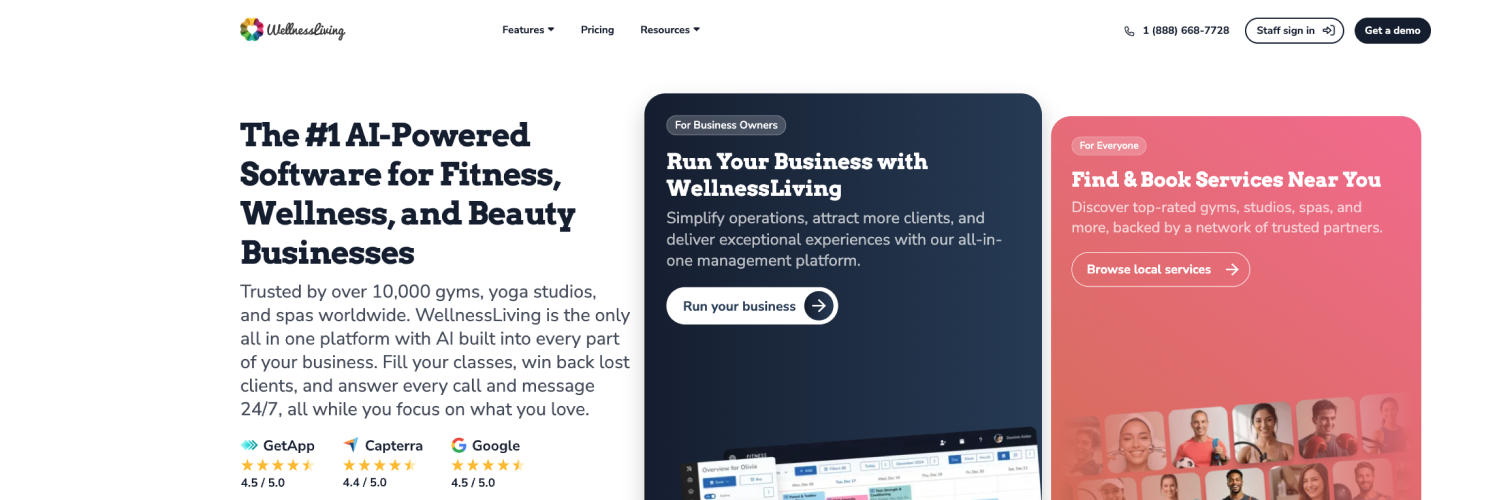
8. WellnessLiving: Branded Client App and Booking on the Go
Type: Branded client app
WellnessLiving suits salons and spas that want clients booking through a dedicated app rather than a marketplace. It covers booking, marketing, and loyalty in one system, with separate apps for staff and clients.
On your side. The Elevate staff app puts schedules and client details on your team's phones. Booking, marketing campaigns, and loyalty programs run from the same account.
For your clients. Clients book through the Achieve client app, your website, Reserve with Google, or Facebook. In Achieve, they can book services, make purchases, collect reward points, and get reminders about upcoming appointments.
Luciana Bridges, RN, Product Marketing Manager for Health and Beauty at WellnessLiving, explains why the apps matter:
"The salon owners who get the most out of a booking tool are the ones who stop treating scheduling as its own island. Look for software that connects online booking with automated reminders, client profiles, and payments in one system: that alone cuts down no-shows and the back-and-forth of juggling separate tools. At WellnessLiving, we go a step further: booking, marketing campaigns, and loyalty programs live alongside Presence, a built-in branded website, and Achieve, a custom client app for booking on the go. That's what makes it a true all-in-one growth platform, not just a scheduler, but the full front door to a salon's business."
Key app features
Achieve client app for booking, purchases, and rewards
Elevate staff app for schedules and client details
Loyalty and rewards programs
Presence branded website
Reserve with Google and Facebook booking
Pricing. Four tiers: Starter ($69/month), Business ($199/month), BusinessPro ($349/month), and a custom Enterprise plan. There's no free plan. The Achieve app is included on every tier under the WellnessLiving name, while the fully white-labeled version with your salon's branding sits on BusinessPro and above. Presence websites are an add-on.
Worth knowing. WellnessLiving grew up serving class- and membership-based businesses, so a salon running one-to-one appointments won't use every feature. Price the tier that includes your branded app before you commit.
9. Timely: Client Records and Checkout in Your Pocket
Type: Staff and owner app
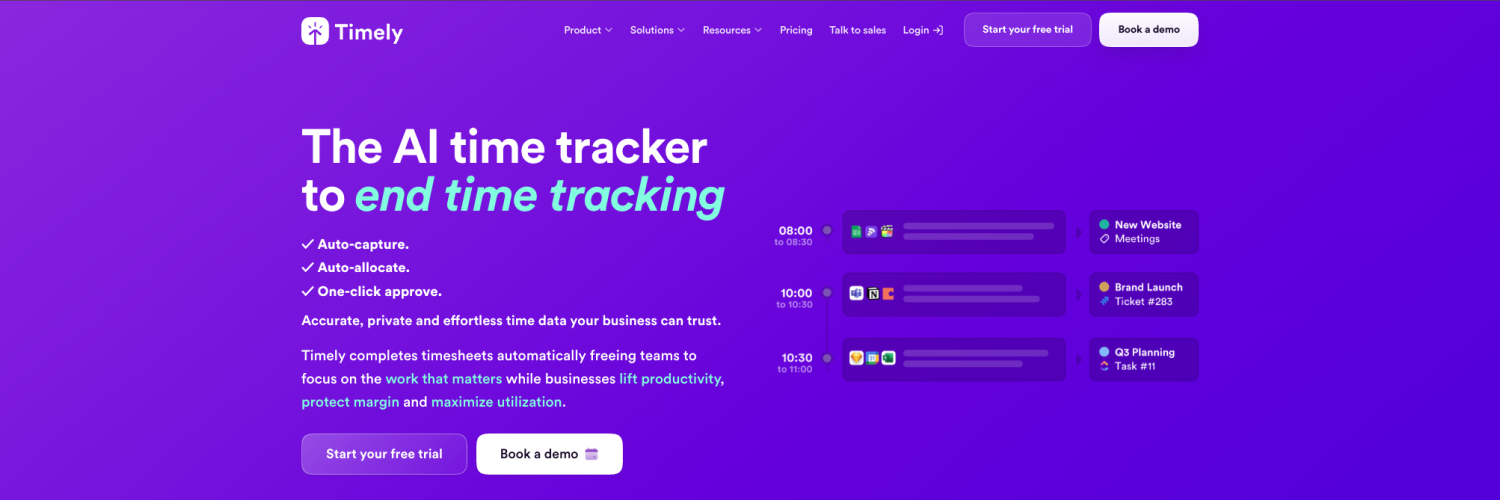
Timely fits hair and beauty pros who want their appointment book, client records, and checkout in one app, with no commission on bookings.
On your side. The Timely app lets you add and edit appointments, check client notes, and upload photos and documents to client records. You can take payments and tips with Tap to Pay on iPhone, check clients out, and pull up reports between appointments.
For your clients. Clients book through your Timely booking page, linked from your website, Instagram, or Google. Bookings from any source stay commission-free.
Timely pitches the app as a fix for late-night admin. That means no more trading appointment messages over Instagram and no more sending consultation forms by hand.
Key app features
Timely app for appointments, client records, and checkout
Tap to Pay on iPhone
Photo and document uploads to client records
Consultation forms and rebooking reminders (higher tiers)
Commission-free online booking page
Pricing. Three plans billed per bookable staff member per month: Build ($26), Elevate ($39), and Innovate ($47) in the US, with a 14-day free trial and no permanent free plan. Each plan includes a monthly SMS allowance, with overages and payment processing billed separately.
Worth knowing. Some setup and admin tools are easier on the desktop version, which Timely itself suggests once you're up and running. Per-staff pricing also means the cost grows with your team.
10. Treatwell: Marketplace App for Salons in the UK and Europe
Type: Marketplace app (Europe)
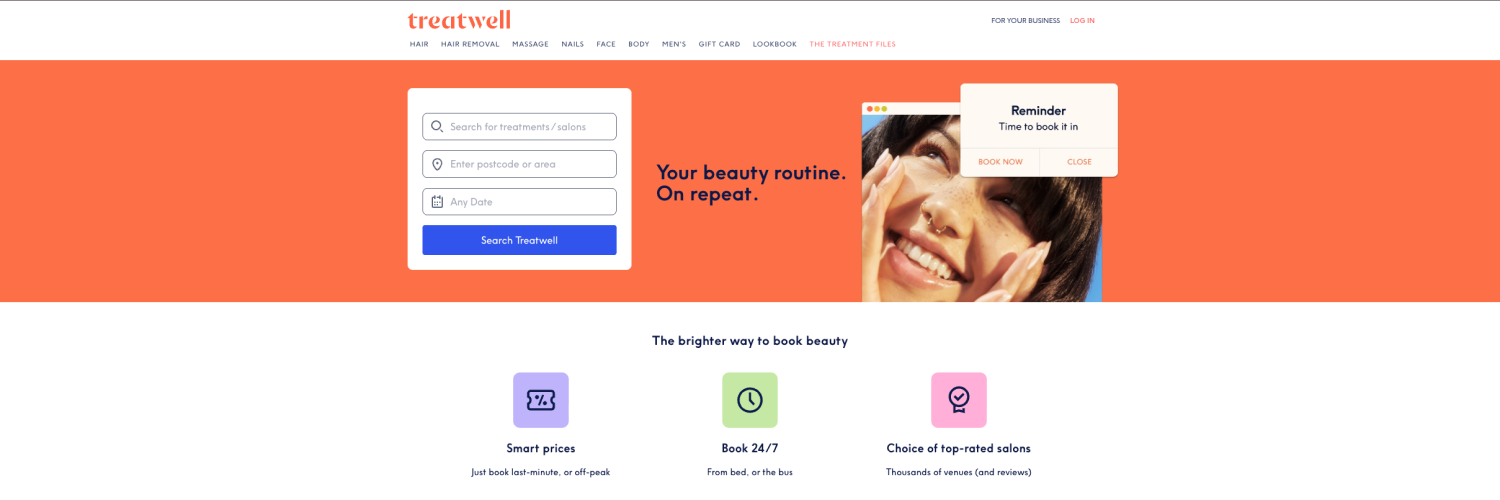
Treatwell suits salons in the UK and Europe that want a booking app tied to a large beauty marketplace. You run the day in Treatwell Connect, and clients find you in the Treatwell app.
On your side. The Treatwell Connect app lets you reschedule or cancel in seconds, block out breaks, and switch between multiple locations. Push notifications flag new bookings as they arrive, and Tap to Pay handles checkout in supported countries.
For your clients. Clients book through the Treatwell marketplace app, Google, social media, or a booking widget on your own website. When your calendar is full, they can join a waiting list, and automatic reminders nudge them when it's time to rebook.
Treatwell's pitch for Connect is that your salon should almost run itself. The app takes care of the admin, so you can focus on your team and clients.
Key app features
Treatwell Connect app with push booking alerts
Listing on the Treatwell marketplace app
Tap to Pay and an integrated POS
Waiting list and automatic rebooking reminders
Consultation forms sent before appointments
Pricing. Treatwell Connect runs on a monthly subscription from around €21 to €29, depending on region and plan. The marketplace charges roughly 25%-35% commission on a new client's first booking through it. Bookings from your own website, social links, and repeat clients are commission-free, and online prepayments carry a small processing fee.
Worth knowing. Treatwell is only available in its European markets, and commission terms vary by country. Check your local pricing page before you commit.
11. Phorest: Branded Salon App and PhorestGo for Established Teams
Type: Branded client app
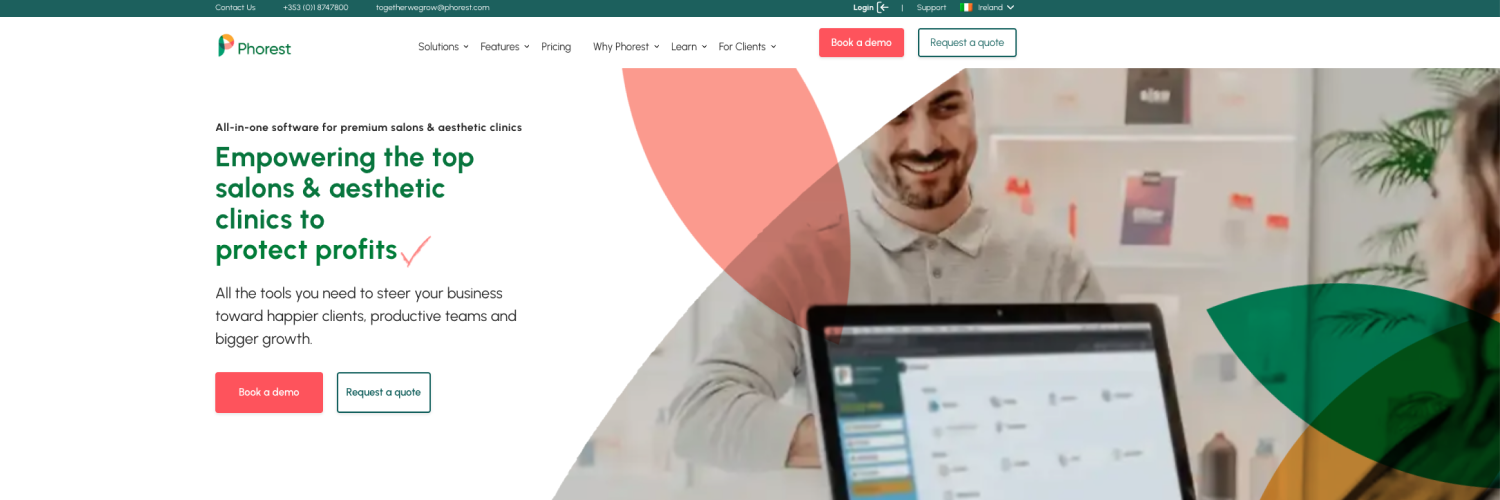
Phorest fits established salons that want clients booking through an app with the salon's own name on it, plus a team that tracks its own performance.
On your side. PhorestGo puts the salon day in one view. Staff can check their appointments, client notes, allergies, and formulas, save before-and-after photos to client profiles, and track their own KPIs with My Performance. Owners can switch between locations and scan inventory from the same app.
For your clients. On the Elite plan, clients book through a branded salon app for iPhone and Android, where they can check their TreatCard loyalty balance and get push reminders. They can also book through your website, social media, and Reserve with Google.
Phorest leans on the human side too. Every account gets a dedicated Salon Success Manager, which helps when you're setting up a branded app for the first time.
Key app features
PhorestGo app for schedules, client records, and staff KPIs
Before-and-after photos saved to client profiles
Branded salon booking app (Elite plan)
Phorest Chat two-way messaging (Elite plan)
PhorestGuest self check-in app for an iPad at the front desk
Pricing. Quote-based, with no public monthly price. PhorestGo is free to download but needs a Phorest subscription, and the branded client app and two-way messaging sit on the Elite plan.
Worth knowing. The branded app is the main draw, but it lives on the top tier. Ask for an Elite quote specifically, so you're comparing the version you actually want.
How to Choose the Best Salon Booking App
The best salon booking system is the one that fits how your salon runs today. Before you commit to a salon scheduling app, put it through these four checks.
1. Decide Who the App Is Really For
Every salon appointment booking app serves three groups: you, your staff, and your clients. Decide which one matters most before you compare features.
If it's mostly for you, look for fast checkout, a clear calendar, and client management you can handle one-handed between appointments. A solo hair salon owner rarely needs advanced features on day one.
If it's for your team, staff management matters more. Check personal logins, permissions, and whether hair stylists can see their own schedules and client notes on their phones.
If it's mostly for your clients, choose between marketplace reach, a login-free booking page, or a branded client app. That choice shapes your fees and how clients see your salon business.
If you run multiple locations, confirm you can switch between them in the app without logging out.
2. Try the Booking Process Yourself
Spend the first days of your free trial on the client side. Book a test appointment from your own phone, the way a new client would.
Can you choose a service, see the price, pick a stylist, and confirm in a few minutes?
Were you forced to create an account or download an app?
Did the confirmation and appointment reminders arrive the way you expected?
Then switch sides. Move that booking, check it out, and process payments from the owner app. If either side feels slow, the app won't save you time on a full day of booking appointments.
Look at the checkout while you're there. Many salon booking apps include a POS system and inventory management, so you can sell take-home products in the same checkout as the service. That's a natural home for private label skincare for salons.



3. Test Notifications and Payments on the Go
A salon scheduling app is only as good as its alerts. Keep the app running for a few days of your trial and watch what happens.
Client notifications. Check which reminders go out by push, SMS, or email, and how many texts are included before extra fees start.
Owner alerts. You should hear about new bookings, cancellations, and payments without opening the app.
Calendar sync. If you keep personal plans in Google Calendar, make sure the sync covers both calendars so nothing overlaps.
Payments. Take a test payment with Tap to Pay or a card reader, then check how fast the money lands. Payment processing fees add up quickly and can affect your cash flow more than the subscription does.
4. Check What "Free" Actually Covers

A free salon booking system can carry a solo stylist a long way, but every free plan has limits. Square Appointments Free and Bookedin's free plan are the two options on this list, and both cover basic scheduling features well.
Before you rely on one, check the caps.
Bookings. Does the free app stop at specific bookings a month?
Staff. Is it free for solo professionals or does it cover multi-staff booking needs?
Texts. Are SMS reminders and text marketing tools paid extras?
Services. Some scheduling software caps the number of services, often called event types, while others allow unlimited event types
Fees. A free plan may still charge payment processing on every transaction.
Moving up a tier inside the same app is usually easier than switching to another platform later, so pick a free plan with a paid tier you'd actually use.
Run More of Your Salon From Your Phone
The right salon booking app gives you back the minutes that disappear between clients. Fewer messages to answer. Fewer reminders to send. Fewer bookings that slip through.
Which app gets you there depends on how your salon works.
Fresha pairs marketplace reach with an AI Concierge that answers calls and messages.
Booksy runs calendar, checkout, and marketing from one phone app.
Square Appointments gives solo stylists a free plan and Tap to Pay.
Vagaro combines booking, retail, and a marketplace in one app.
Bookedin keeps booking simple, with nothing for clients to download.
GlossGenius puts a polished, branded booking site behind a user-friendly app.
StyleSeat helps solo stylists fill their calendar with new clients.
WellnessLiving gives clients a dedicated app for booking on the go.
Timely keeps client records and checkout in your pocket.
Treatwell connects salons in Europe to a large marketplace.
Phorest offers a branded salon app for established teams.
Start with the job that eats most of your day. Test the app from both sides of the booking. Then let your phone handle more of the admin, so you can spend more of your time on the clients.
Frequently Asked Questions
-
Square Appointments and Bookedin are the only apps on this list with a permanent free plan. Square Free covers online booking, reminders, and Tap to Pay with no monthly fee, while Bookedin's free plan includes up to 50 bookings a month. Growing teams can move to paid plans for multi-staff booking, text reminders, and marketing tools.
-
Not always. Bookedin, GlossGenius, Square Appointments, and Timely use a login-free online booking page, so clients book from any browser. Marketplace apps like Fresha, Booksy, StyleSeat, Vagaro, and Treatwell give clients an app to discover salons, though most also offer a direct booking link. Branded client apps from WellnessLiving and Phorest ask clients to download an app with your salon's name on it, which suits regulars who book often.
-
A solo stylist often can. Most salon booking apps handle online scheduling, client management, reminders, and checkout from a phone. Larger teams usually still need a desktop or tablet for deeper reporting, payroll, and inventory. Booksy, for example, moves inventory and reporting into Booksy Biz Pro on a tablet or the web. If your salon operations include several staff or multiple locations, pair the app with full salon software for the back office.
-
It depends on how you work. Booksy and StyleSeat are popular with independent hair stylists and barbers who want marketplace discovery. Phorest and Timely suit an established hair salon that relies on detailed client records, formulas, and before-and-after photos. For a nail salon or lash studio with fast, back-to-back appointments, an app with deposits and no-show protection, like Square Appointments or GlossGenius, keeps the calendar tight.
Whichever app you pick, pair its marketing tools with a few hair salon marketing ideas to keep the calendar full.
-
Yes. WellnessLiving covers salons and spas, with the Achieve client app and loyalty programs that suit class- and membership-based services. For treatment-based practices like massage, physiotherapy, or medspa work, dedicated spa software such as ClinicSense pairs booking with waitlists, block lists, advance payments, and scheduling rules that reduce gaps between appointments.
Must read