How to Create Marketing Materials With Kittl: A Step-by-Step Guide for Small Beauty Brands
Table of Contents
Running a small beauty brand usually means you're the marketing team too. You write the captions, choose the photos, and design the posts, often squeezed in between everything else. Most design software assumes you have a studio and a marketing budget behind you.
This guide shows how to create marketing materials for your small business using Kittl. You'll learn how to make marketing materials that fit your target audience and your budget, without hiring a designer or writing a formal marketing strategy.
You'll build the assets a brand actually reaches for week to week. One browser tab, a suite of templates to use.
Read on for a step-by-step guide for creating on-brand templates you can open, edit, and export as marketing materials, brand visuals, and product mockups.
Key Takeaways
Kittl works for small brands. Browser-based, template-led, and usable with no design background. Free to test, paid to sell.
Most brands need the same core set. Social graphics, ads, labels, and business cards, plus flyers for events.
Dimensions come before design. Setting the platform or print size first means nothing needs redoing.
A brand kit keeps everything consistent. Saved colors, fonts, and logo carry across every post, ad, and label.
The export depends on the destination. PNG for social, PDF at 300 DPI with bleed for print.
Marketing and product work as one. Your label is a marketing material too, and with Selfnamed it goes onto a real product with no minimum order.
What Counts as Marketing Materials for a Small Beauty Brand
Marketing materials are any branded pieces you create to promote your business and sell your products. For a small beauty brand, that covers everything a customer sees before and after they buy, from an Instagram post and product mockup to the thank-you card in the delivery box.
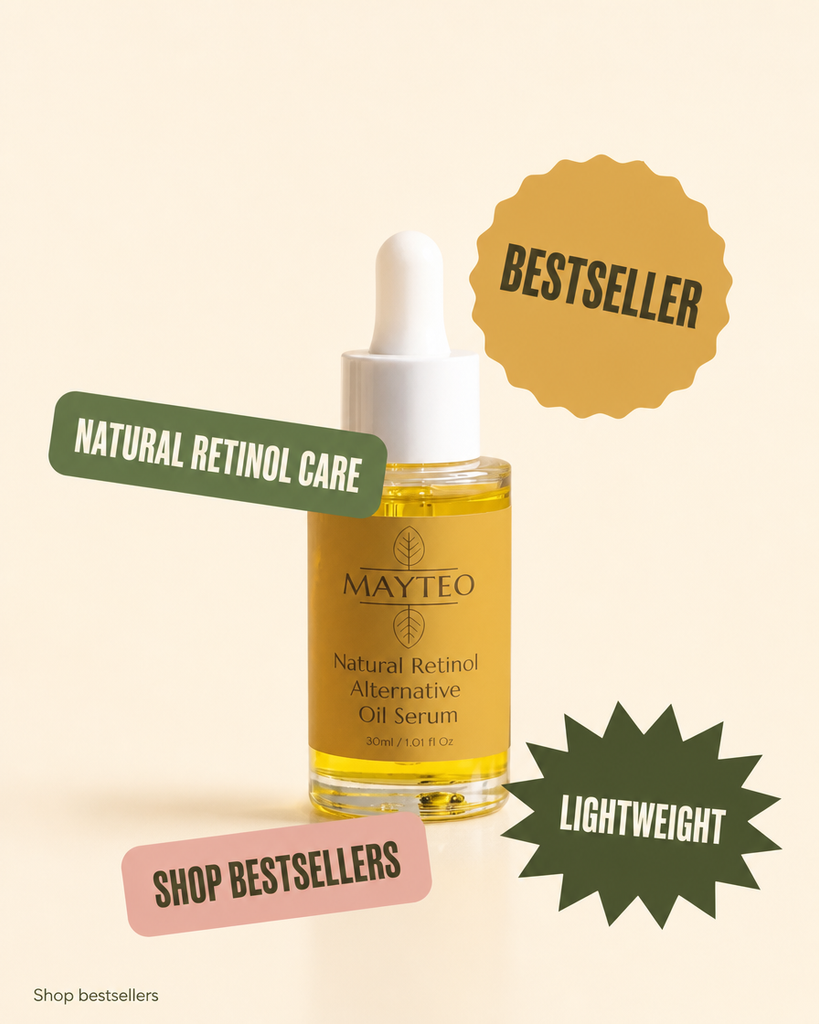
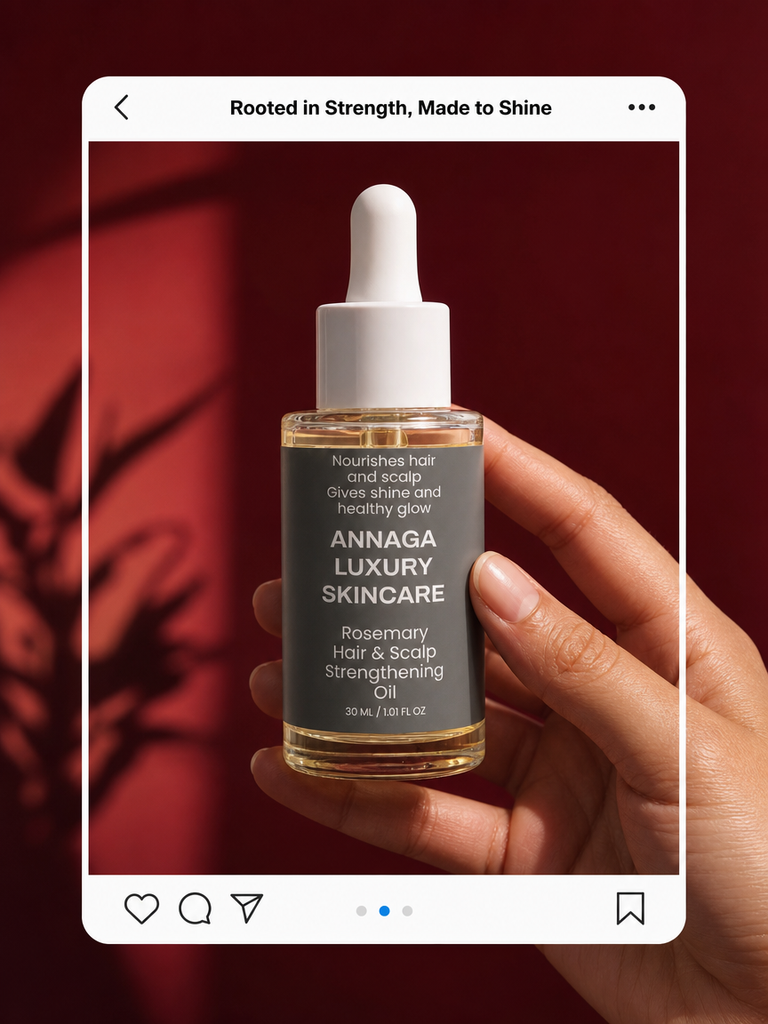
Good ones do two jobs at once: they carry your brand identity and they speak to your target audience, bringing potential customers closer to buying.
Digital marketing materials fall into a few core types, and this guide covers the ones you'll use most:
Social media graphics. Feed posts, stories, and reel covers for Instagram, Facebook, TikTok, and Pinterest. These are your most frequent and lowest-cost assets.
Digital ads. Paid social posts and display banners. They need a sharper hook and a clearer call to action than an organic post.
Email headers and banners. The branded artwork at the top of your newsletters and campaigns.
Product labels and packaging. The design on the product itself. We'll come back to this one at the end, because it's where your branding has to stay the most consistent.
These are the core starters, though there are always other marketing materials and marketing collateral you can add later, from brochures for stockists to promotional material for a launch.
Get the essentials looking consistent and you've covered most of what a small beauty brand needs to show up well online and in person.
Consistent, effective marketing materials are what build brand recognition and leave a lasting impression, which is how a small business turns first-time buyers into repeat ones. It's the groundwork of a marketing strategy you can actually keep up with.
Why Kittl for Marketing Materials
Kittl is a browser-based design tool built around templates, typography, and AI features, and it's a strong fit for a small brand making its own marketing materials. It's a cost effective way to handle your own marketing material design and still get results that look professionally made.
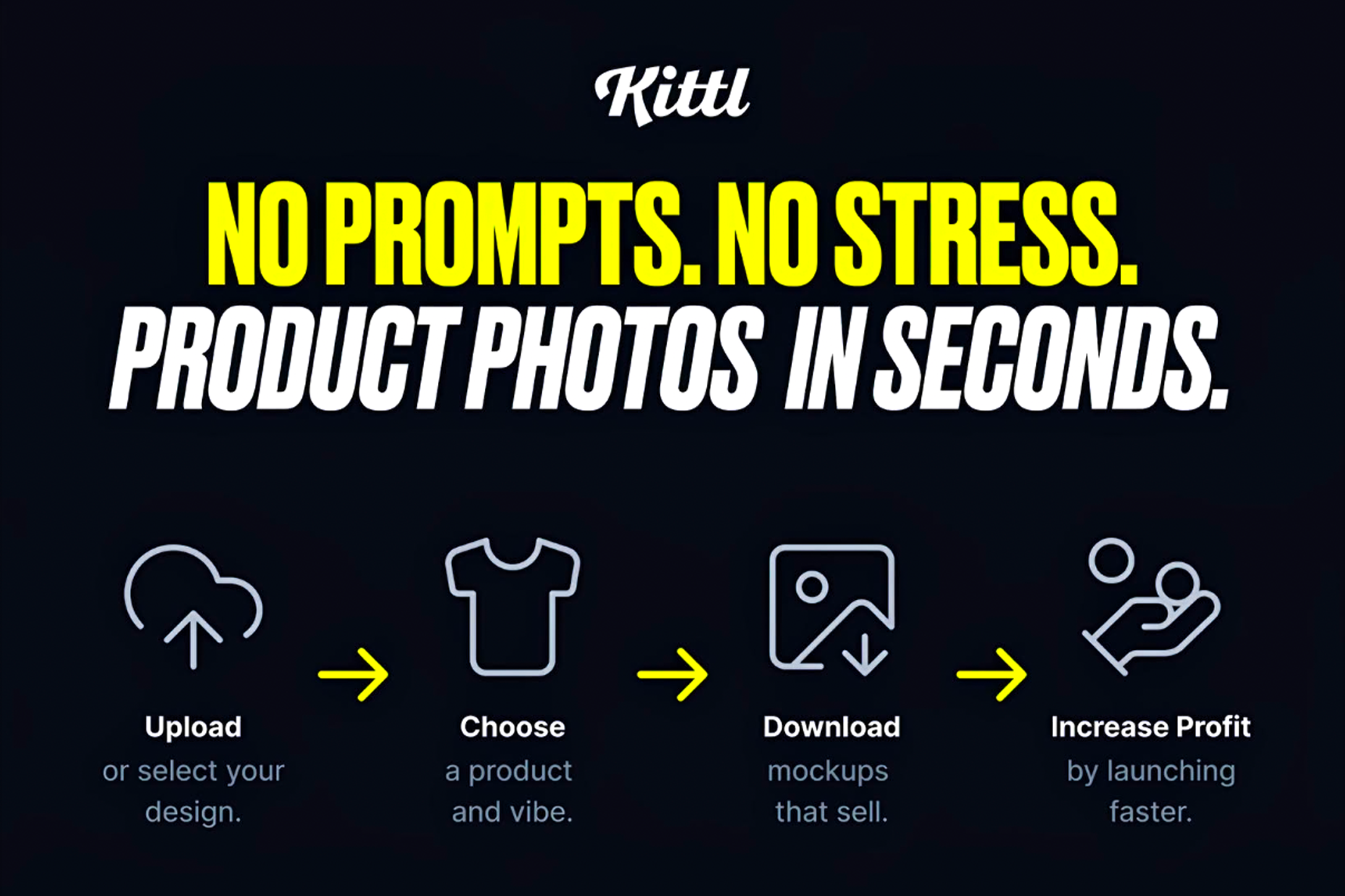
With Kittl, there's nothing to install and no professional software to learn. You get real creative design tools without the learning curve. You open a template, swap in your text, colors, and logo, and export something visually appealing and ready to post or print in minutes.
A few things make it work for marketing materials specifically:
Editable templates for every format. Social posts, ads, flyers, posters, and business cards come pre-sized, so you start from a real layout instead of a blank canvas.
Standout typography. Kittl leans hard into type, with effects and font pairings that make a small brand look considered rather than generic.
Clean, high-resolution exports. You can export high resolution images and SVG vectors that stay sharp on a poster or a business card, which matters once you move from screen to print.
AI tools built in. Kittl's AI tools generate images, remove backgrounds, and upscale artwork without opening a second app.
Brand kits. Save your brand assets, your colors, fonts, and logo, once and pull them into every new design, so everything stays on-brand.
Put together, these are what let a solo founder create effective marketing materials without a design team.
On pricing, the free plan is great for trying Kittl and for personal projects, but it caps export quality and doesn't include a commercial license. The moment you're using designs to sell products, you'll want a paid plan, which adds high-resolution and vector exports plus commercial rights. Paid plans start at $12 a month billed annually.
Kittl vs Canva. Both are good, and they lean in different directions. Canva is the broad all-rounder, with a huge template library, video, and team features. Kittl is more focused, and it's stronger on typography, vector work, and print-ready output. For a beauty brand that wants a distinctive, type-led look and files clean enough for labels and packaging, Kittl tends to be the better fit. If your main need is heavy video or a big team workflow, Canva may serve you better.
See our Kittl vs Canva vs Figma comparison for a more detailed review of each software.
Getting Started in Kittl
Before you make any marketing materials for your business, you need an account. Getting set up in Kittl takes about five minutes, and you can follow along on the free plan. You only need a paid plan later, once you're exporting final files to sell or print.
Here's how to create your account and find your way around.
Create Your Account
Go to kittl.com and choose Sign up. You can register with an email address or your Google account.
Pick the free plan to start. You don't need a credit card, and you can upgrade later when you need commercial exports.
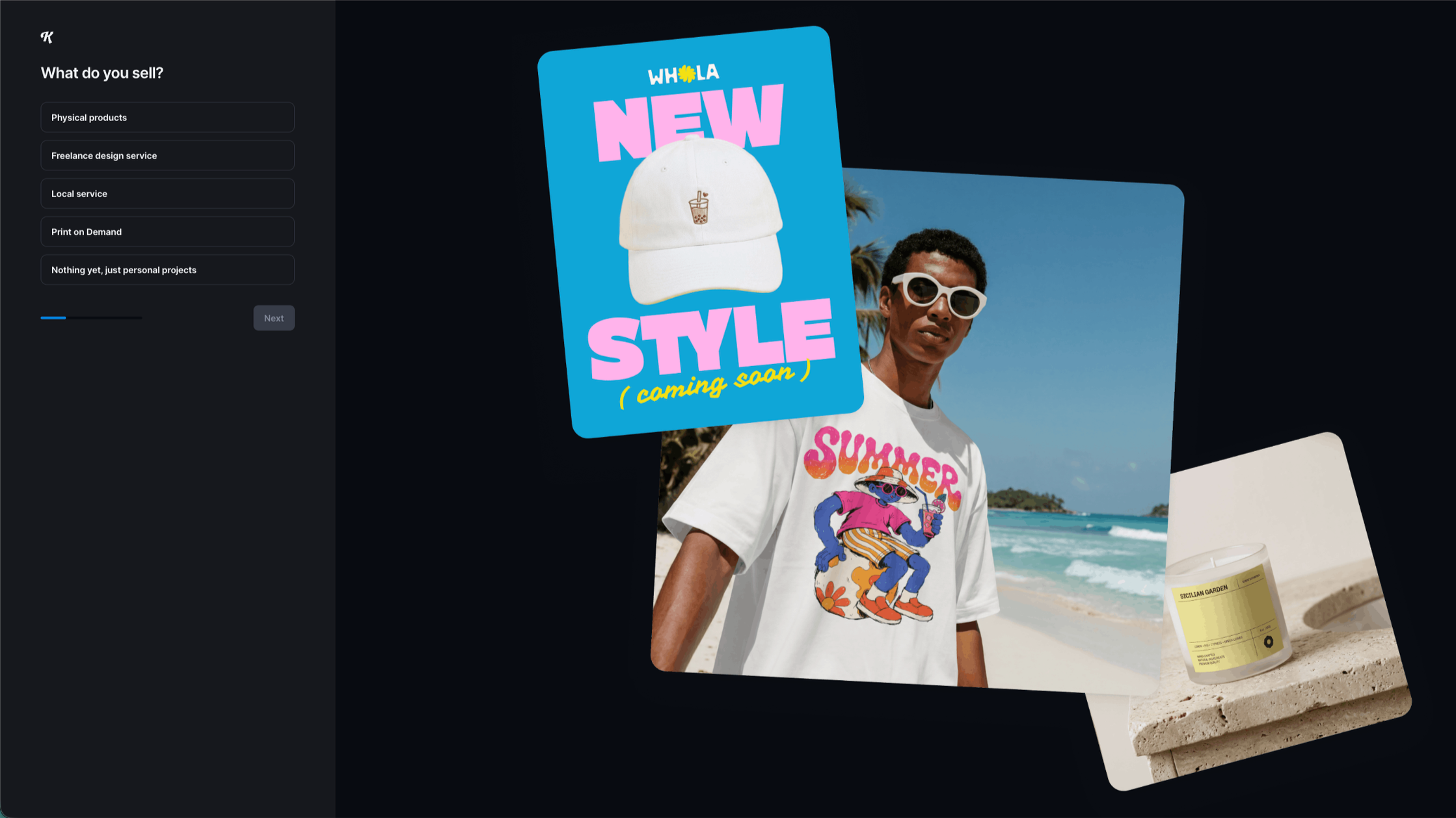
Answer the quick setup questions. Kittl asks what you'll use it for so it can suggest relevant templates.
From your dashboard, start your first project. Choose a template or a blank canvas in the size you need.
Find Your Way Around the Editor and Templates
The Kittl editor keeps everything on one screen. Once you know where four things live, you can build any of the marketing materials in this guide.
The canvas. The workspace in the middle, where your design takes shape.
The templates and elements panel. On the left, where you search templates and add text, shapes, photos, and icons.
The properties bar. On the right, where you change fonts, colors, sizes, and effects for whatever you've selected.
Selection panel. At the bottom, where you can switch to select, type, create frames, draw, etc.
The export button. Top right, where you download your finished design as a PNG, JPG, PDF, or SVG.
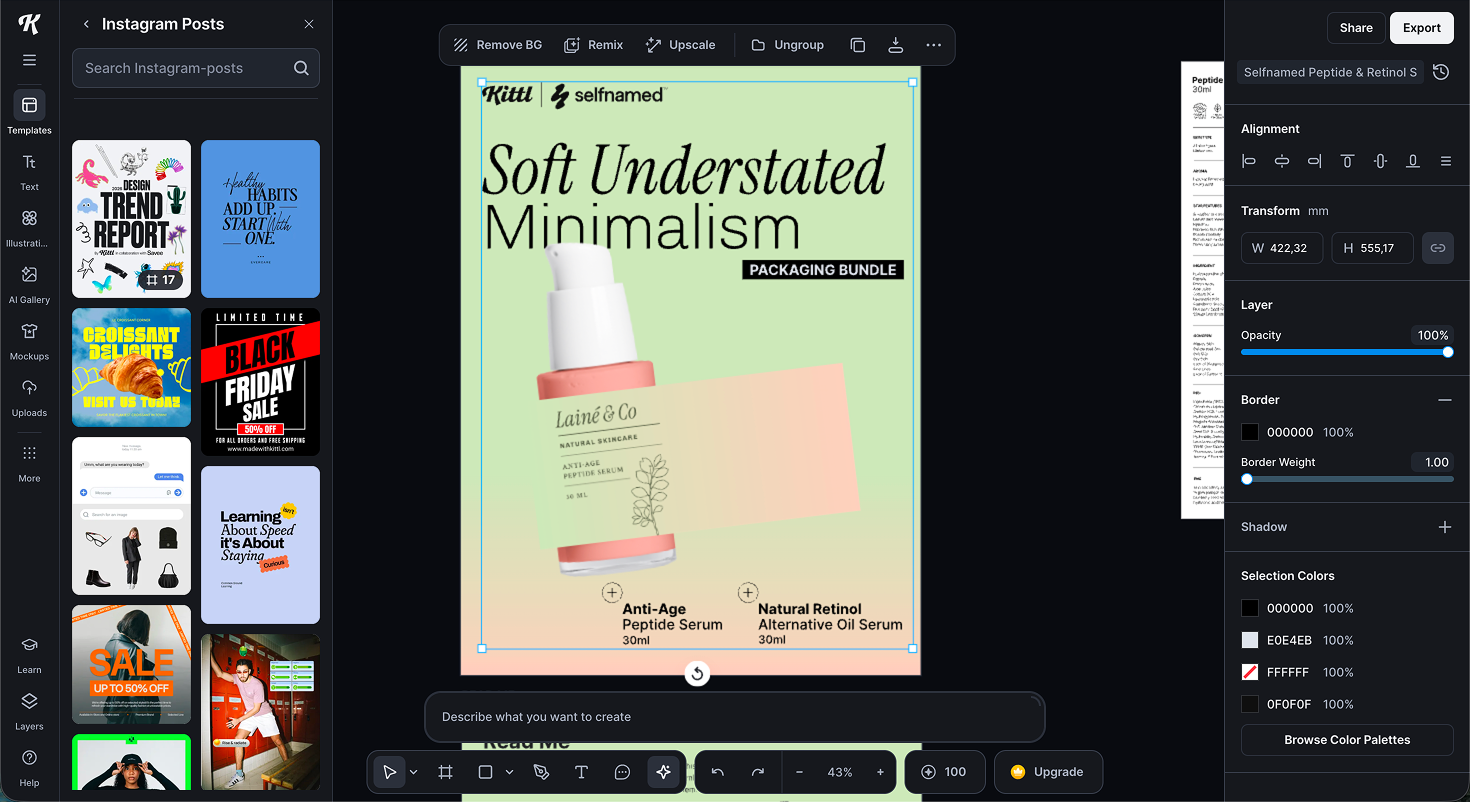
To find a starting point, search the template library by keyword or format, like "Instagram post" or "flyer." Filter to the format you need, open one you like, and it loads straight onto your canvas ready to edit.
That's the whole setup. With your account ready and the editor mapped, you're set to make your first asset, and the quickest route is Kittl's AI.
How to Create Marketing Materials With Kittl's AI
The fastest way to make product marketing assets in Kittl is with its AI tools. You upload a photo of your product, and Kittl builds finished images for your website, social, or ads. There are two ways to do it:
Method A uses a ready-made workflow.
Method B gives you more control with your own prompts.
Kittl's AI runs on tokens. The free plan includes 200 one-time tokens, enough to generate around 100 images while you test the tools. Paid plans add a monthly token allowance, and you can top up if you run low.
Method A: AI Workflows
AI Workflows are the quick route. You pick a ready-made template, add your product and text, and Kittl generates the finished asset. This example uses the Marketing section and its Testimonial Social Post workflow.
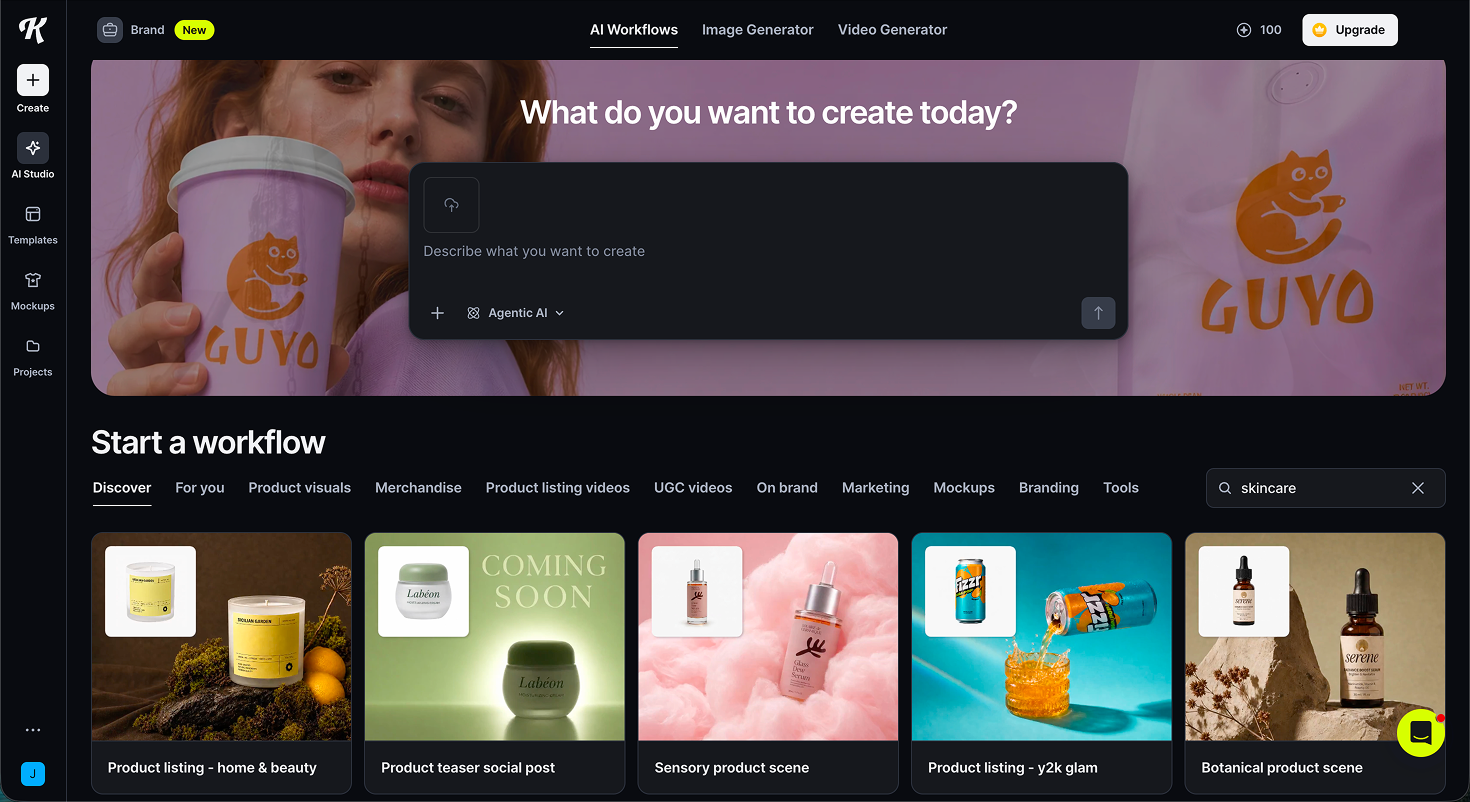
Open AI Studio and browse the workflows. From the AI Studio home screen, browse templates or describe what you want to create.
Pick a template from the Marketing section. The Marketing tab holds ready-made workflows for testimonial posts, campaign posts, product features, and more.
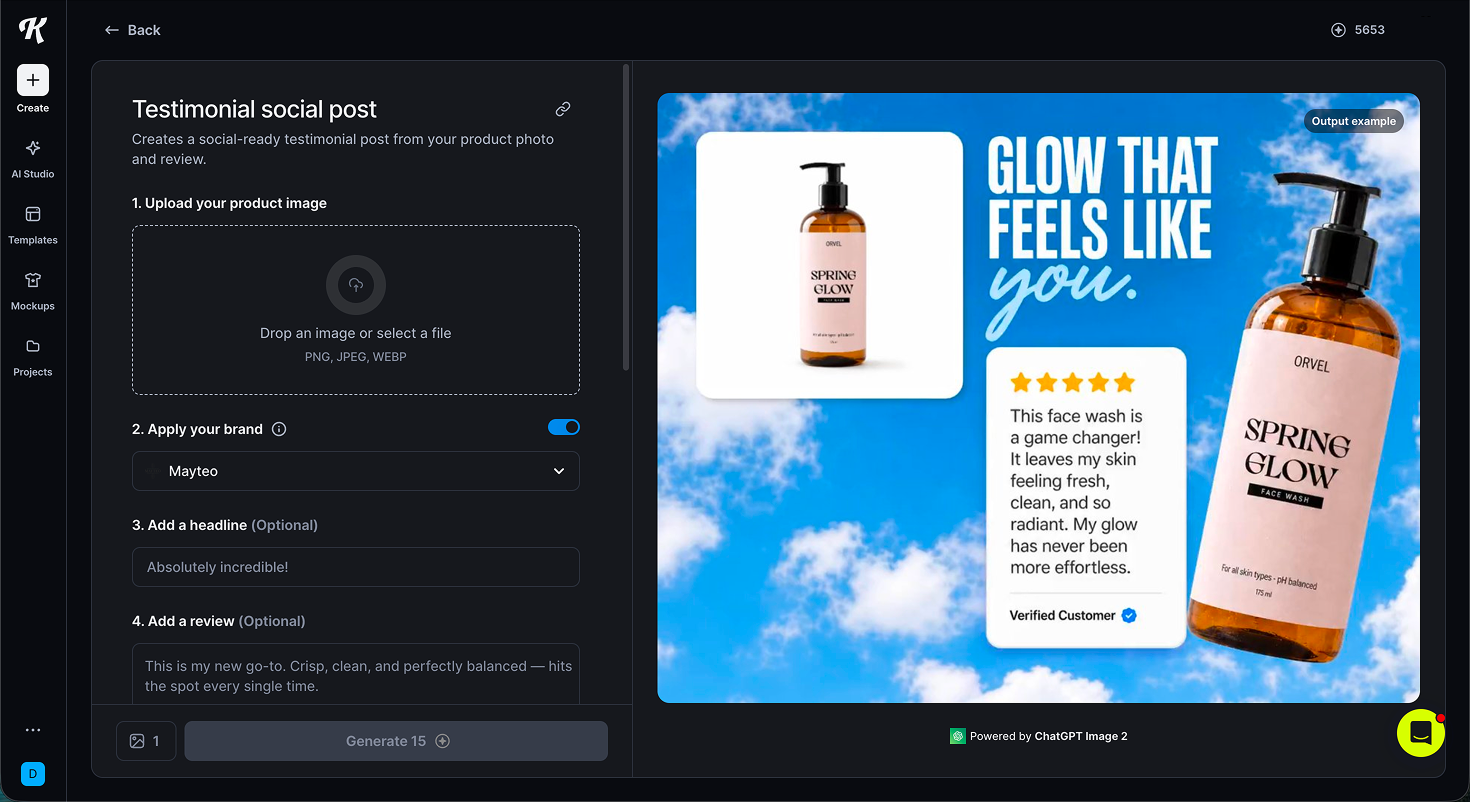
3. Fill in your details. Upload your product image, add your branding or use a plain "your brand here" placeholder, write a headline and a short review, then choose a style and generate.
4. Wait for the images to generate. Kittl builds the finished results from your product photo, brand, and review.
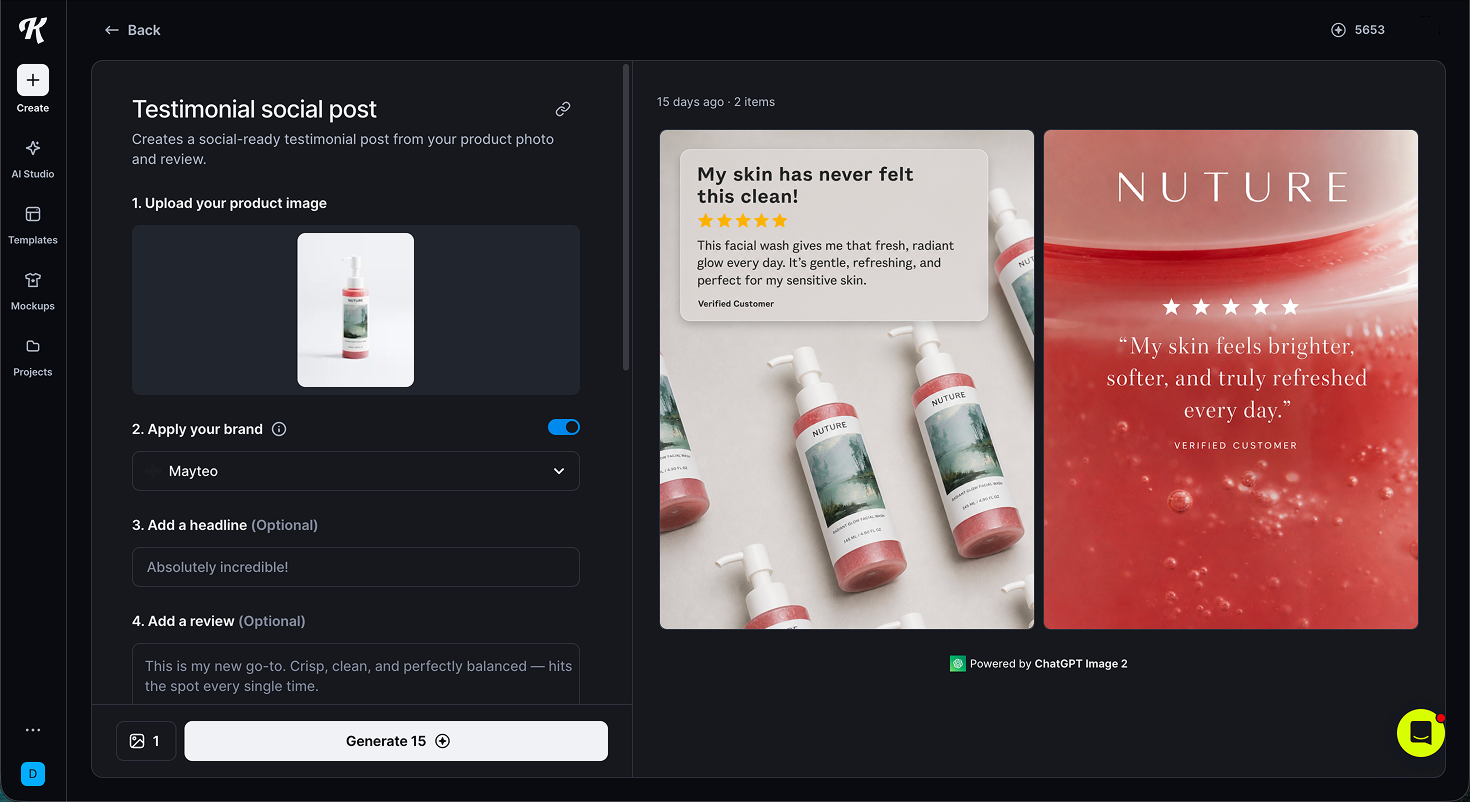
5. Download and reuse. Once you're happy, download the images and use them anywhere, from your website to social and ads.
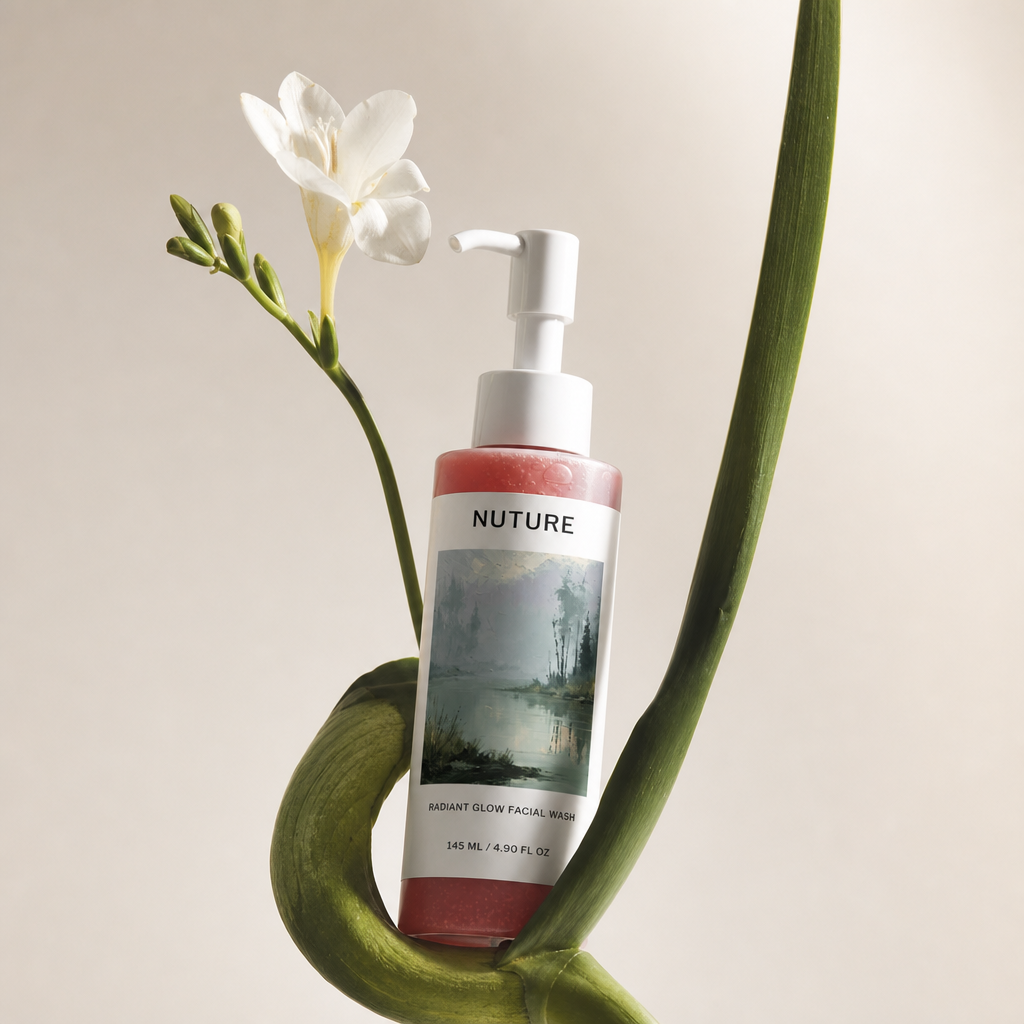
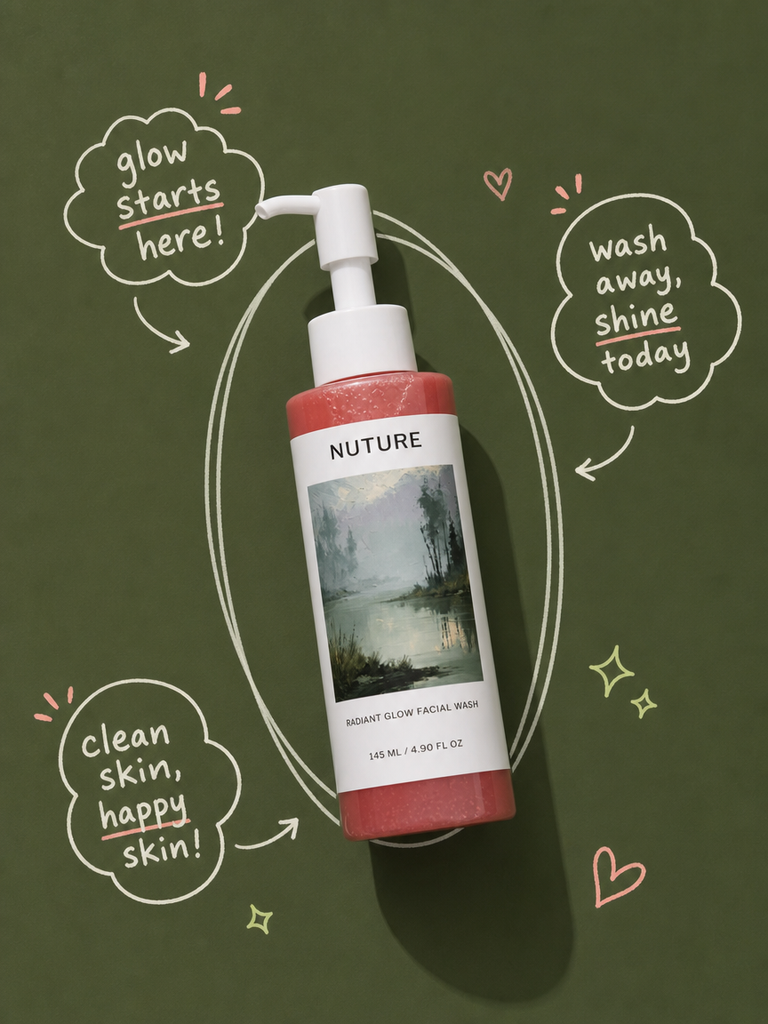
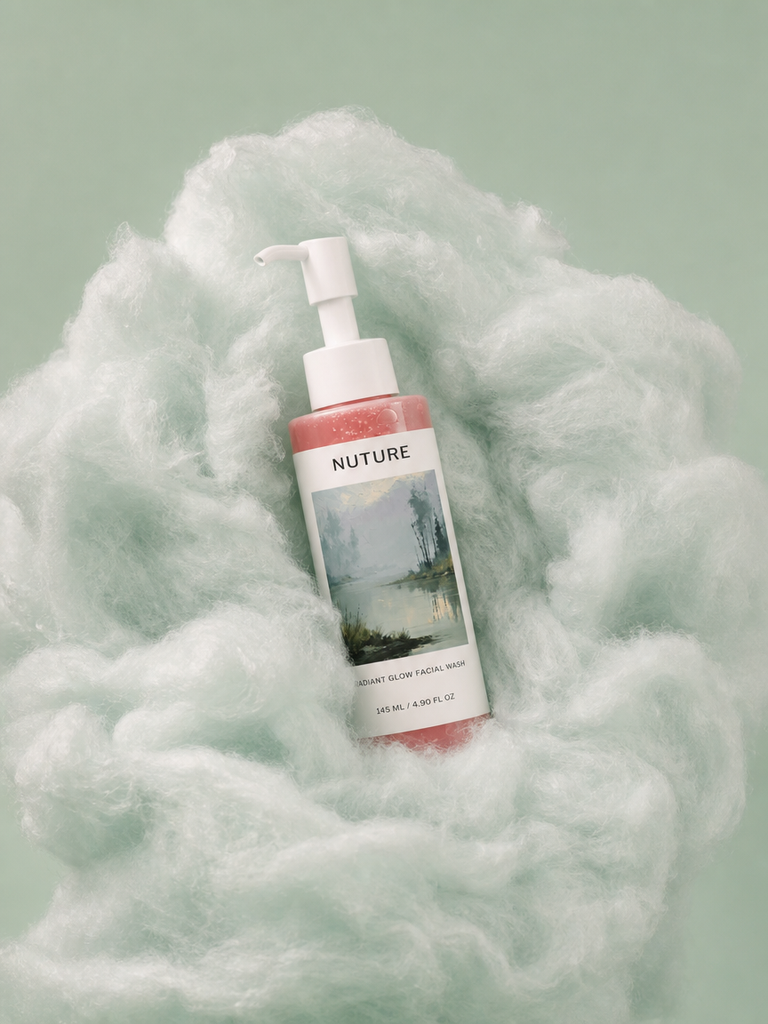
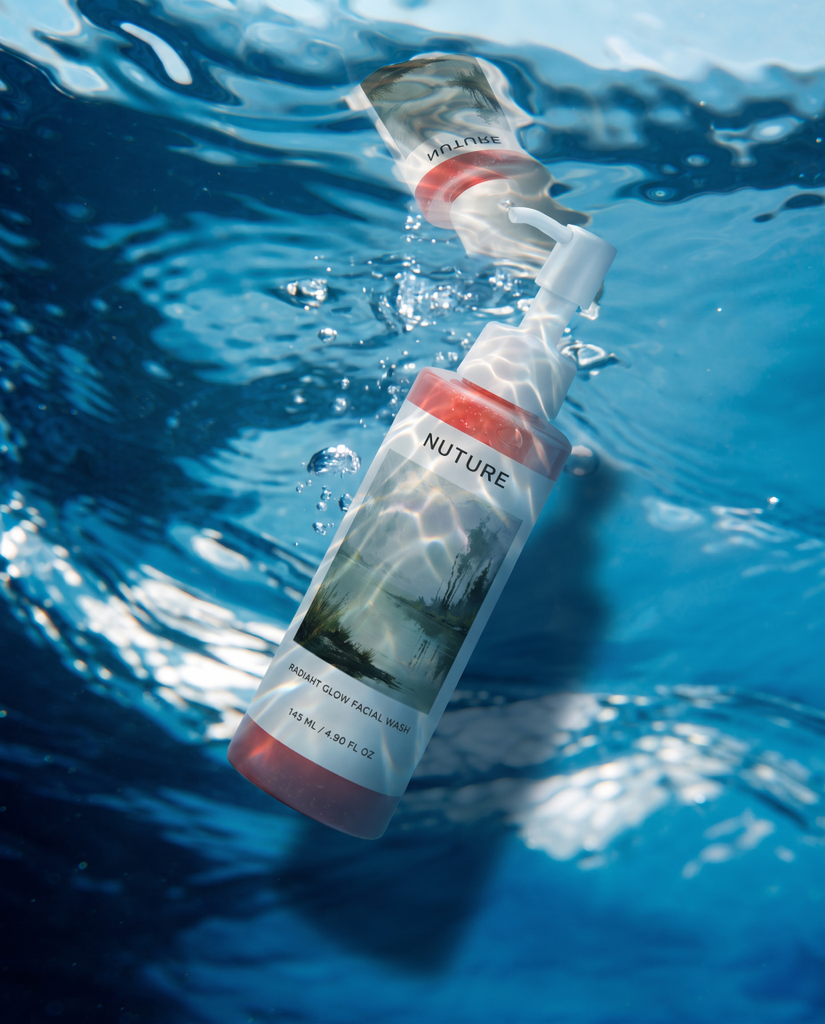
A single product photo can produce a wide range of styles.
Method B: Projects and Prompts
Method B starts from a blank project and builds images from your own text prompts. It gives you more creative control, and it works well from a single Selfnamed product mockup.
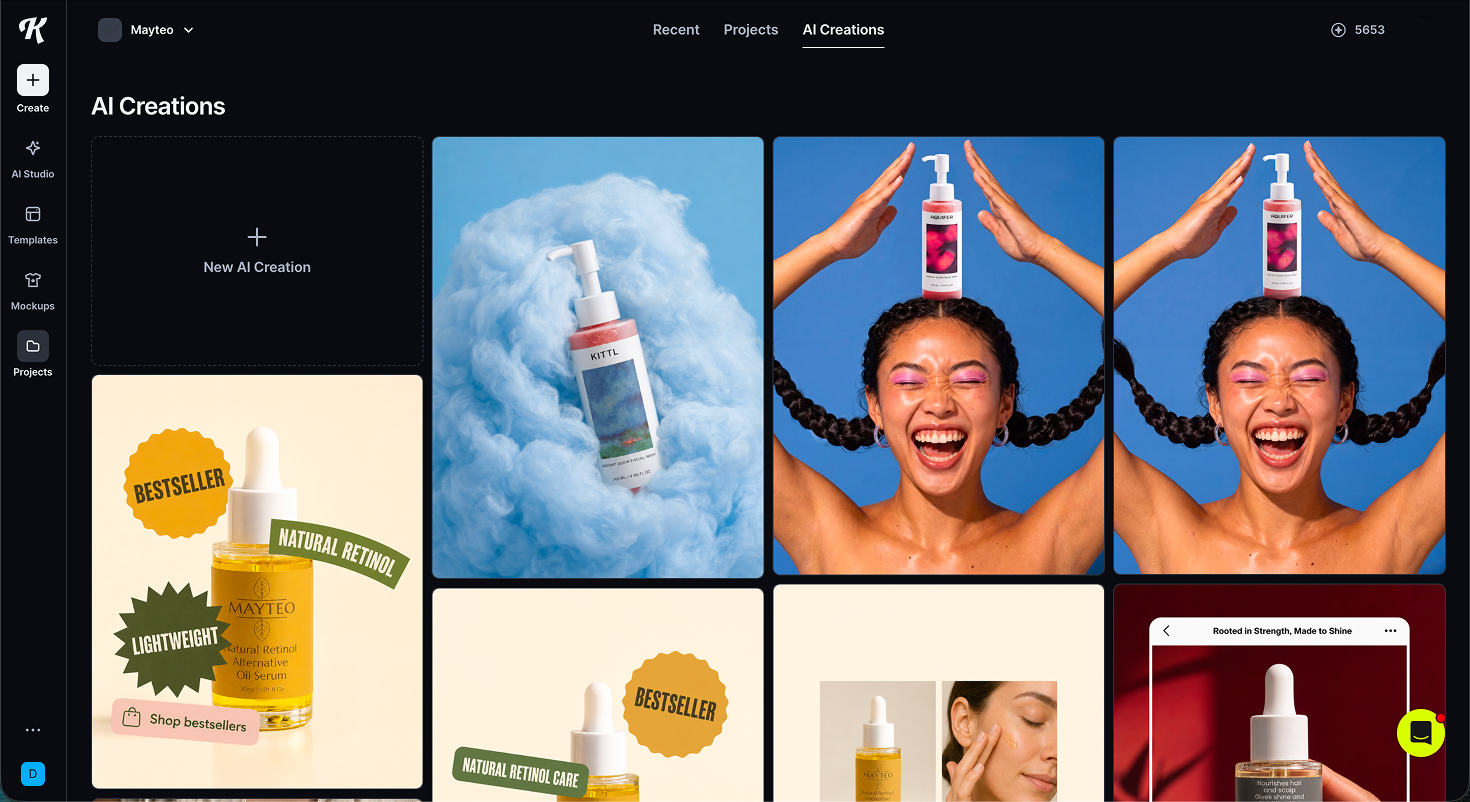
Start from your dashboard. Your dashboard shows recent AI creations and projects, so you can pick up past work or start something new.
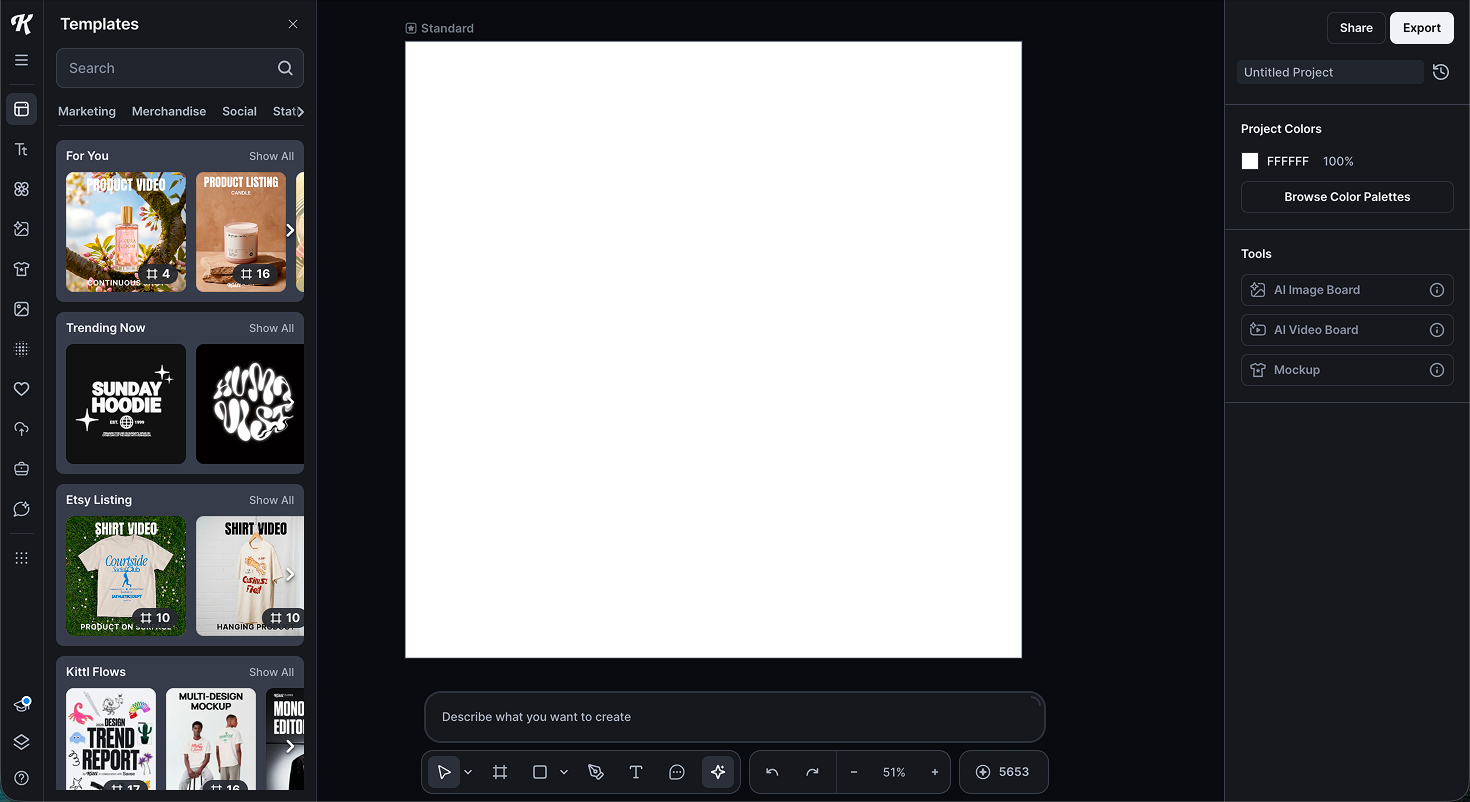
2. Create a new project. A blank canvas opens with templates and AI tools in the side panel, including the AI Image Board, AI Video Board, and Mockup.
3. Upload your image and write a prompt. Upload a product mockup, where a Selfnamed mockup works well, then describe the scene you want, like "a product standing in clear water, flat view."
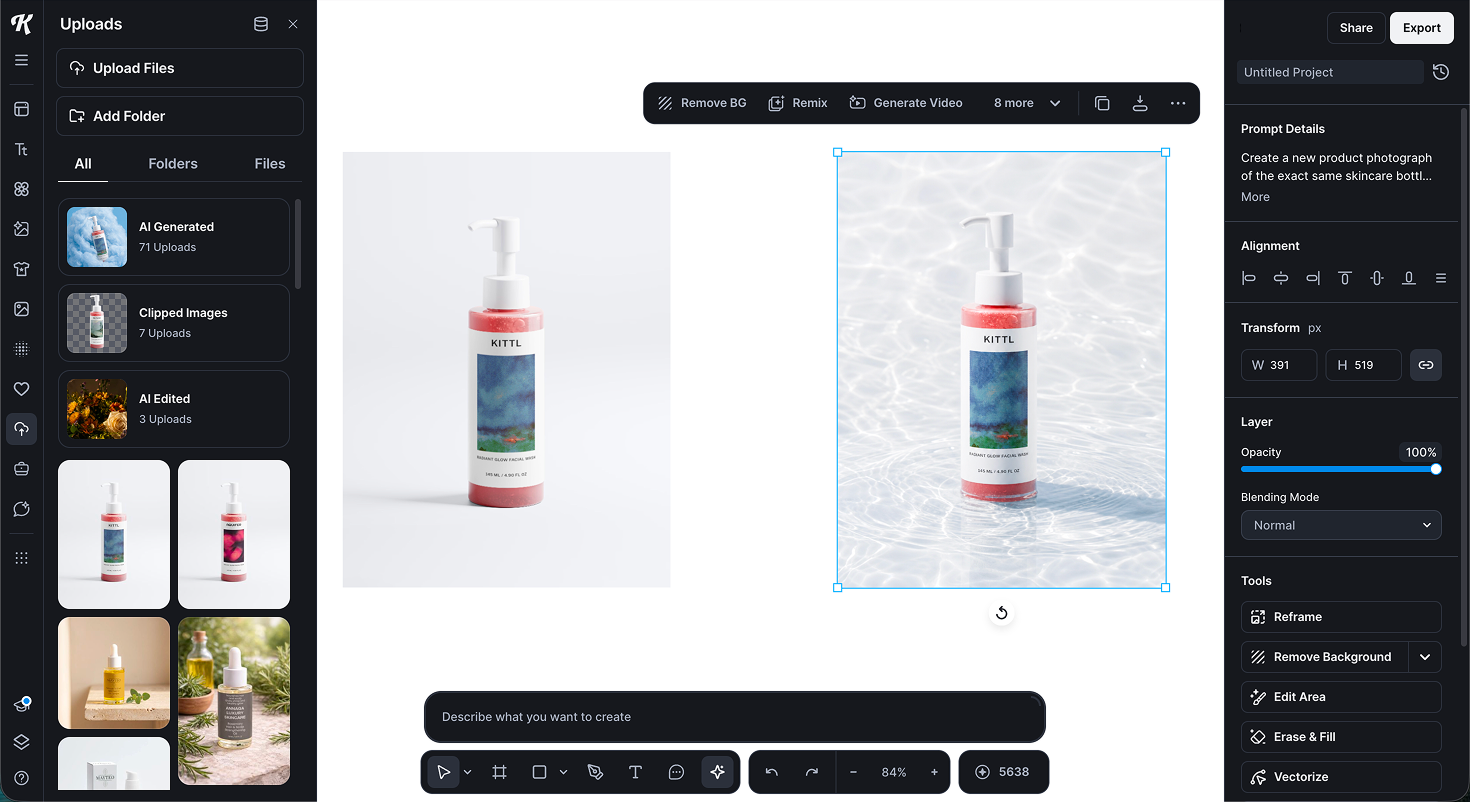
4. Generate variations. Kittl produces several versions from your prompt, ready to select, refine, or export.
Method A is faster, and Method B gives you more control. Both turn one product photo into marketing images for every channel.
AI is the quick path to a finished image. When you want to control every element by hand, you build the design yourself, starting with social media graphics.
How to Create Marketing Materials With Kittl Manually
Building by hand takes a little longer than the AI workflows above, but you decide every color, word, and placement.
Social media graphics are the place to begin, because you'll make more of them than anything else and they cost nothing but your time. The workflow for designing social media posts is the same on every platform, so get it right once and you can repeat it for every post, story, and ad you build later.
The habit of creating materials in batches, a week of social media posts at a time, keeps your feed consistent and points people back to your company website or shop, which is good for your digital presence.
Choose the Right Size for Each Platform
Start with the correct dimensions, not the design. Picking the right size first saves you from rebuilding a layout that doesn't fit where it's going. In Kittl, you choose a social media preset when you create a project, so the canvas opens at the right size automatically.
Here are the dimensions worth knowing for a small beauty brand:
| Platform and format | Size (pixels) | Ratio |
|---|---|---|
| Instagram feed post | 1080 x 1350 | 4:5 |
| Instagram story or reel | 1080 x 1920 | 9:16 |
| Facebook feed post | 1080 x 1080 | 1:1 |
| Pinterest pin | 1000 x 1500 | 2:3 |
| TikTok | 1080 x 1920 | 9:16 |
If you only design one size, make it the 4:5 Instagram post. It takes up more room in the feed than a square, and it crops down to the other formats cleanly.
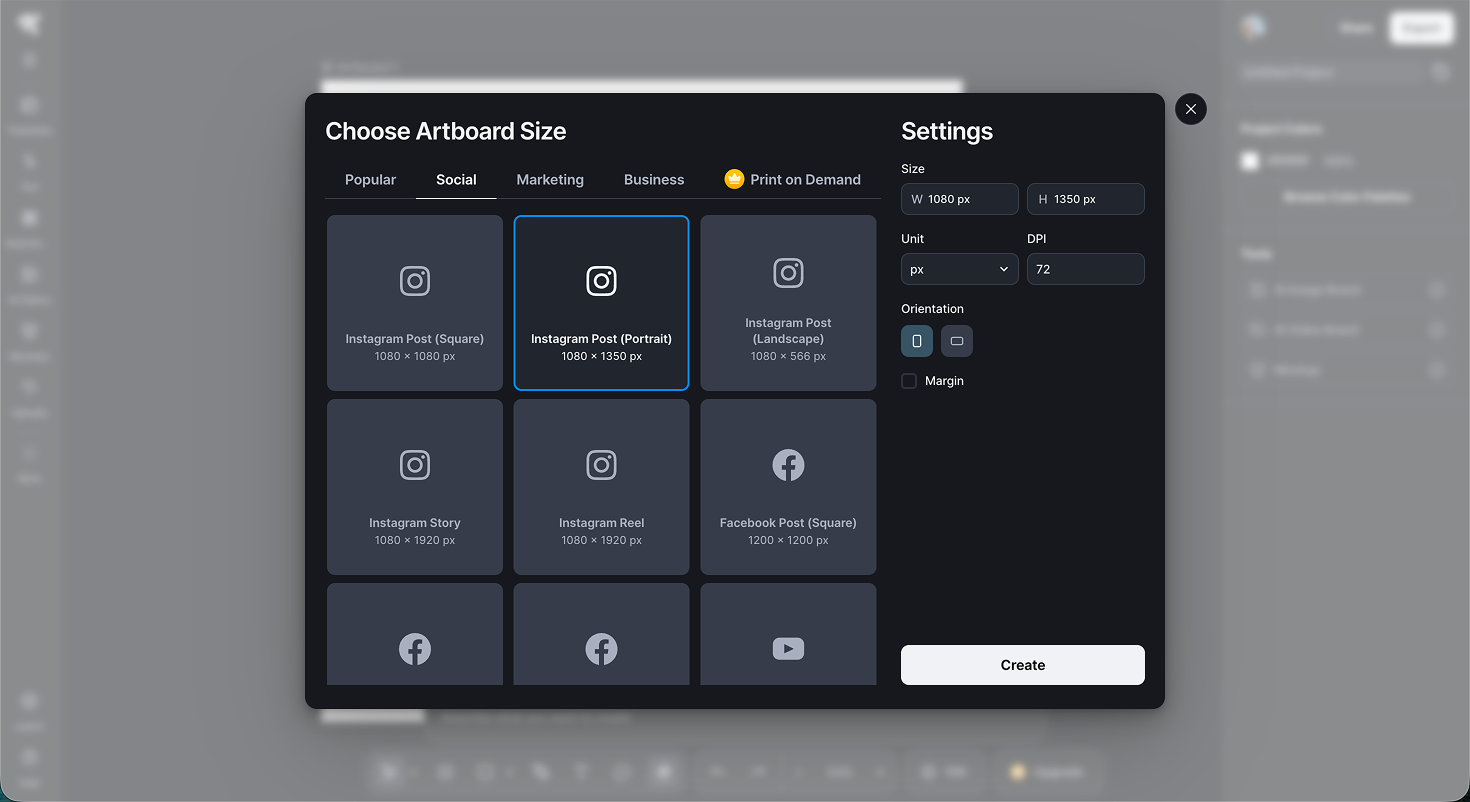
Start From a Template or a Blank Canvas
Most of the time, start from a template. It gives you a finished layout to adjust, which is faster than building from scratch and far easier if design isn't your strength. Use a blank canvas only when you already have a specific idea in mind or want full control over every element.
To find one, search the template library for your topic, like "skincare promo" or "product launch," then filter to your format. Open a template you like and it loads straight onto your canvas.
Swap its placeholder text, photos, and colors for your own, keep the parts that work like the layout and spacing, and change the rest.
Add Your Brand Colors, Fonts, and Logo
This step is what makes ten different posts look like they came from one brand. Set your colors, fonts, and logo once, then apply them to everything.
Upload your logo. A PNG with a transparent background works best. Add it through the uploads panel and drag it onto the canvas.
Set your brand colors. Enter your exact hex codes so every design uses the same shades, not close approximations.
Add your brand fonts. Kittl has a large font library, and on a paid plan you can upload your own brand typefaces.
Save it as a brand kit. Store all of the above together so it's one click to apply on your next design.
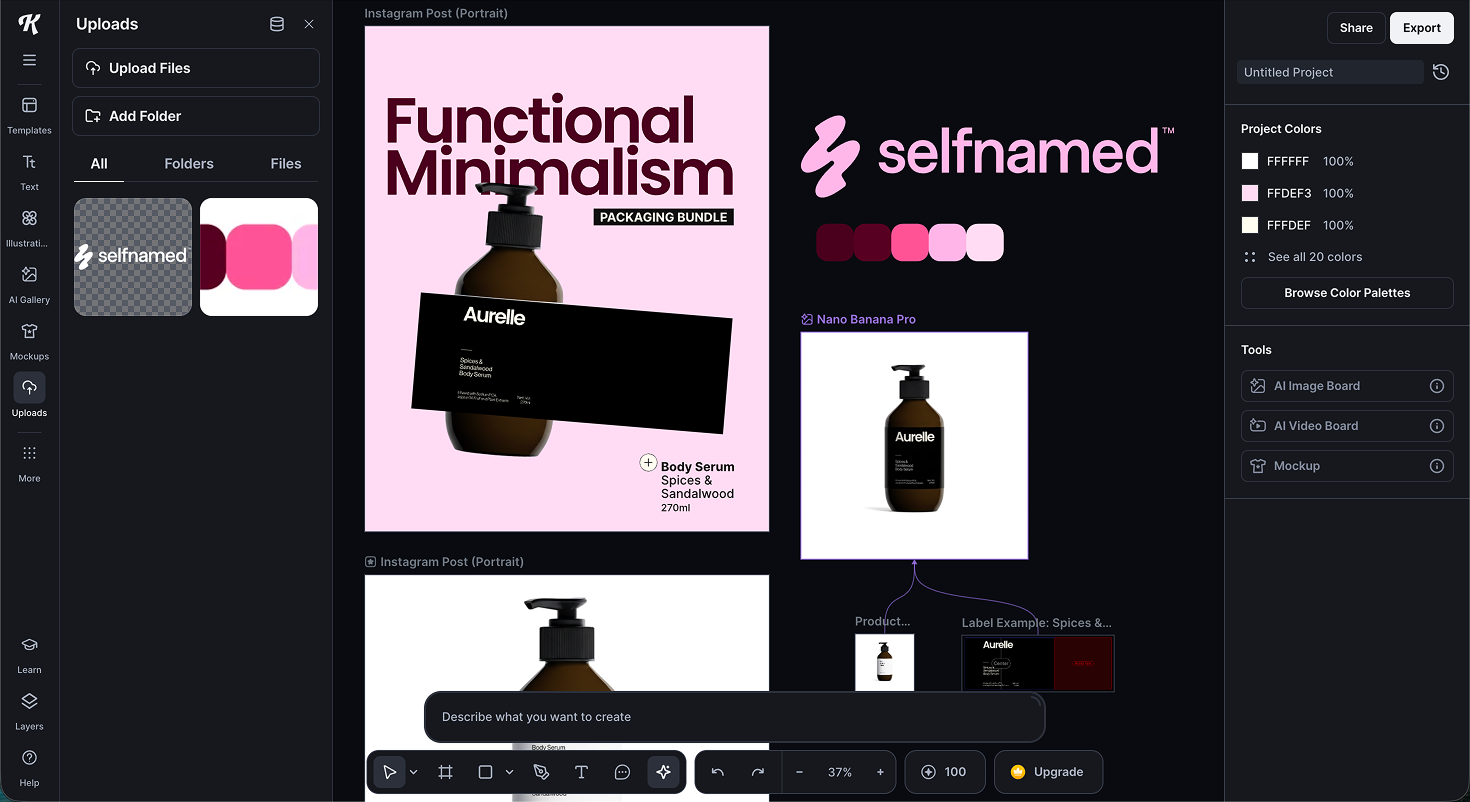
Consistency is what makes a small brand read as established. Same colors, same fonts, same logo placement, every time.
Export for Each Channel
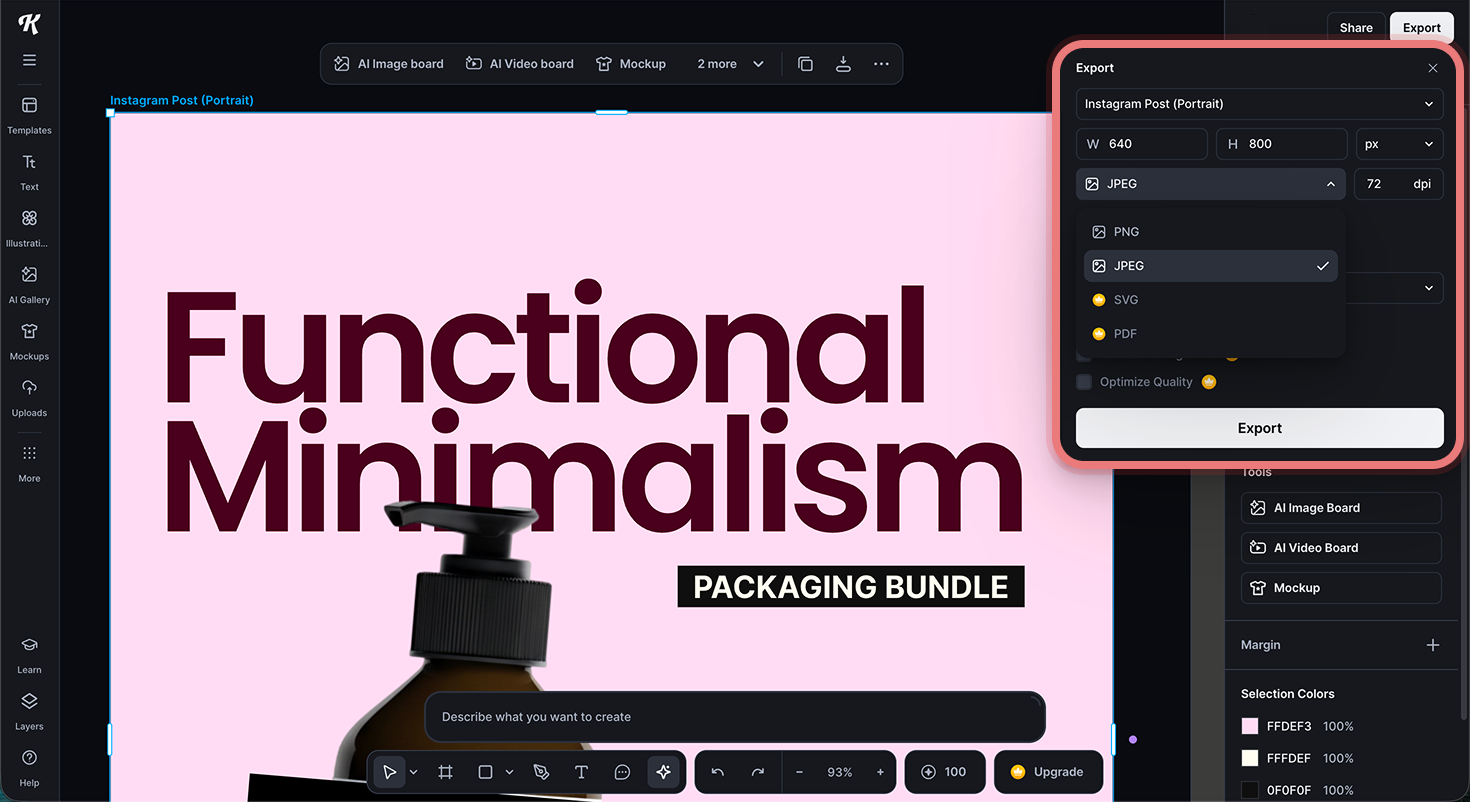
When the design is done, the export settings decide how good it looks once it's live. Match the file type to where it's going:
PNG for most social posts. It keeps text and edges sharp.
JPG when you need a smaller file and the design is mostly photography.
PDF for anything headed to print, like a flyer or business card.
SVG for logos and vector art you'll resize later, available on a paid plan.
Export at the highest quality available to you. The free plan caps exports at a lower resolution, which is fine for testing but not for a polished feed or paid ads, so this is where a paid plan starts to earn its keep. If you built several sizes of the same design, export them together so the whole set is ready in one download.
Once you can create graphics for social media this way, the rest is repetition. The same steps produce most of your other marketing materials, starting with paid ads, which are next.
How to Create Ads in Kittl
An ad is a social graphic with a sharper hook and one clear call to action. The build process in Kittl is the same as the last section, so you already know the moves. What changes is the goal.
An ad has to stop a stranger mid-scroll and earn one specific action. Every choice serves that. Where organic marketing builds your audience slowly, online ads put your brand in front of a target market fast, which makes them worth getting right.
Three things separate an ad from a regular post:
A single message. One offer, one benefit, one reason to care.
A clear call to action. Tell people exactly what to do next.
A visual that stops the scroll. A strong product photo or bold type doing the work in the first moment, before anyone reads a word.
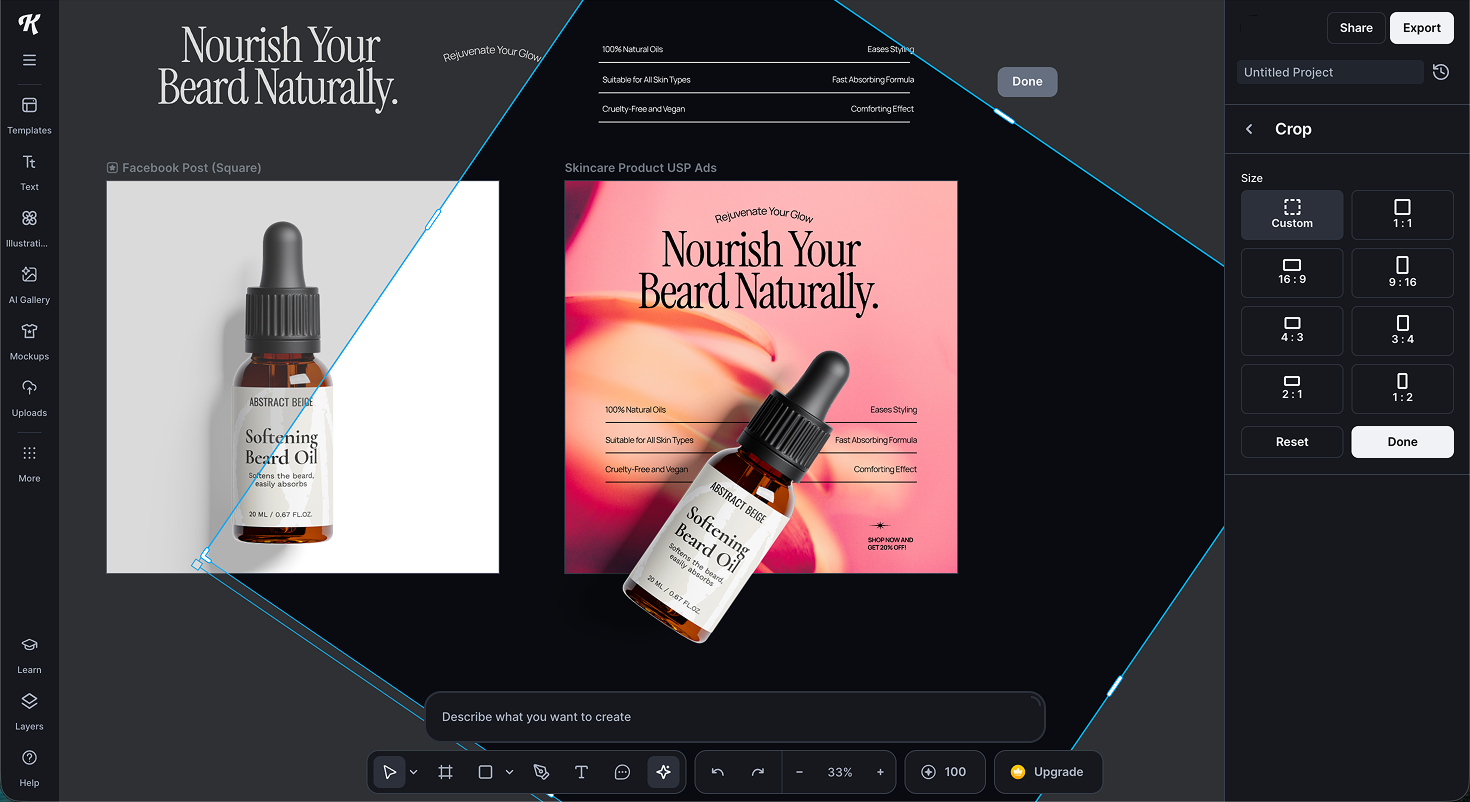
Design a Facebook or Instagram Ad
To create a Facebook or Instagram ad, start from your post workflow and tighten it for an audience that doesn't know you yet.
Pick the format first. Use 1:1 or 4:5 for feed ads and 9:16 for stories and reels, the same presets from the last section.
Keep the text light. Meta favors image-led ads, and text-heavy images tend to reach fewer people and cost more. Lead with the image and keep the text to a short headline.
Respect the safe zones. On a 9:16 story or reel ad, keep your logo, headline, and CTA out of the top and bottom strips, where the profile details and the platform's own button sit. Treat the middle 80 percent as your safe area.
Place one CTA. Add a short action line near the bottom. Meta also adds its own button below the image, so make your in-image CTA support that button rather than duplicate it.
Design a Display Banner
Display banners run on other websites, usually small and quickly skimmed, so staying legible at a small size matters more than anything too intense.
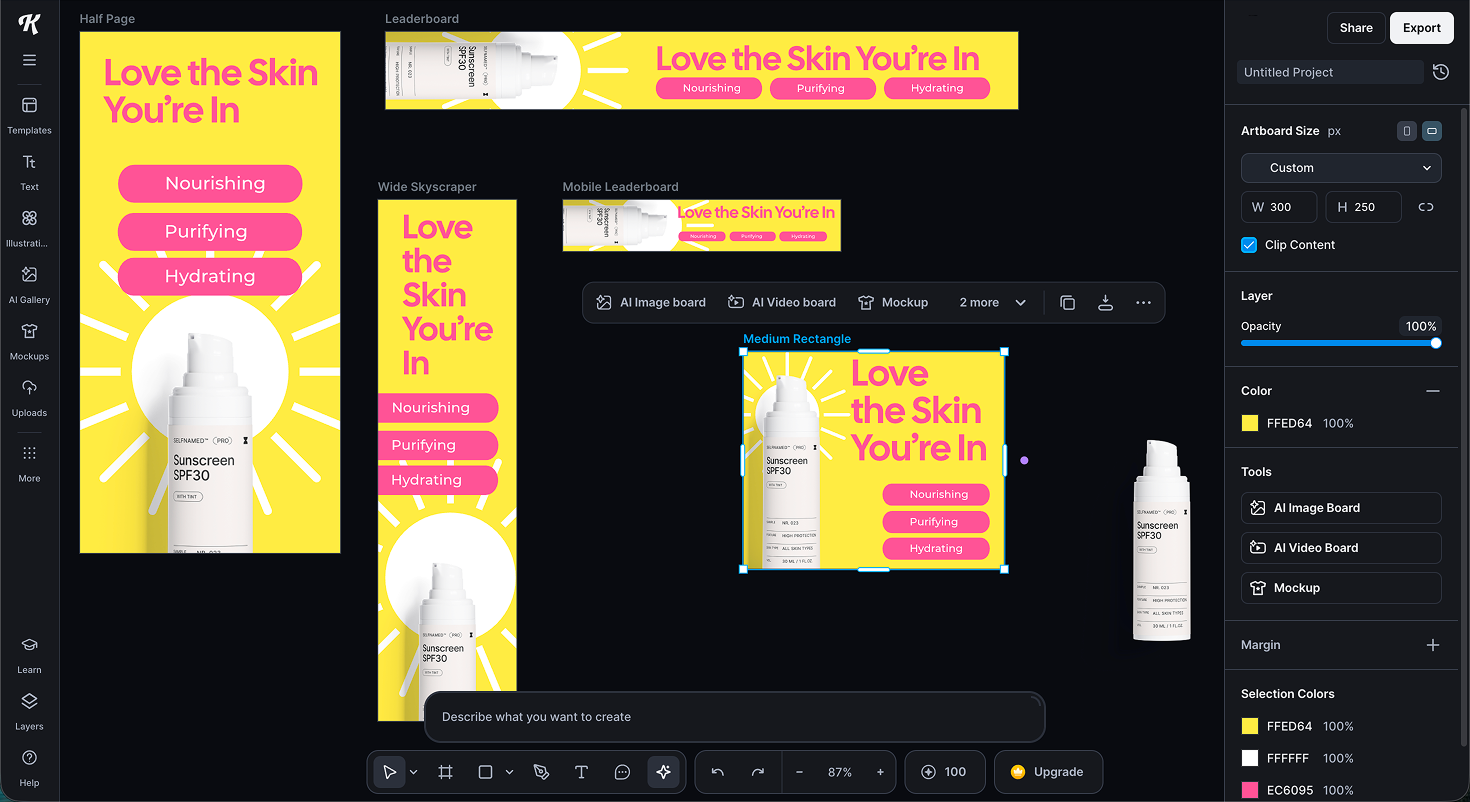
Build the sizes that cover the most placements:
| Banner | Size (pixels) | Where it shows |
|---|---|---|
| Medium rectangle | 300 x 250 | In and below content, highest volume |
| Half page | 300 x 600 | Sidebar, high visibility |
| Leaderboard | 728 x 90 | Top of page on desktop |
| Wide skyscraper | 160 x 600 | Sidebar |
| Mobile leaderboard | 320 x 50 | Top or bottom on mobile |
If you only build a few, start with 300 x 250, 300 x 600, 728 x 90, and 160 x 600. A few rules keep banners working at that size:
One message and one CTA. Often just your logo, a single line, and a button.
High contrast, large type. If you have to squint in the Kittl preview, it's too small.
Export light. Many display networks cap file size, Google for example around 150 KB, so export a compressed PNG or JPG and keep effects minimal.
An ad doesn't stop at the design. Once it's live, check the performance data, keep the versions that generate leads and bring in new customers, and reuse them in your next marketing campaign. A season of ads and email campaigns adds up to one marketing campaign that meets people at each step of the customer journey and helps your brand draw attention.
With social posts and ads done, you've covered your digital marketing materials. Next we move from screen to paper, where the export settings and print setup change.
How to Keep Everything On-Brand
By now you know how to build social posts, ads, and more, all in the same tool. The last step is making sure they read as one brand and not a set of unrelated designs.
When your colors, fonts, and feel stay the same everywhere, a customer who sees your Instagram, then your flyer, then your product recognizes all three as you.
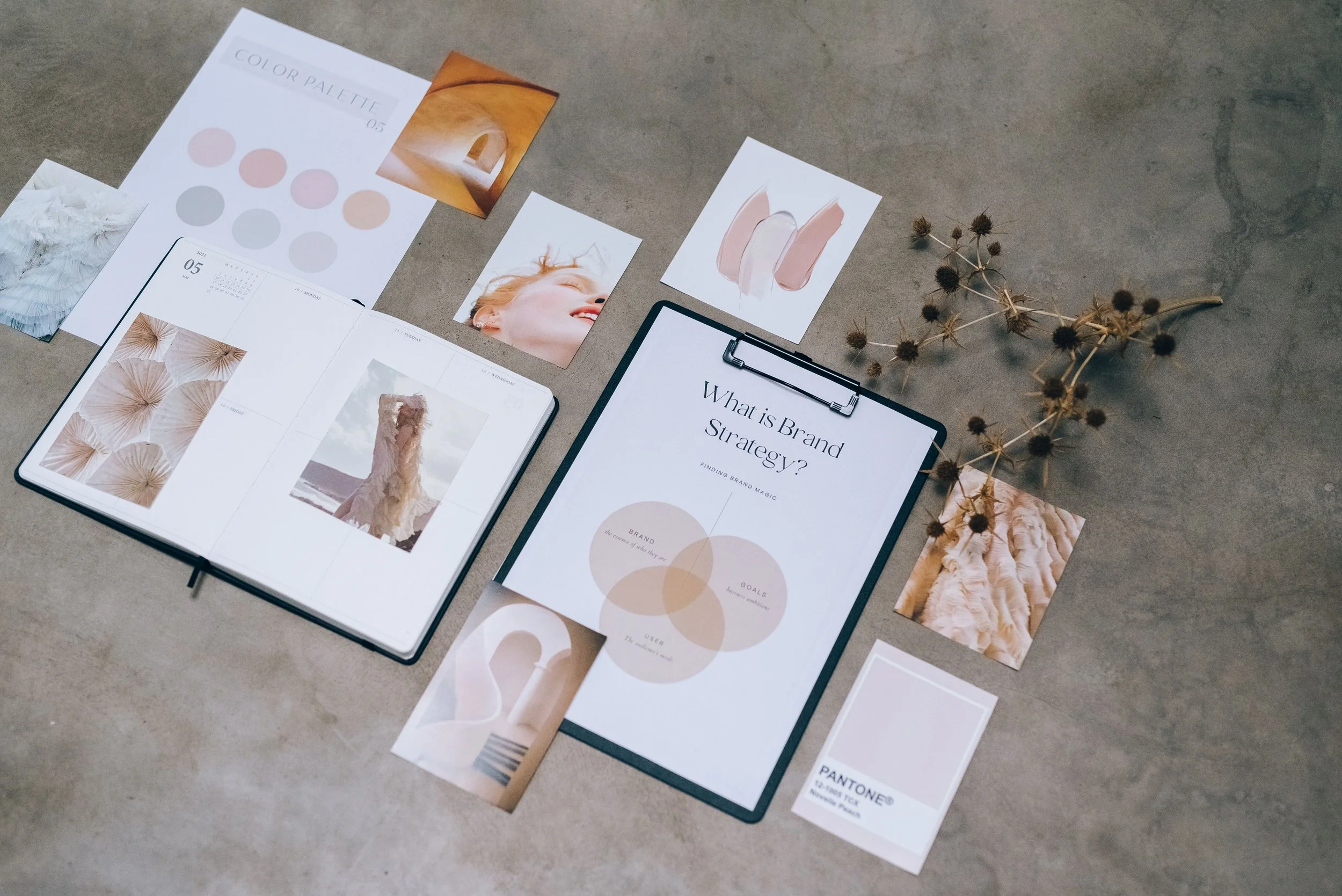
That recognition is what turns scattered assets into a brand people remember.
You've already done most of the work. The brand kit you built earlier is the engine. A few habits keep every new design pulling from it.
Start from your brand kit every time. Apply your saved colors, fonts, and logo before you design anything else, so consistency is the default rather than a final check.
Save your best designs as templates. When a post or label works, save it as your own reusable template. Next time you duplicate it and swap the content, which keeps the look identical and the work fast.
Reuse layouts across formats. Take the layout of a social post and rebuild it at flyer or story size. Same structure, different dimensions, one recognizable brand.
Before you publish or print anything, a quick check catches most slips:
Are the colors your exact brand hex codes, not near matches?
Are you using your brand fonts, not a template's leftover typeface?
Is your logo in a consistent spot and size?
Does the photography or illustration style match the rest of your feed?
The one place this consistency can't stop is the product itself, which is where marketing and product finally meet.
From Marketing to Product: Making Your Branding Consistent
Everything so far has been about how your brand looks. This last part is about what your brand sells. You can design a perfect feed and a sharp flyer, but if the product in a customer's hands doesn't match, the impression breaks at the moment that matters most. On-brand marketing and an on-brand product have to be the same system.
That's the part Selfnamed handles. We're a private label beauty manufacturer that lets you design your own branded beauty products. All you have to do is create a design, get a downloadable product mockup through our Design Studio, and start creating your own marketing materials with your product visual at the forefront.


Pick your product on Selfnamed. Browse the catalog and choose what you want to brand, from serums and cleansers to makeup.
Use the Design Studio and generate a mockup so you can see your label on the actual bottle or jar before you decide anything.
Order when you're ready. There are no minimum orders, so you can buy a single unit to hold in your hands or order in bulk once it's right.
The Selfnamed catalog has 200+ ready-to-brand products, already formulated, stability-tested, and compliant to sell. You add the brand.
Selfnamed is free to join, and you only pay when you order a product, so you can design a full label, see it on a real bottle, and work out your margins before spending anything.
The design skills in this guide are what get you here. Kittl gives you the marketing materials to launch a small business, and Selfnamed gives you the product to put them behind.
Try Kittl for Yourself
You can join Kittl and test everything in this guide for free. When you're ready for commercial exports and more AI tokens, the code SELFNAMED gets you 25% off your first month or year.
Get 25% off Kittl with code SELFNAMED
First Design to Finished Brand
You now have a repeatable way to make the marketing materials a small beauty brand needs. Each asset builds on the last, and your brand kit keeps the whole set consistent.
Kittl gives you the templates and design features to make your marketing materials look professional, and Selfnamed turns your label into a real product you can sell. Together they take a small business from a blank canvas to a brand on a shelf.
So open a template and start with one asset. A single well-designed post today is the first piece of a marketing system your business will use for years.
Frequently Asked Questions
-
Yes, Kittl has a free plan you can use without a credit card. It's good for trying the tool and for personal projects, but it caps export quality and doesn't include a commercial license, so you'll need a paid plan to sell your designs.
-
Kittl's paid plans start at $12 a month for Pro, billed annually, with Expert and Max plans above that for heavier use. Every paid plan includes a commercial license and higher-resolution exports. Pricing changes over time, so check Kittl's site for current rates.
-
Neither is simply better, they're built for different strengths. Kittl is stronger on typography, vector work, and print-ready files, which suits labels and packaging. Canva is the broader all-rounder, with more templates, video, and team features. For a small beauty brand that wants a distinctive, type-led look, Kittl is an easy pick.
-
Yes, on a paid plan. Paid plans include a commercial license, so you can use your designs across your marketing materials, in ads, on products, and anywhere you sell. The free plan is for personal and testing use only, so upgrade before you put a design on something you sell.
-
Start small. Most businesses do fine with a core set of marketing materials: social media graphics, a few digital ads, product labels, and business cards, plus flyers or posters when you have an event. That covers the basics of business marketing for a new brand. Get those looking consistent before adding anything else.
Must read